ZBrushCentral

my first model - need help

hi everyone
i’m starting sculpting a model for an university exam.
i’t a Corinthian capital on one windows of the baptistery of S.Maria del Fiore in Florence.
First of all the professor ask me to start modeling the leaf located in the center of the capitel.
By the zspheres i modeled the branches and the i sculpted the detail.
Here start the problems
:smiley:
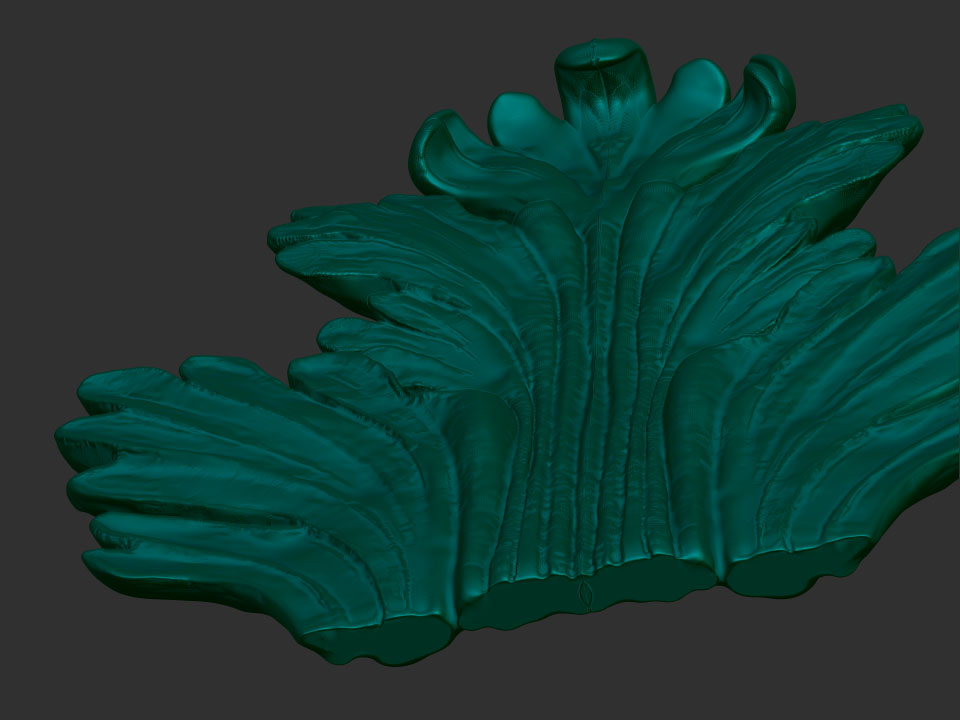
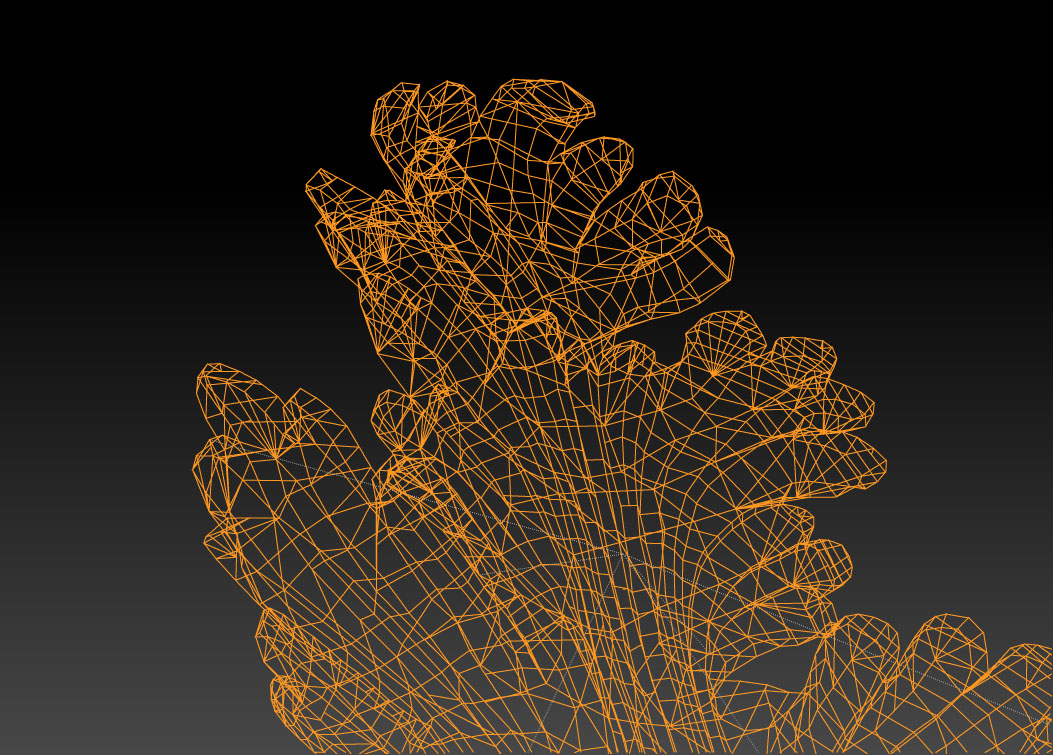
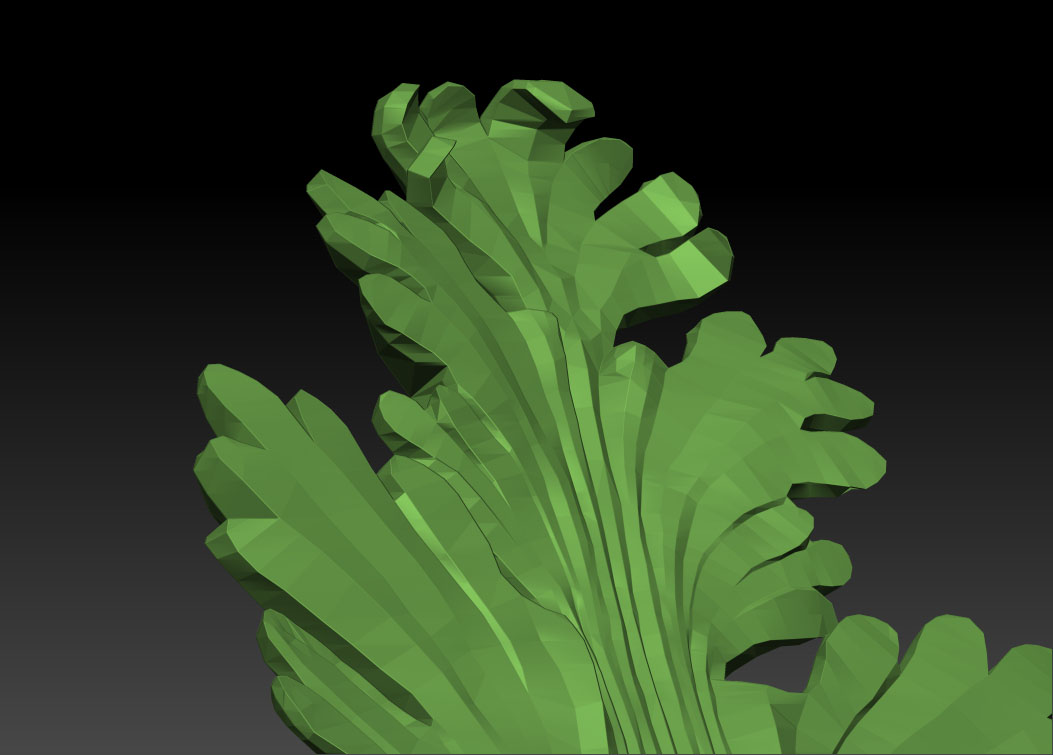
the main trouble is that i’m not capable of create smoot surfaces and also the mesh is sometimes irregual
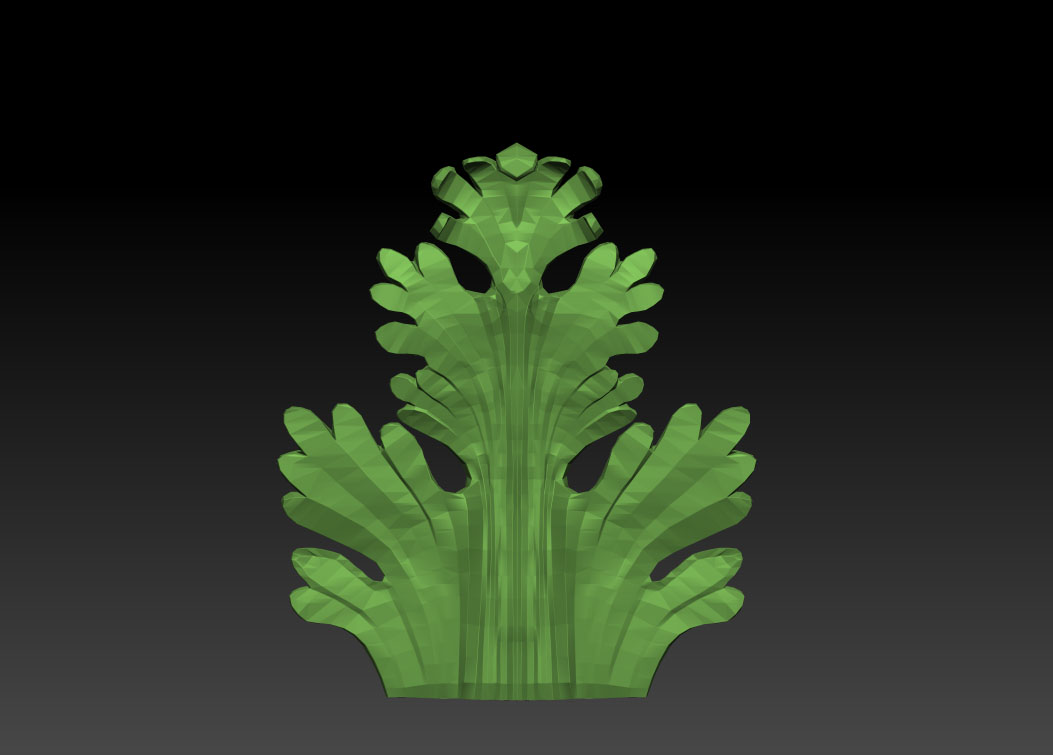
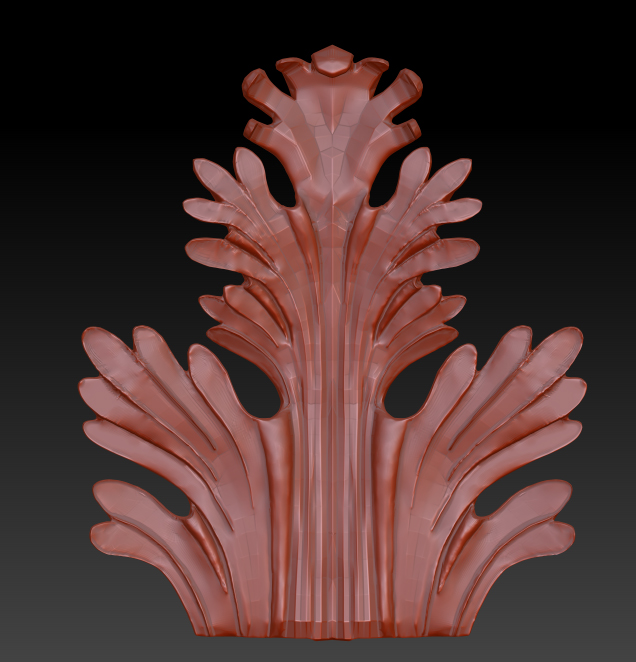
here some images of my work
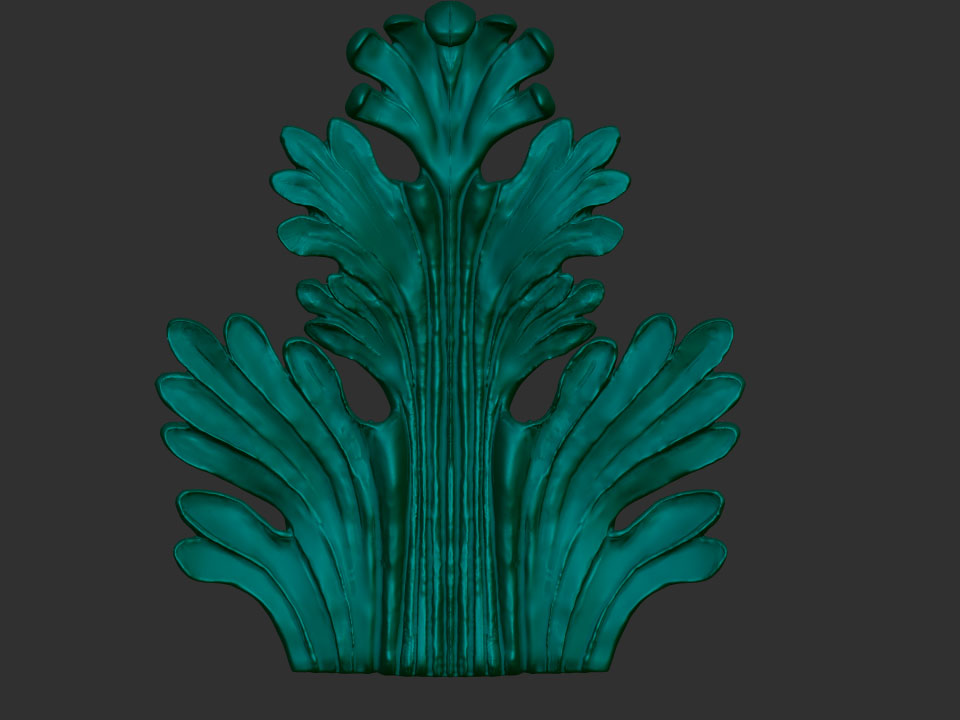
BPR_Render.jpg
I’d like to ask to someone who have more experience than mine in Zbrush what is the right way to proceed in finishing and polish my leaf.
many thanks. :stuck_out_tongue:

Attachments

BPR_Render 2.jpg

To soften. Hold down the Shift key and move the pointer over the part you want to soften. Hope this helps.

i’ve already try with the smooth brush but doesn’t solve the depression present on the model…any other advice?
thanks.

u have a few options:

  1. flatten or polish with backtrace plane on > brush back and forth over your entire surface with smooth even strokes without stopping and you should be able to polish it to an evenly smooth surface

  2. under your tools > deformation pallete … play with your flatten settings and the various axis’. this will flatten everything from the outside most point of the model first and if you increase the number by typing instead of dragging the slider you can precisely control how flat you want it… would be worth masking any recessed details to avoid messing anything up

  3. use zsphere retopo. your mesh’s design is simple enough that if you follow some of the great topo tutorials (one’s even here on the front page …topology and flow lab). you can just follow along the edges of your surface to preserve details, and your end result will be alot cleaner… a tony less polys… and a lot more room to play with later to produce tighter detailing without running out of computer juice for more polys.

in your case a combination would work best. i’d first use tools> deformation to maybe try to flatten out a bit to start… then use polish with a brush width no wider then the surface you want to polish down. Then when your lines are cleaner bring it into retop and start again at the lower detail levels. yeah the repitition at that point will suck but the end result will be worth your time, especially if you’re doing this for a class assignment

thanks a lot dapharmer, now i will try you advice.
as soon as i’ve done this mod i will post the leaf again

hi everyone,
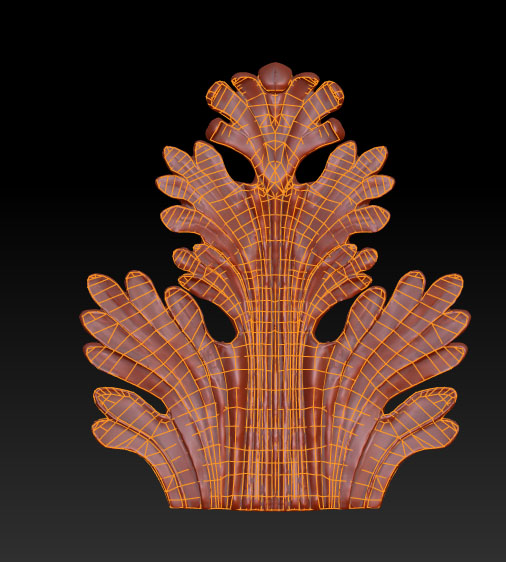
i’ve done the retopology with zspheres as explained in the tutorials.but…
a little problem:i’ve mapped the front side of my leaf and when i try to do the same on the back side the point already mapped interfere with the work.
there is some kind of view that can hide the map on the main side?
thanks. BPR_Render 3.jpg

Attachments

BPR_Render 4.jpg

sorry for the reply.
i’ve solved the problem.
however, thanks everyone.

hi everyone!!
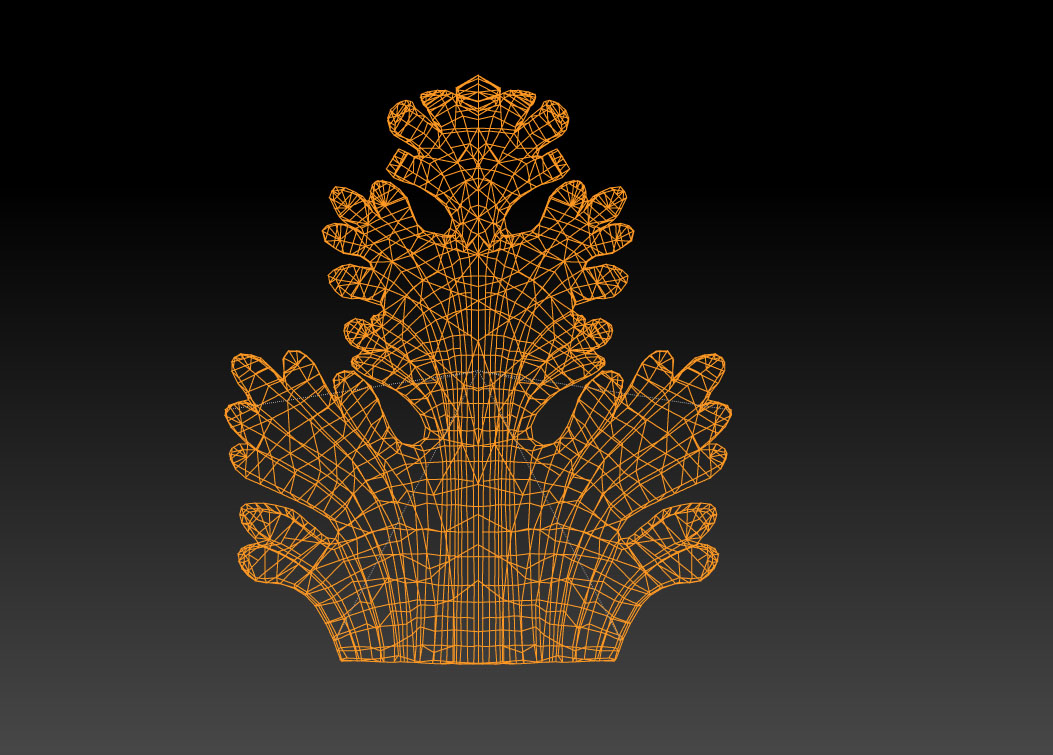
Following your advice i’ve done the retopo with zsphere option
that’s my result: BPR_Render 5.jpg
maybe it’ not a perfect job as the ones on the tutorial but for me it’s a great starting point.
so before any action i’d like to ask to someone more experienced than me what’s the best way to proceed.
1)i’ve to flatten the new surface?
2)what density is better on the adaptive skin to create a geometrical an clean work?

Attachments

BPR_Render 6.jpg

BPR_Render 7.jpg

BPR_Render 8.jpg

with adaptive skin the lowest setting possible with rpeserving the structure of your initial mesh is the best setting in most cases cause it gives you the least extra mess to work with.

to finish up the detailing though this is my suggestion. With the top you have now make an adaptive skin at dicv 1… then under your tool subpallete load and find the tool (Dam_Standard).

When you load Dam standard switch to Zadd. If you have a mouse use a zstrength of ~5… if you have a tablet ~20. Lazybrush should be on but at this point increase your radius up enough to be able to extend like an inch of visible length from the point it’s affecting.

very smoothly trace the lines you want to raise first and then alternate using alt for zsub in the places you want to lower… keep going back and forth and you’ll clean and smooth all your lines. and everythin will tighten up along nice lines.

hi everyone
Two days ago i’ve done a reviews with the prof about the leaf.
She tell me to change some detail but nothing impressive.
As Dapharmer suggest me i’ve used the dam_standard brush to flatten the surface of the leaf
and works pretty cool.
but.there’s always a but.
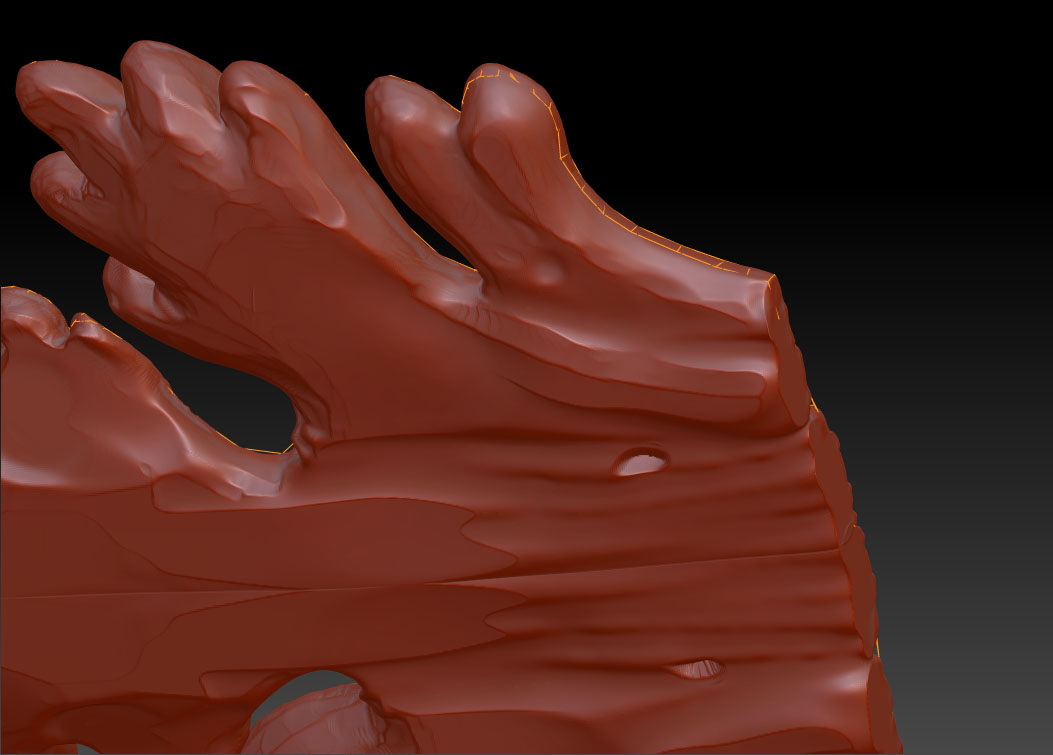
the mesh in some place, like the external contour of the leaf it’s not very geometric… :rolleyes:
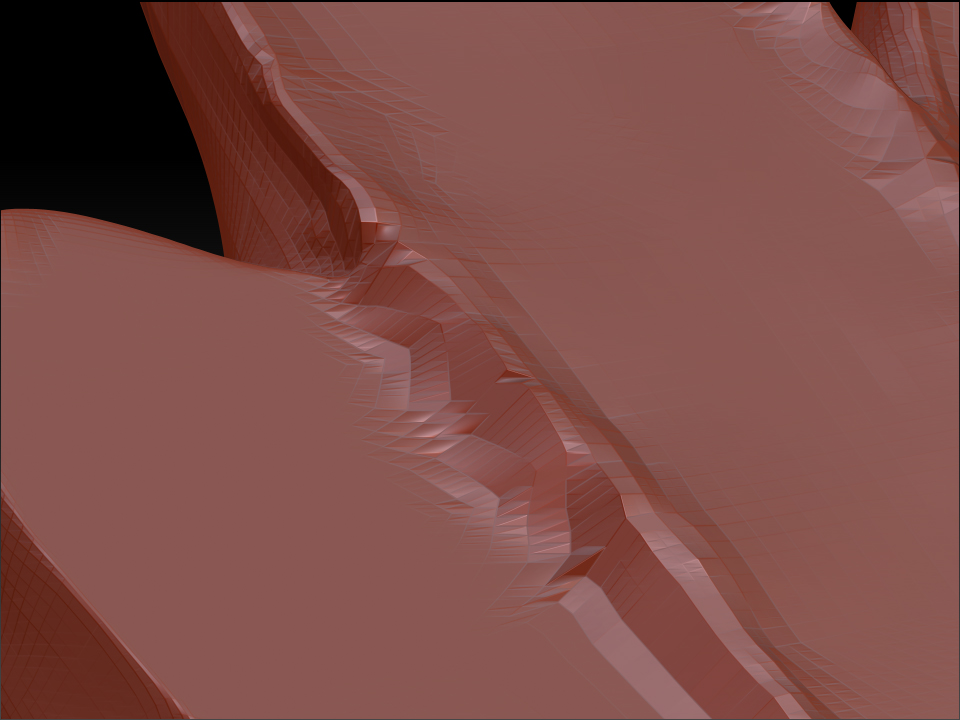
maybe i’m not so good with the pen tablet or maybe the fault it’s my poor knowledge of zbrush but when i stretch a lot a part of the surface the result isn’t what i hope (screenshot 3)
i’ve to make another unified skin?
or another subdiv level?
in both case i’ve to resculpt a big part of my leaf. …BPR_Render 9.jpg
any advice it’s welcome.
this is my last exam :smiley:

Attachments

BPR_Render 10.jpg

BPR_Render 11.jpg

unfortunately uniform skin and/or subdividing wont really help you in this case. your at the point where retopo is the best solution. it’s not too difficult if you have the patience to learn how to do it…and there are a good number of turorials around the forums if you search… probably will get you going alot faster then any advice i could give.

good luck to you.