ZBrushCentral

Multiple UV Regions Detected

Here’s the lowdown!

I’m running a Toshiba laptop with Vista, 4GB RAM and I’m using zBrush 3.1.

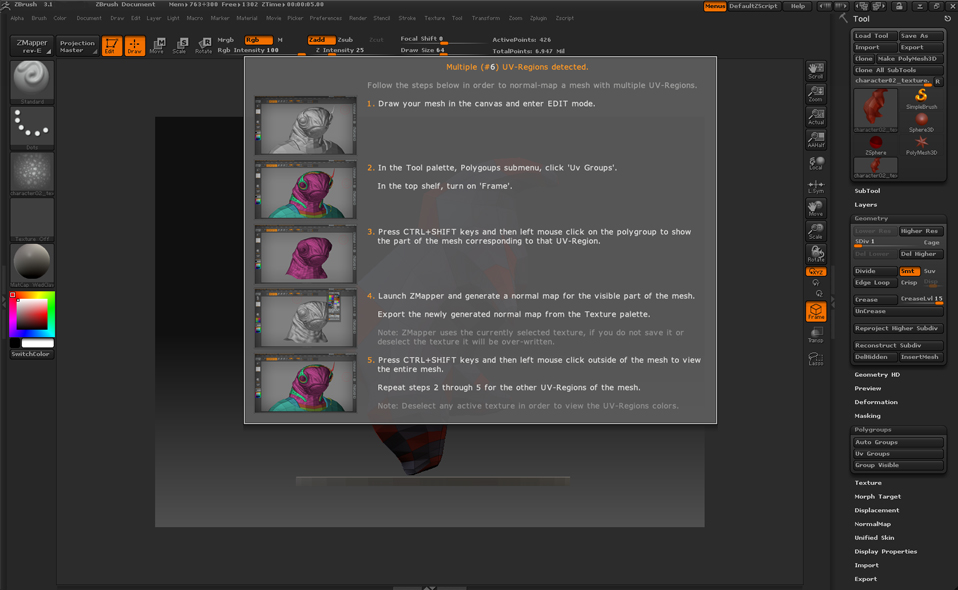
Issues with ZMapper. I have polypainted my model in ZBrush, and I have not UV mapped the model. But I’m getting this window…

[attach=156460]error1.jpg[/attach]

I try going through the different steps, but I cannot bring my model back into Zmapper in step 4. I have tried to Group Split the model, but I don’t think that applies to this problem…not too sure. Any help would be great! Thanks a bunch!

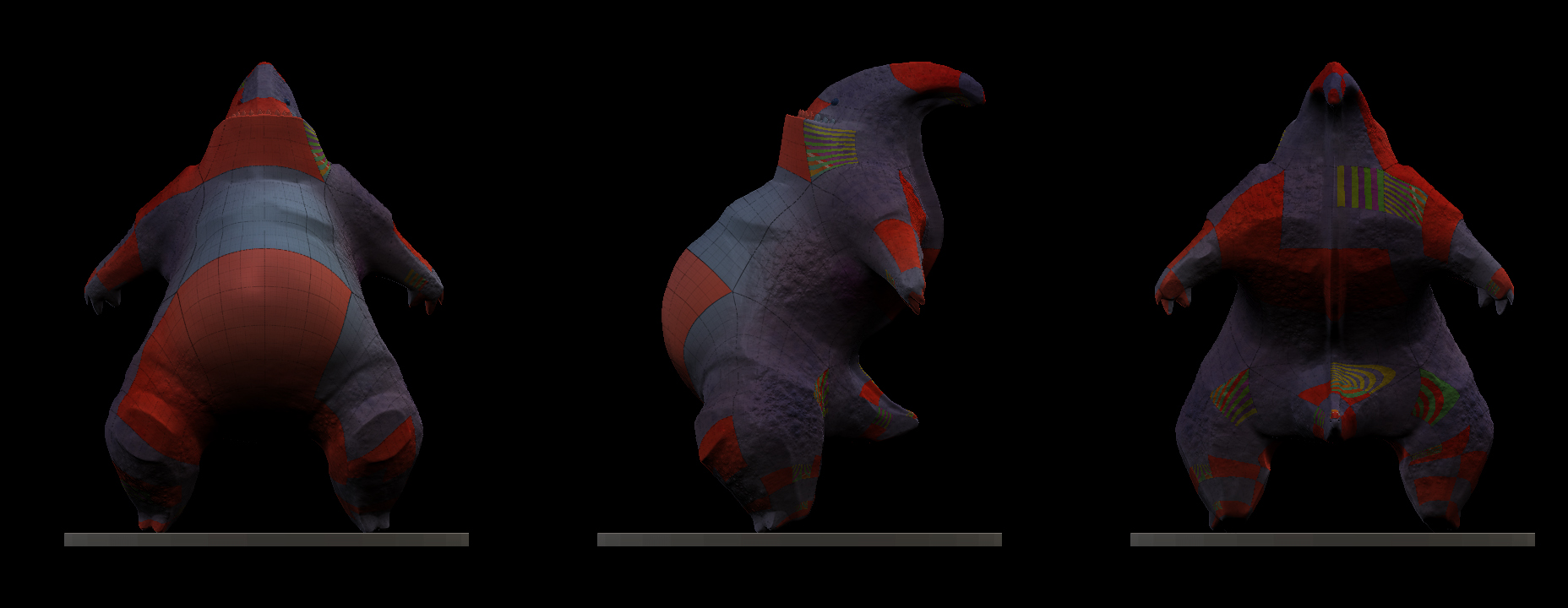
Here’s the model with UV groups.

[attach=156461]error2.jpg[/attach]

Attachments
error01.jpg

error02.jpg

Your UVs are spanning across multiple UV regions. It could be something as small as one vertex barely creeping over to the next region and you will get this popup from ZMapper.

If you want, you can go to the Tool>Texture menu and Disable UV, then either generate new UVs in ZBrush or externally in another app. Or you could just edit the current UVs in another app. You cannot edit UVs in ZBrush; only create or remove them.

That helped a ton, thanks Dustin. Turned off the UVs and got a chance to jump into ZMapper.

That’s great, just bear in mind that you’ll need UVs in order to get anything out of ZMapper.