ZBrushCentral

multiple re-uv import on same map. (Maya 2009)

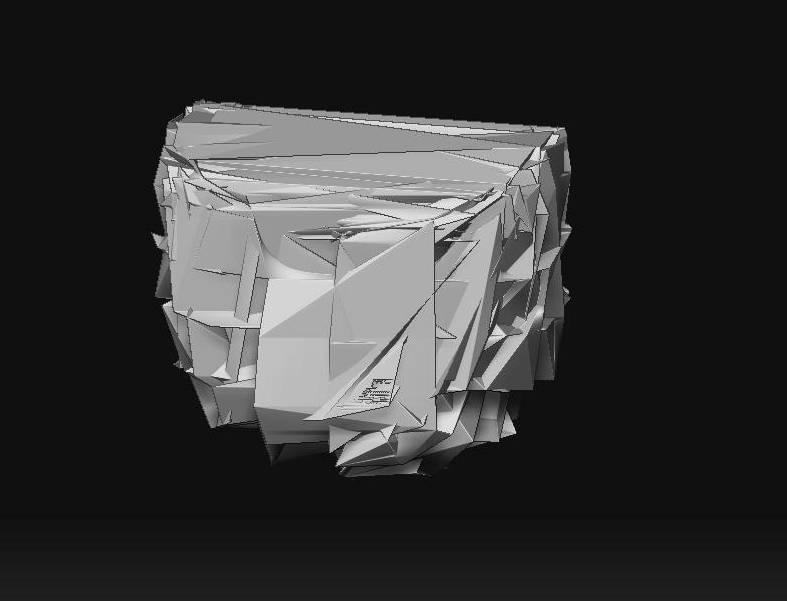
Hi again I posted a similar question awhile ago. I’ve got some objs that I reuv’ed in maya that I want to import back into Zbrush. However, everytime I try to import it ontop of the old subtool, then subdivide, the mesh gets disorientated. I tried to store the morph target before the import but it still does it. I’ve got some subtools that still have the same uv information thats the same. Is that whats causing it? I’ve been banging my head on the keyboard from this :evil:

Thanks.

heres a before and after (scale is the same)
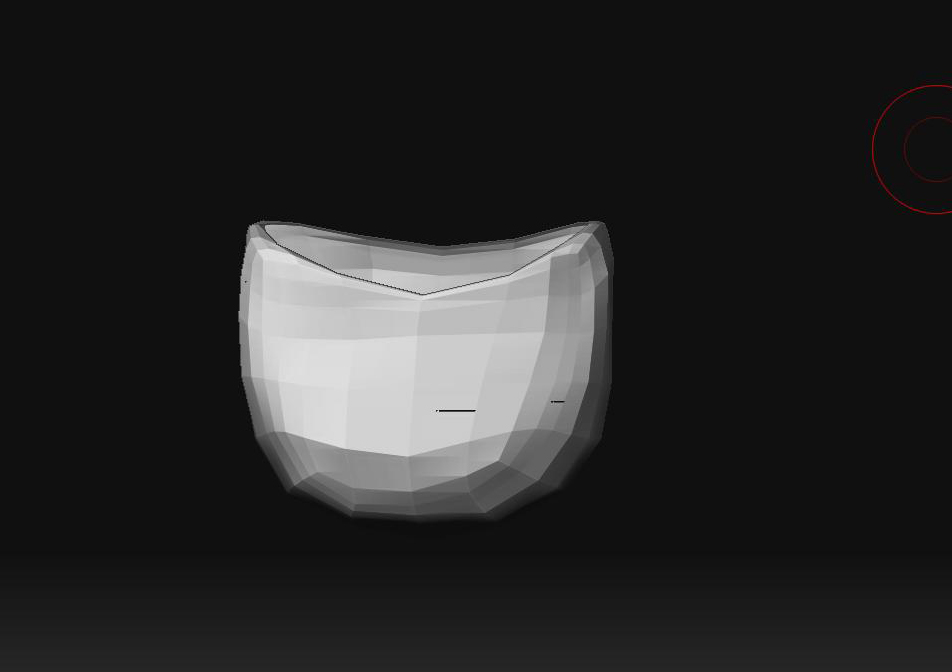
before.JPG

Attachments

after.JPG

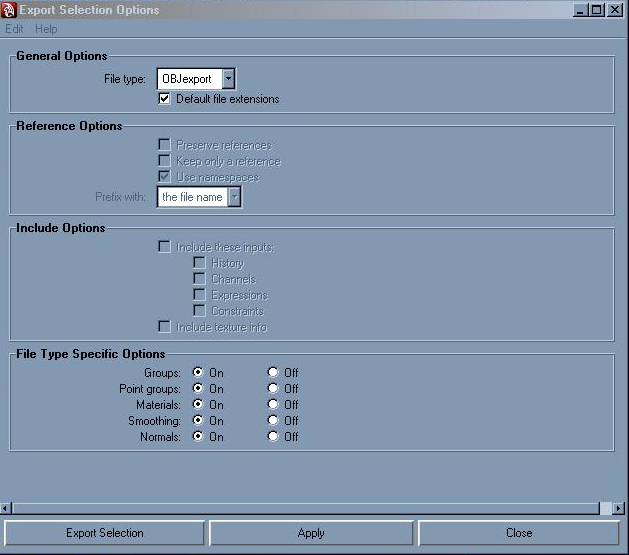
it is your export or import options in maya. your point order is changing.

I suppose I’ll keep fiddling around with it >_>…

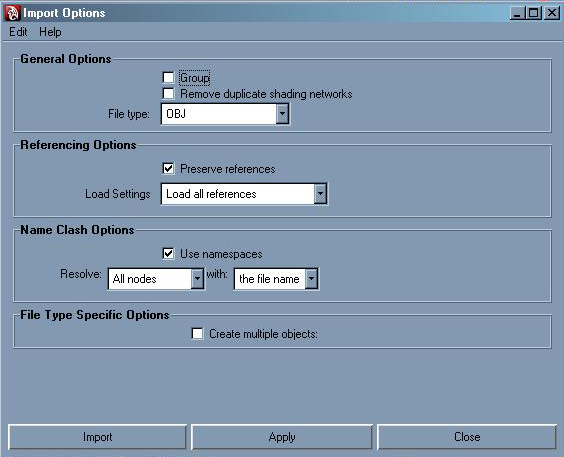
You probably have “Create Multiple Objects” set to “True” in the Maya import options.

Thanks for the help guys.

I got most of them re-imported,except one. I’m still trying to export one last subtool back into zbrush with the new uv’s but its giving me some trouble.

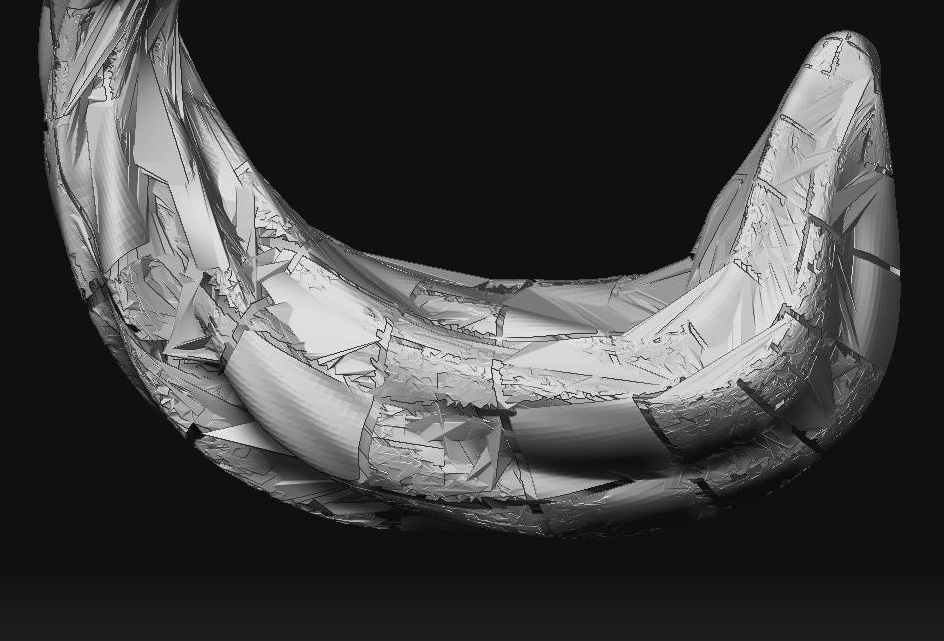
Sorry to post this in the zbrush forum. The autodesk threads are pretty dead at the moment. I’m using Maya 2009, and I dont notice the “create multiple options set to true” option just the check box to check and uncheck it. Not sure why my point order would still be changing if I re-uved a new subtool. This was originally a zshpere. Sorry to be such a noob cake. I’m sure the explanation is right infront of my face. Is there something in zbrush that would change the point order? Heres whats happening.

tube.JPG

:frowning:

Attachments

import.JPG

export.JPG

Hi, when exporting from maya, under your OBJ options, which is in your screen shot above, turn everything of at the bottom. Currently, u have it all on. Hope this helps.