ZBrushCentral

Multi Map Exporter Problem - please help [Answered]

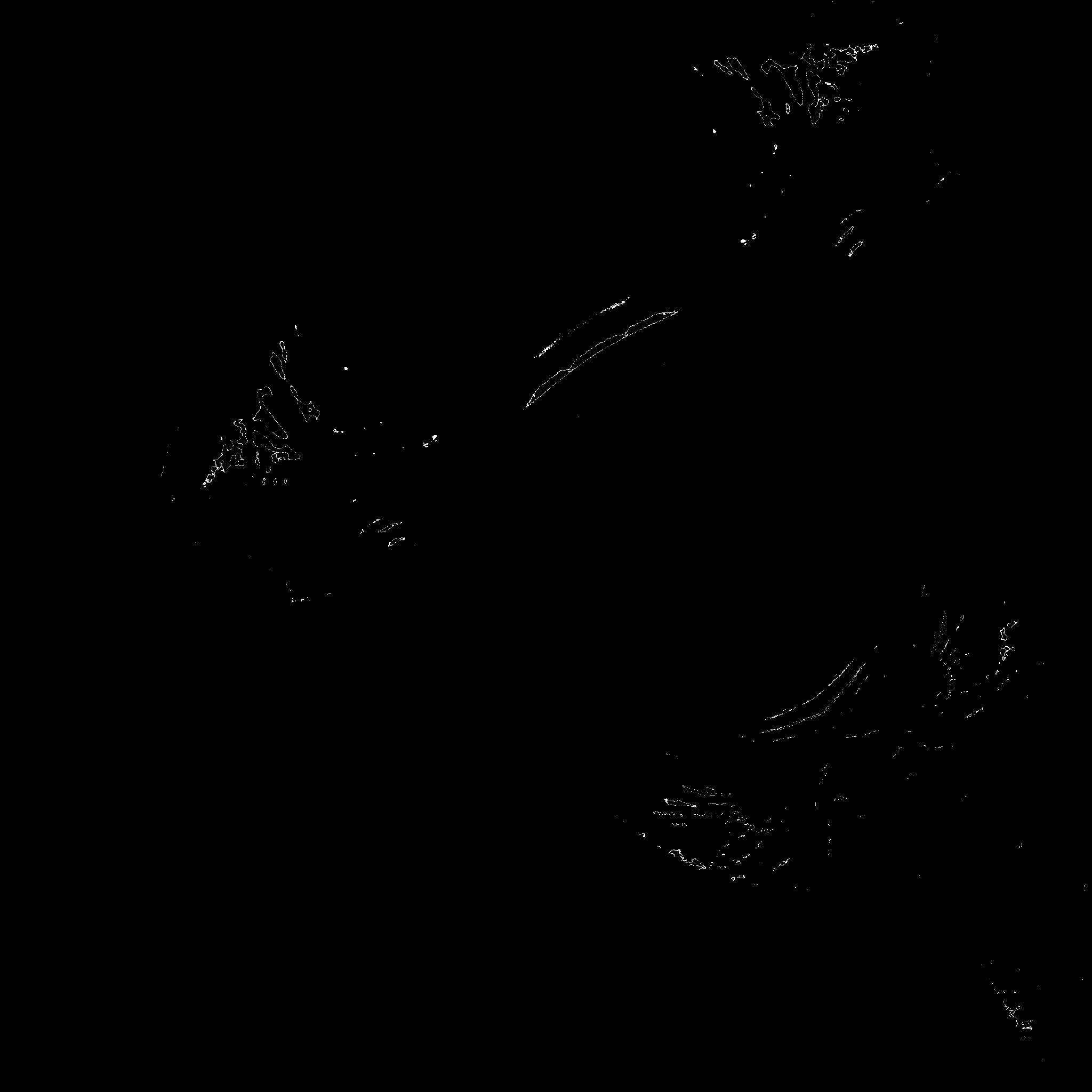
After Installing the multi map exporter…which has been a part of my workflow in Zbrush 4…R2’s exporter gives me these weird results…for every model I try to do a cavity map and a occlusion map - the black one being occlusion map and the one with speckles is the cavity map…does anyone have any solutions?

Attachments

Main head Wrinkly_1-AO_u0_v0.jpg

Main head Wrinkly_1-CV_u0_v0.jpg

Unfortunately there is an issue with ZBrush 4R2 which means that it isn’t currently possible to generate AO and Cavity maps directly from masking. This issue affects the Multi Map Exporter plugin.
Until the issue is corrected in an update, a workaround is to use polypainting instead:

  1. Fill the model with white.
  2. In the Tool>Masking menu, press Mask Ambient Occlusion or Mask by Cavity. You may need to adjust the options to get the effect you want, in which case clear the mask before adjusting the intensity slider etc. and try again.
  3. Press Tool>Masking>Invers to invert the mask.
  4. Fill the model with black.
  5. Press Tool>Texture>New from Polypaint. This will produce your map. Press Clone Txtr and export from the Texture palette.
  6. Press Tool>Masking>Clear to clear the masking.

HTH,

this has been happening to me and everyone here at our studio. nobody can seem to get a cavity map out of 4r2!

is there a known bug?

marcus, the workaround is helpful but w/ a model that’s split into several uv regions, extracting maps is quite laborious.

i get the same results if i try and convert the mask to alpha - black with white speckles.

any ideas as to what’s causing this to happen?

thanks!

r

r_cal,

I understand your pain but as I said, this is a known issue and should be fixed in the next update.

Cheers,