ZBrushCentral

"Mulitiple UV Regions detected" message with Zmapper

I have geometry that when I select Zmapper with , it gives the message;

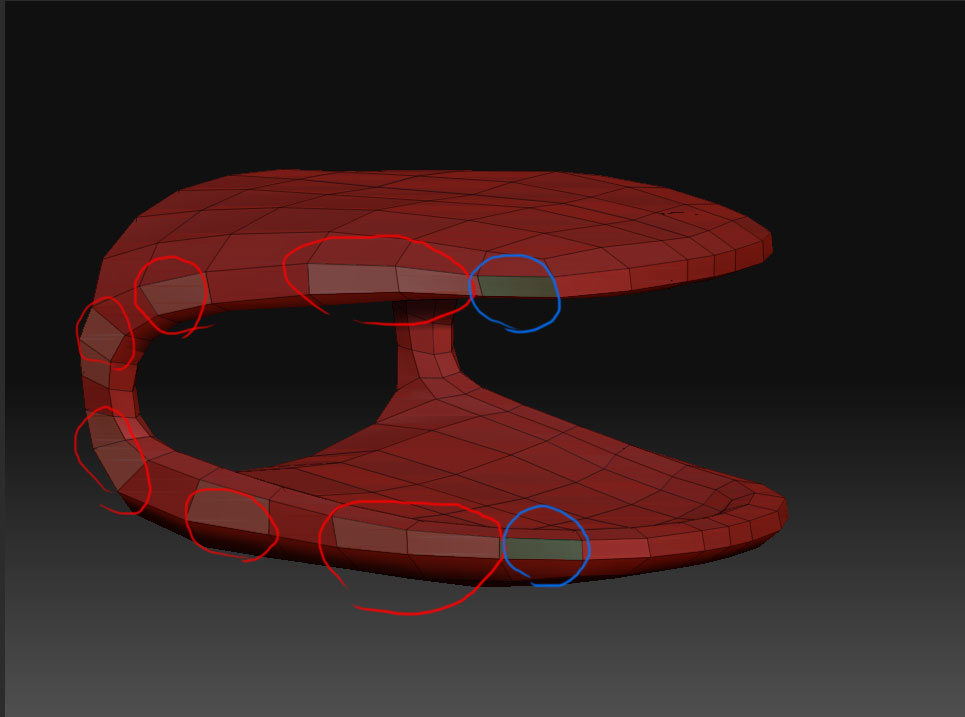
“Multiple (#3) UV regions detected” The message wants me to ZMap each region individually?? Some of the regions are only four faces though. Plus, when I have tried this it crashes anyway.

I have the UV’s laid out in Maya from where the geometry is originally exported. I have tried creating a set including all the faces before exporting to no avail.

I would like to create a normal map with Zmapper, without using the busy method Zmapper is suggesting.

How can I make this geometry not have multiple UV regions?
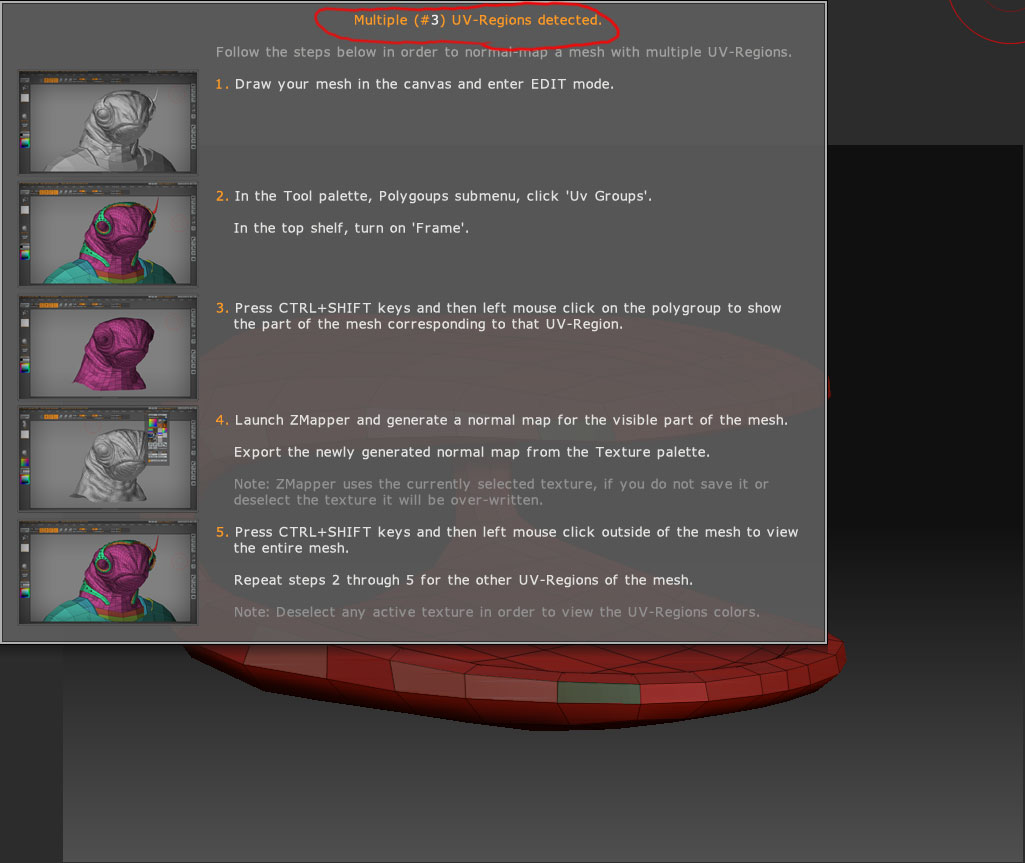
Screwy-UV-ErrorII.jpg

Attachments

Screwy-UV-Error.jpg

You have some UV’s that go outside the 0,0 to 1,1 space. Since from your illustration I’m guessing you’d want the whole model to use the same texture, you’ll need to work on the UV’s a bit more in Maya. When laying out UV’s, always make sure that there’s a bit of a border around the edges of a UV shell. Any points that are right on the outer edge of the 0,0 to 1,1 area can mistakenly be read as belonging to an adjacent space.

Now if you had actually wanted multiple textures for your model and deliberately laid the UV’s out in different spaces, this is what you’d do:


  1. Go to level 1 of your mesh

  2. Press Tool>Polygroups>Uv Groups
  3. Press Tool>SubTool>GrpSplit
This breaks the model into separate SubTools for each texture, and you can then use ZMapper for each SubTool.

Fantastic!

Thank you.