Hello ZBC, I thought I’d start a thread here to post my ongoing work and hopefully also stimulate a bit of productivity!
I’ll start the ball rolling with the animals I modelled and textured for the Xbox One launch title Zoo Tycoon. I finished the project late last year but only just got around to putting together presentation images of the work I did on it. See what I mean about productivity?
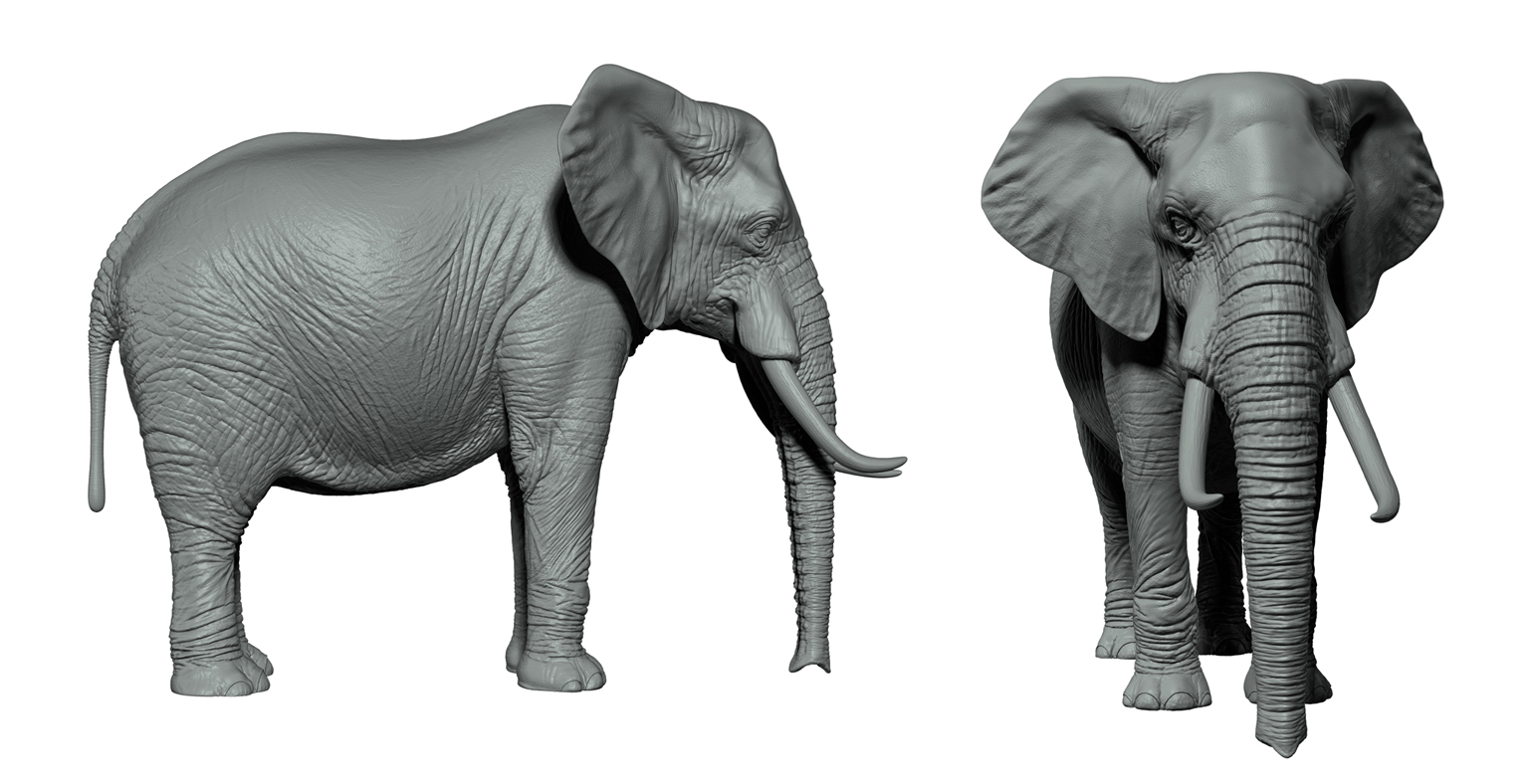
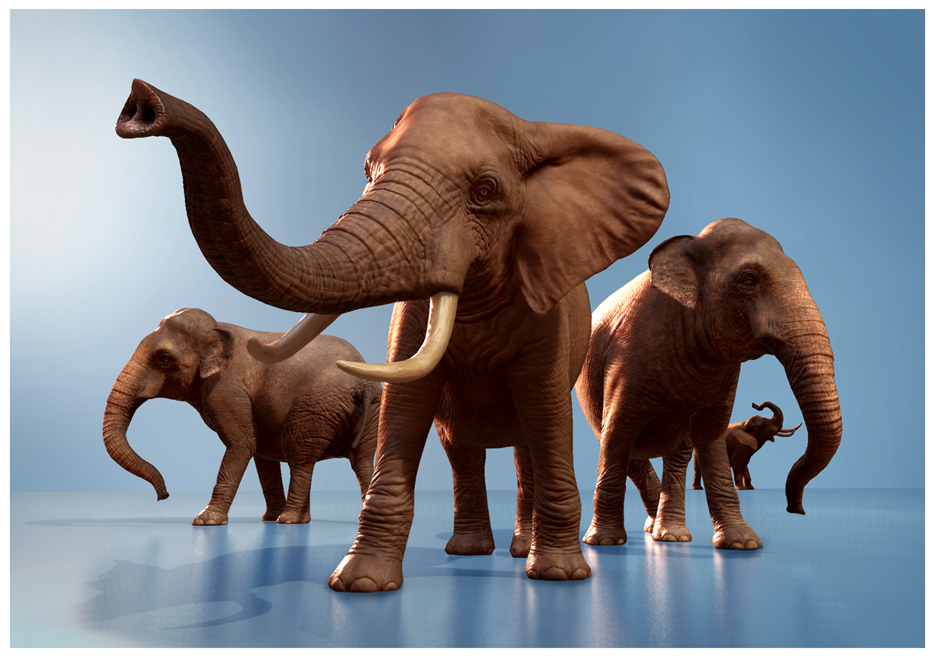
A Marmoset Toolbag render of the game mesh versions of my elephants. Polycounts were around 15,000 triangles apiece, as I recall:
And here’s Jumbo in action in Zoo Tycoon’s E3 announcement trailer. The animation (courtesy of my fellow Frontier-ites) really adds a lot!:
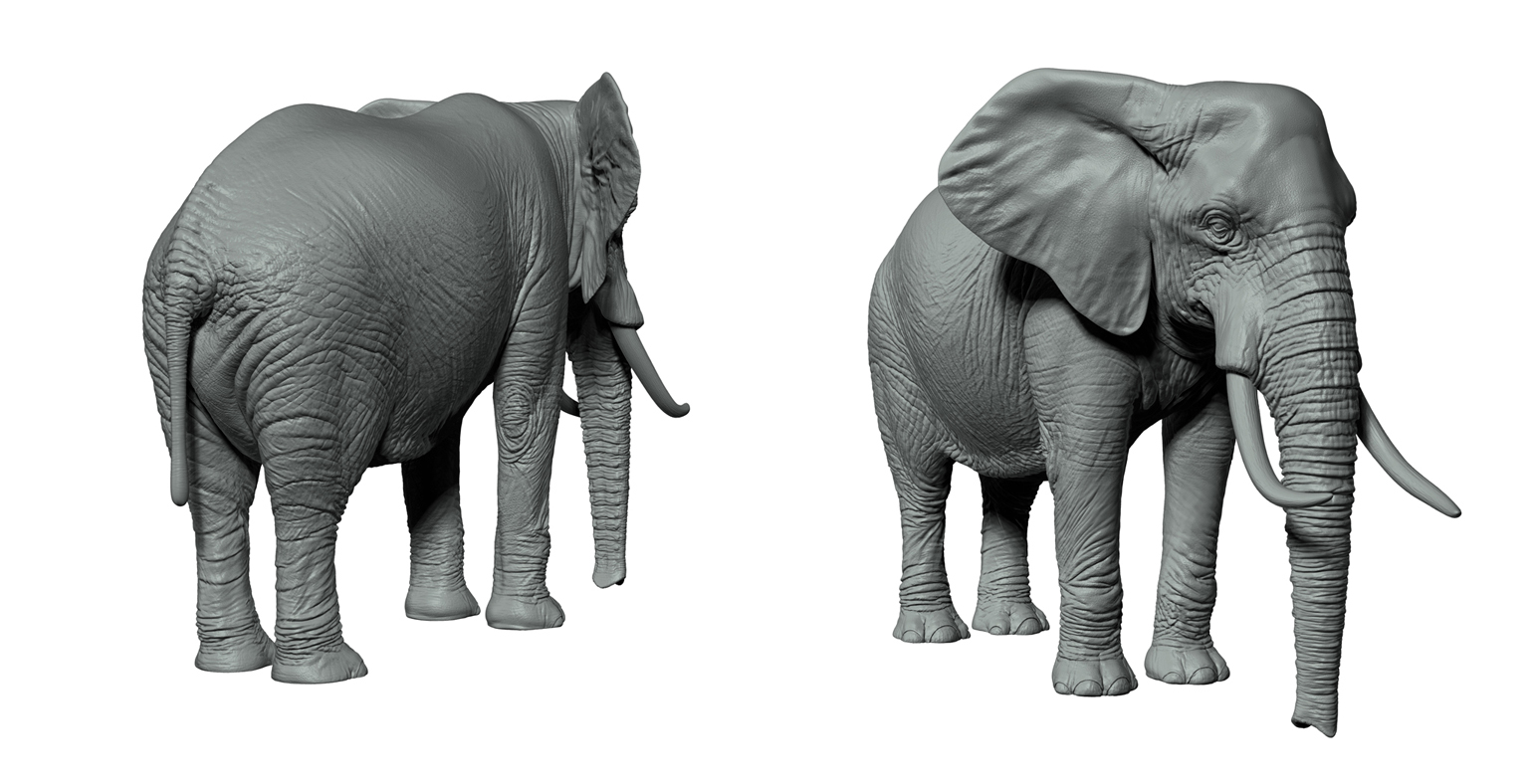
And a couple of images of the posed game meshes - this first one in Marmoset Toolbag:
…and a nice ‘magic hour’ screen capture from inside the Zoo Tycoon game engine. All credit to Frontier Developments’ props and environment art teams for the surrounding scenery!
More here, along with many other funny-looking creatures :
Hmm, hard to say exactly, because there was never a whole day on the project where I could concentrate solely on sculpting with no distractions coming up! Maybe 5-8 days? One thing you realise when you model an elephant is that it has a lot of surface area you have to detail compared to, say a human head!
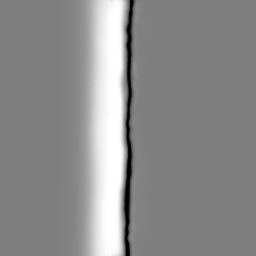
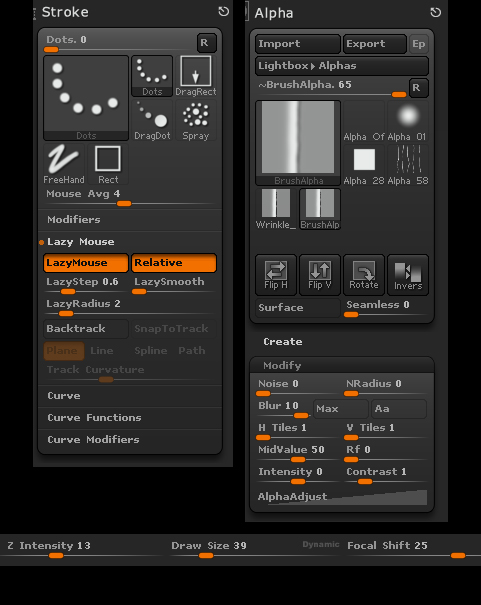
The elephant’s skin was pretty much sculpted by hand, using the Move, Smooth, Standard, DamStandard, Claytubes, Pinch and Inflate brushes. I did make a custom alpha for the wrinkles on the side of his torso, using these settings:
I’d make all my strokes with this alpha go from left to right, building up a criss-cross pattern and varying the pen pressure per stroke. The idea is to just keep going at it 'til it stops looking rubbish! :lol:
I also revisited a little trick I came up with on a previous project to make nice, rounded, bunched-up, organic-looking wrinkles. Imagine your model has 6 subdivision levels:
Model the wrinkles as usual at subdivision level 6, then store a Morph Target
Go down the subdivision levels to a point where the mesh is low-res enough that the wrinkle detail can’t be seen, let’s say subdiv. level 3, and export this as an .obj file
Go back up to subdiv. level 6 and slightly move the Deformation -> Inflate slider right until the wrinkles have a nice rounded quality. The whole model will swell up, but the next step will fix this
Go back down to subdiv. level 3 and re-import your .obj file - the model returns to its original size
Go back up to subdiv. level 6 and admire those nice rounded wrinkles! You also have the option to edit the effect via the stored Morph Target - you can move the Morph slider to lessen the intensity, or use the Morph Brush to ‘paint out’ any areas that look odd
I used this technique on the elephant’s trunk, for example.
You caught their monumental bodies’ marvel brilliantly in the sculpts!
Could you please tell how were hippo sculpts baked onto low poly? You got two dramatically different poses there. What was the workflow to pack them both into a single in-game model?
nagulov: my pleasure, thanks!
lazy noob: thank you!
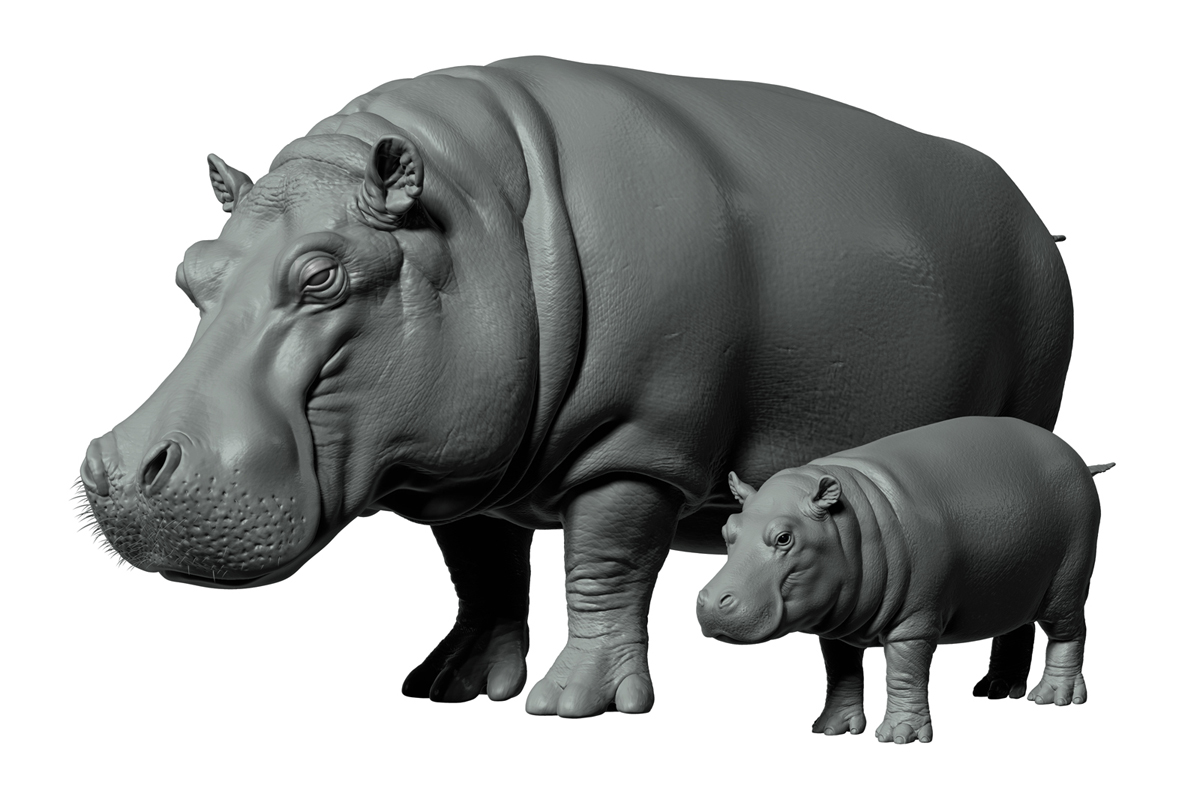
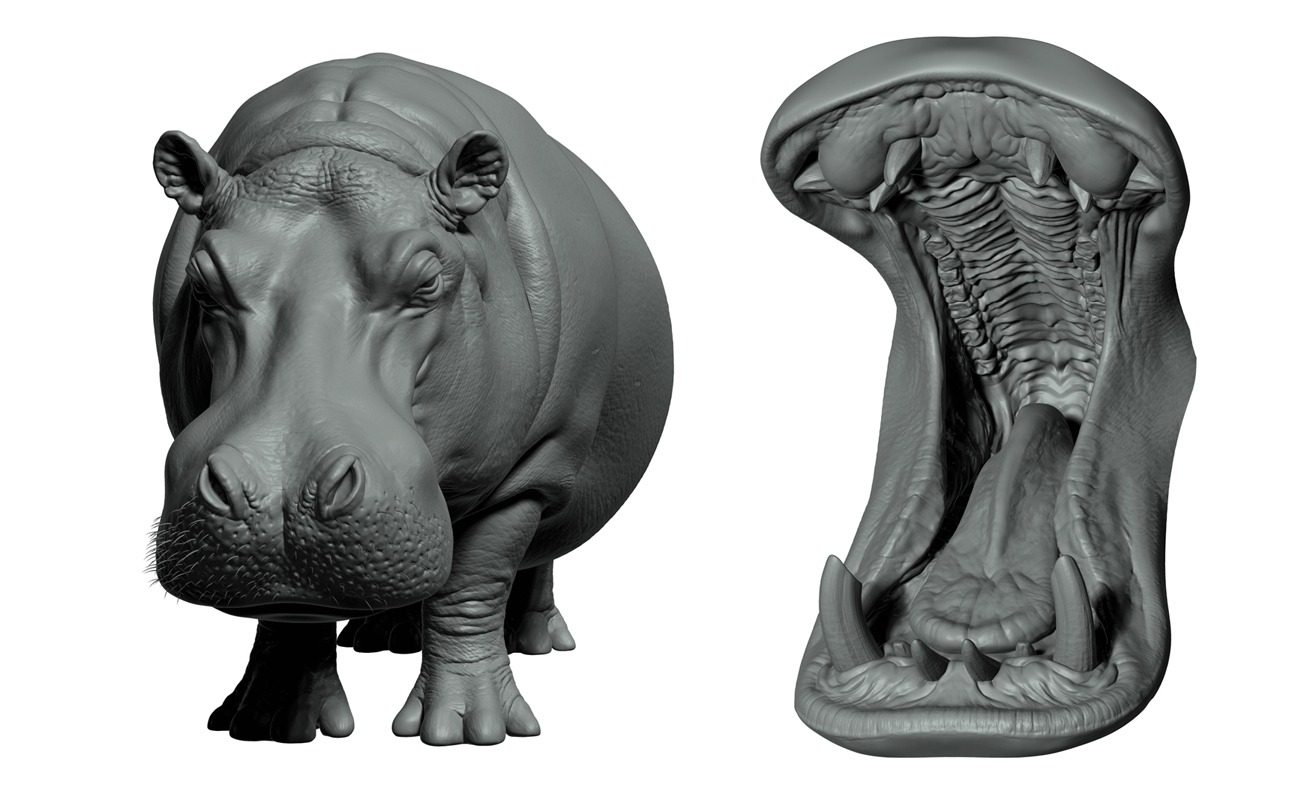
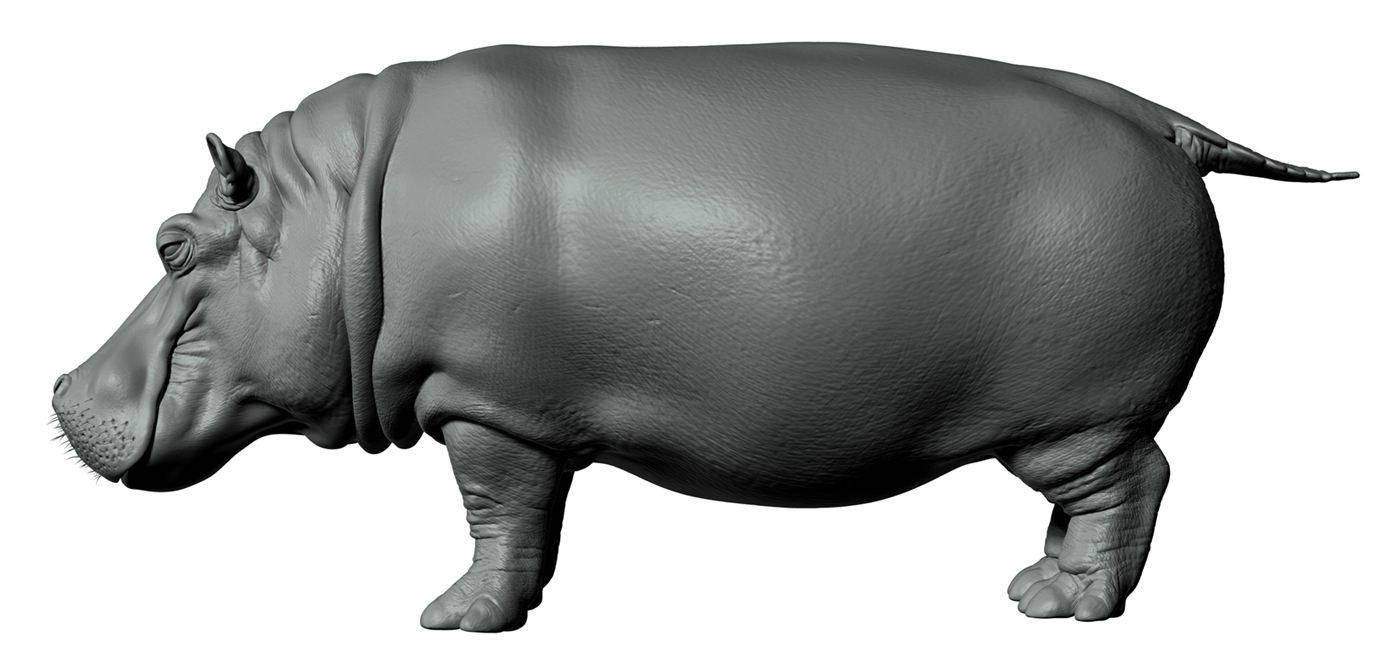
Avvi: Thank you! I think you’re asking how I put the open mouth model into the hippo after I sculpted him with his jaws shut? Hmm, we kind of did it the wrong way, but for the right reasons :D. This was a very fast-moving project, and the animation team needed to get their hands on the hippo model as soon as possible if they were going to make their deadlines. So I sculpted the hippo model you see above - mouth closed, no mouth interior detail whatsoever - and baked this down to a game mesh and had it rigged. So now the animators had their hippo model they could start work on, albeit with a blank area inside the mouth. Meanwhile, I opened up the mouth of the rigged model, exported it to ZBrush as an .obj file, modelled the inner mouth area, baked that down to a game mesh, welded it into the hippo game mesh I exported from and then closed the mouth back up. Definitely not the most elegant approach, but we just had to play the cards we were dealt on that one. I ought to give a shout out to Frontier Developments’ Tim Ridgarde who saved the day with his rigging expertise and got the whole thing to work when it seemed like it might not! :lol:



 :
: