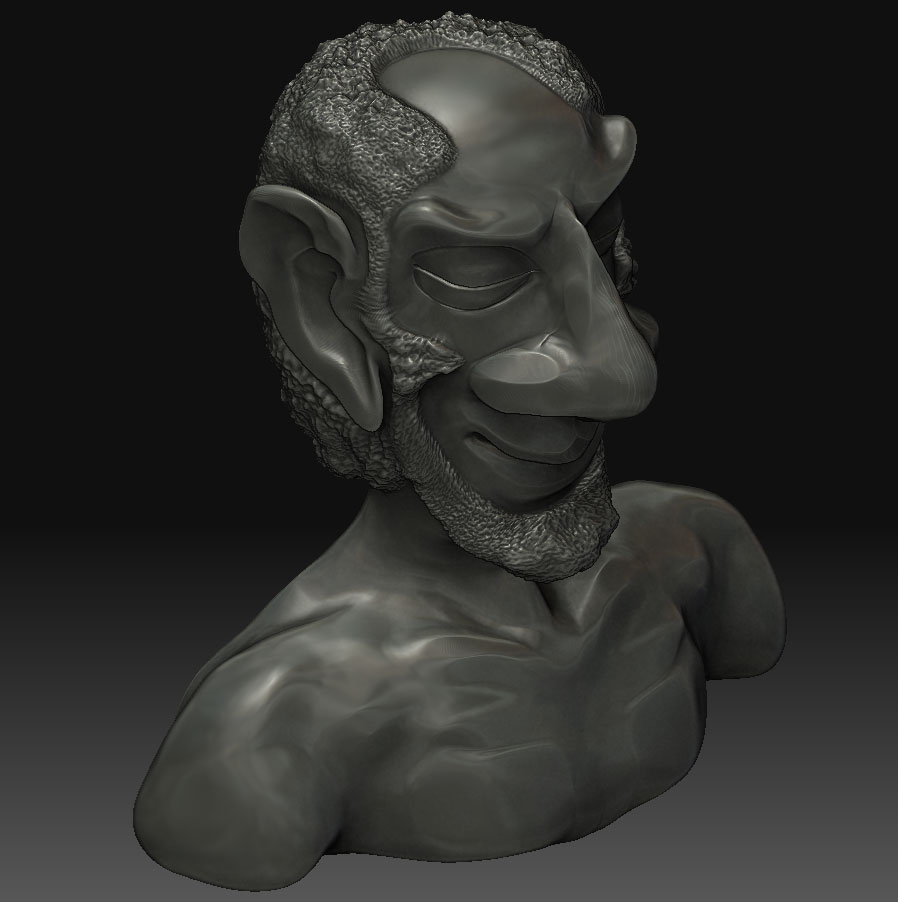
hi again, i have created a new topology from a zsphere as described in those tutorials. now i am facing another problem. since the original mesh was set to 3 subdivisions while i created the topology i saved the topology, switched back to the original mesh, set the division to 6 again and wanted to switch back to the topology. but it didnt work. now i have the topology and i have my mesh as two tools on the disk. how can i bind those two again, to project ?
i simply dont know how…
thanks and regards,
ello
edit: ah, i loaded the new topology as a subtool and now projecting works again. but i have some strange artefacts, specially where the original is carved. any hints?
damn, i hate this. after i reached a point i liked to render and saved the ztool. zbrush crashed and the whole data is set back where it was before. everything is gone. why does such **** happen?
 )
))