Hello, I’m having problems with my ztool. Last 2 objects I have export from my maya scene and imported as subtools, cause weird camera thing.
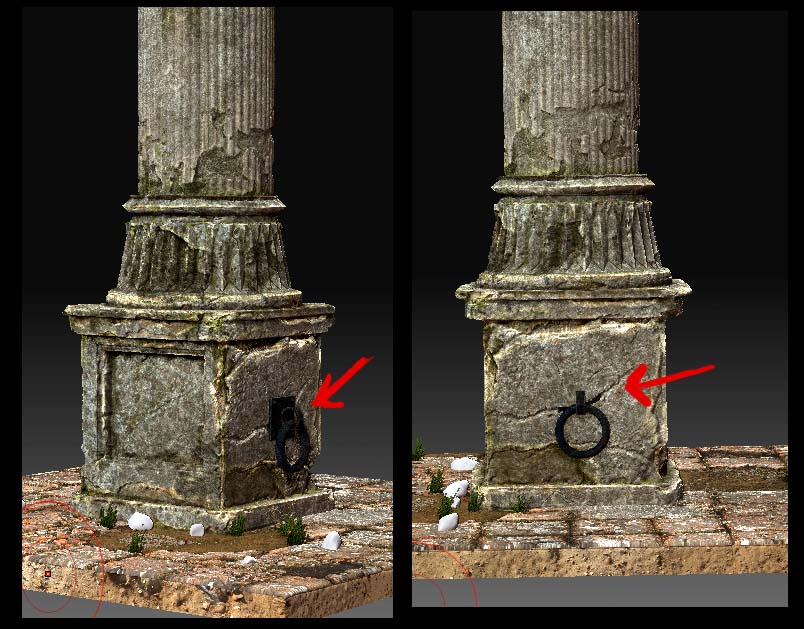
The last subtool is a debris layer (small polygons objects over a surface) from the maya scene. So I have a ground, I import the debris object as subtool and If I look from side or front view its ok (in zbrush), but if I try to move the camera to see it from above, the obects go behind the ground (its like rotating the camera cause them to really go under the ground).
When doing it, it feels like a camera clip/normal flip “feeling” error (but it’snt really that). Its like rotating camera, makes each subtool rotate from a different pivot, making them sightly move and going into the geometry adjacent.
Any idea?.
 ]
]