I’ve got a ZBrush model that’s basically complete, and now I’m trying to move it from ZBrush to another 3D app for animation and rendering.
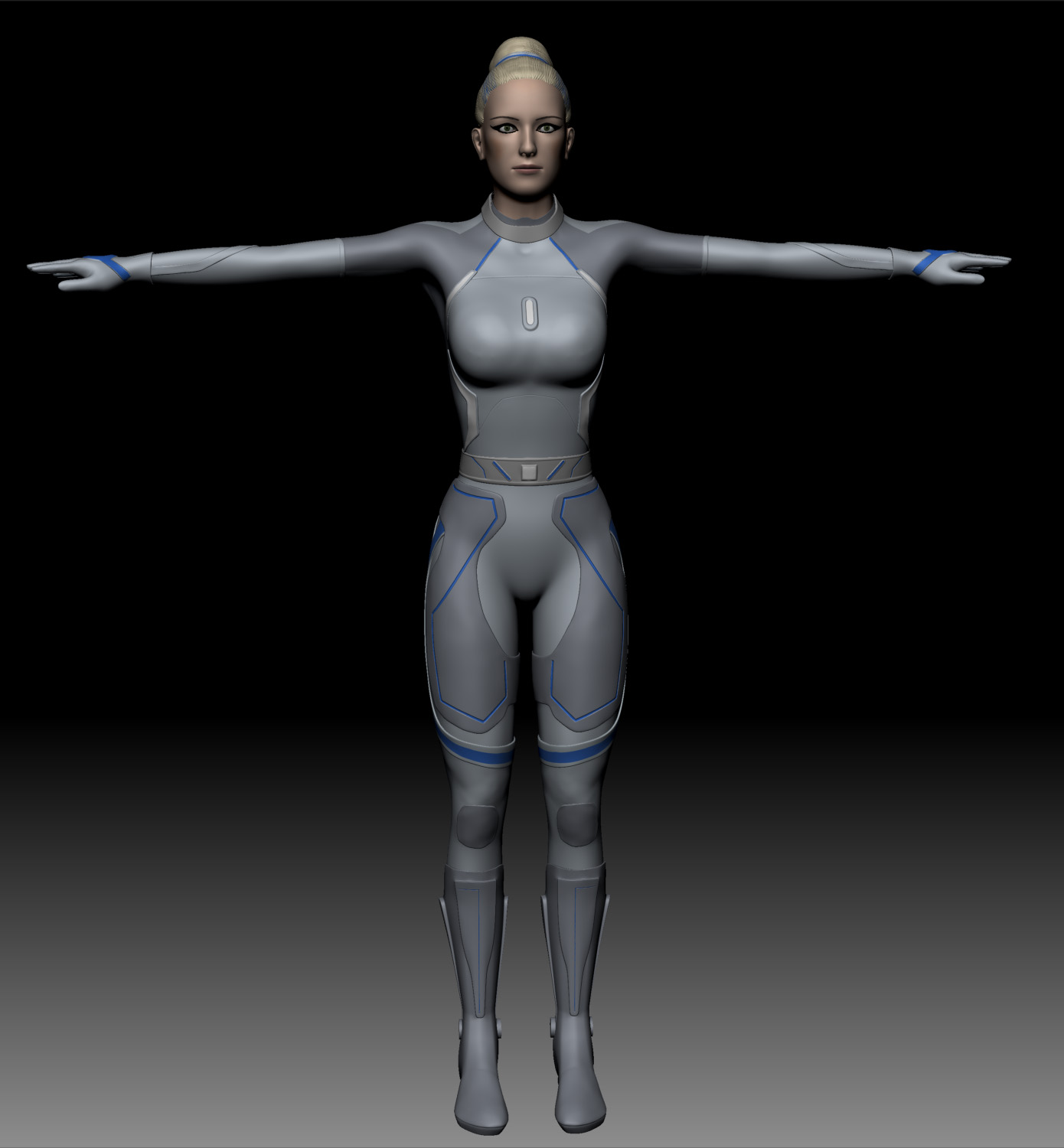
The model looks like this:
[ ]
]
She’s made up of 15 different subtools. My initial thought was that I would just export each subtool, with a displacement map, UV map, and texture map for each one, and then bring all this into Houdini. However when I do this, as I start assigning the materials to the various parts, a couple of things start showing up:
-
The displacement amount for one part is different than for another, is this to be expected?
-
When rendered, the different parts do not match up anywhere near as “tightly” as they do in ZB. The individual parts like her thigh pad, belt, side pieces, don’t look right.
So, is it better to reduce the number of pieces? What’s the best way to do this?