ZBrushCentral

Moving a masked polygroup not always working?

So, i made a polygroup and want to move/extrude it. When i select the polygroup (ctrl+shift-click on group) and mask it (ctrl+A),
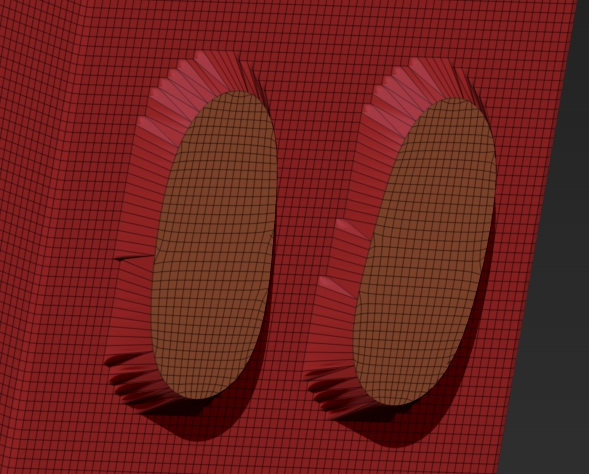
it looks like this (i only want the polygroup masked not the polys around it):

Extruded, this comes out:

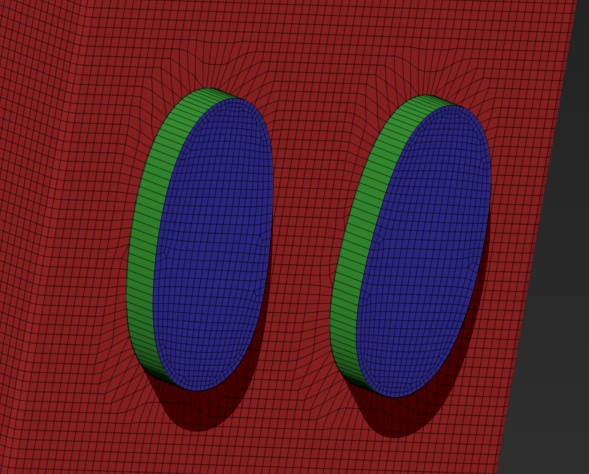
It should look like this (i added group loops to demonstrate), sometimes it worked but i cant recreate it.

Attachments
2.jpg

3.jpg

4.jpg

After you have created your polygroup and cleared any masking…

  1. Select the “Move” transform.

  2. While holding down “Ctrl”, click on the polygroup you want to affect. This will mask the rest and create the Action Line perpendicular to where you clicked. Rotate your view to a side view so you can see the Action Line.

  3. While holding down “Ctrl”, use the inner, middle white circle of the Action Line to extrude and move the polygroup. Hold shift to constrain.

Repeat step 3 to extrude again as many times as you want.

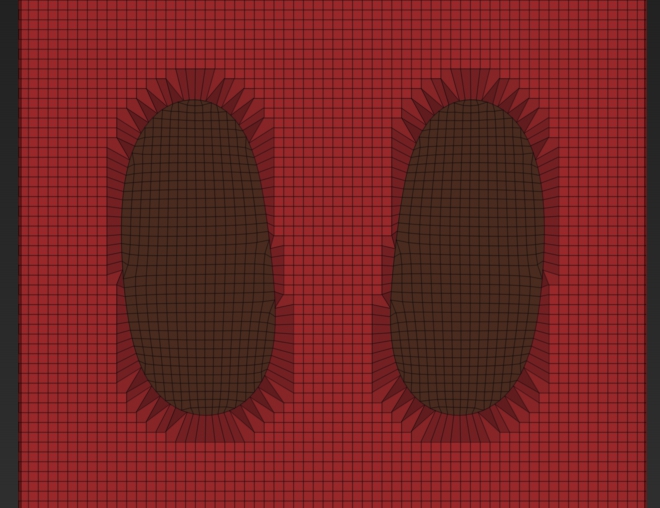
Yes, i know about that. But that will produce the same problem. The mask will inherit some polys outside of the polygroup
like shown in picture 1. It makes no difference if i apply the mask by ctrl+A or ctrl+click on the polygroup while having move selected.

The extruding itself is no problem.

Have you tried Masking:Sharpen mask?

Yes, i use that sometimes. Makes no difference. There must be something i do wrong,
but i cant figure out what.

this kind of stuff is actually over my head but in that second image with the poly groups, if you look closely there are triangles in the topology. from what i understand zbrush works in quads, not tris. maybe that’s why the mask can’t be as sharp as you like.

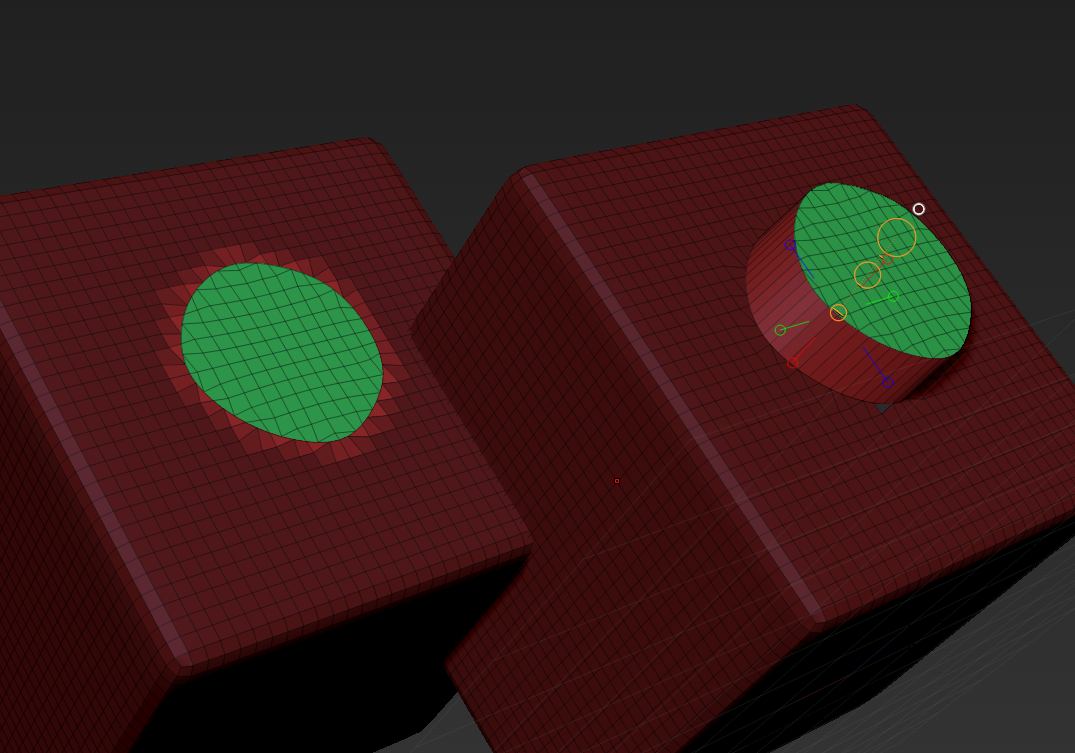
This is the result I get from following zber’s instructions. You see on the left the masking is outside the polygroup that is extruded. The partially masked polys are ignored when the polygroup is dragged.

On the subject of masking, you can’t mask an absolutely clean line between adjacent polygons. The reason is masking is done by point (vertex) and adjacent polygons always share points. But ZBrush is using the polygroup in the extruding process - you can get the same result by setting the Brush>Auto Making>Mask By Polygroups slider to 100 before clicking (no Ctrl) on the polygroup to create the action line then Ctrl+dragging the white circle.

Attachments

extrude.jpg

Have you tried adding an edge loop around the centre poly group first?

Forget that. I see you did a Groups Loops and it worked.

Pfew, i got it solved. Somehow my CTRL-key while extruding did not work, eventually the hotkey was broken :confused:.
But sometimes, it does not work with all underlying surfaces thats why i could not recreate it.
Now it even works with single faces on a mesh, a charm.

Thanks, that was new to me in this case.

Thanks for the help guys.