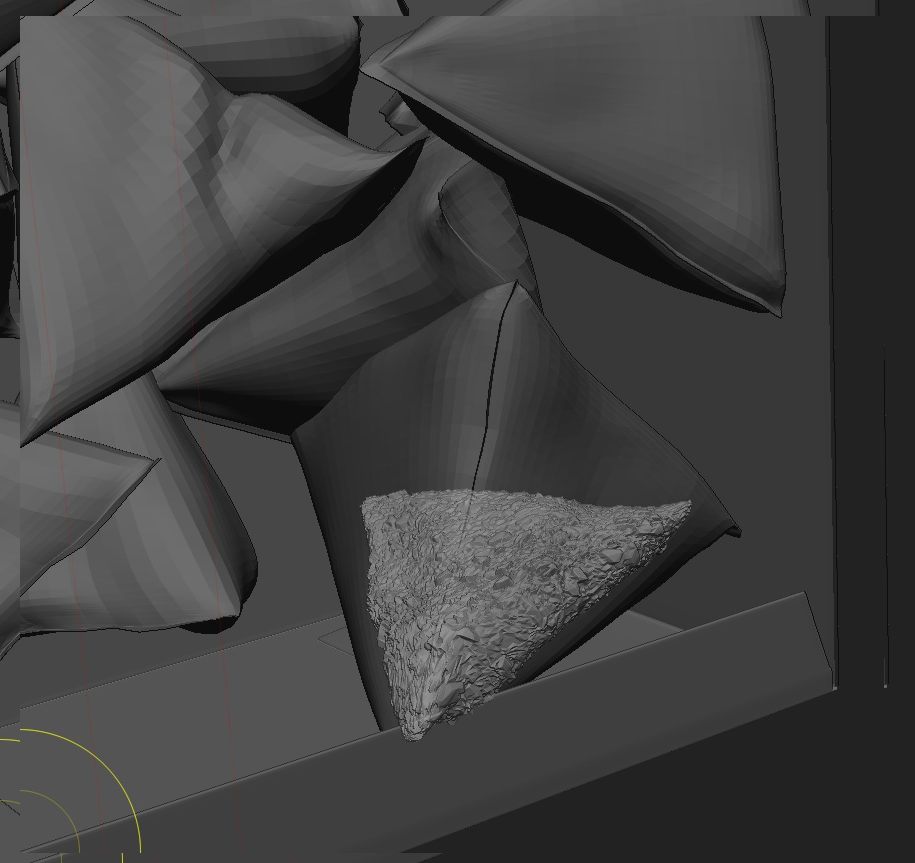
Hi! I’m sculpting some tea bags and was just wondering if there is a setting that lets you sculpt through the actual bag that surrounds my inner mesh… It’s actually just the move-brush that I’m having problems with, clay and other brushes seem to work like normal.
When I’m using the ‘Move’ brush on the inner mesh (a subtool to the tea bag), then it only affects some parts “closest to the camera”, so I need to hide the surrounding tea bag mesh to be able to shape it more freely. And I would like to see the bag when shaping the inner parts… is this possible? Let me know if you don’t understand my questions. 
Thanks!
Frederik
Attachments