ZBrushCentral

Most efficient way to draw multiple clean lines?

Hello, I want to draw some clean-edged consistent width masks because I want to use the inflate deformer to create the tiled sci-fi armor look into a mesh that I have.

I know I can just use the mask pen but it’s a lot of work to get consistency across a large object. I have to figure that there are better ways. Can someone please point me in the right direction?

Attachments
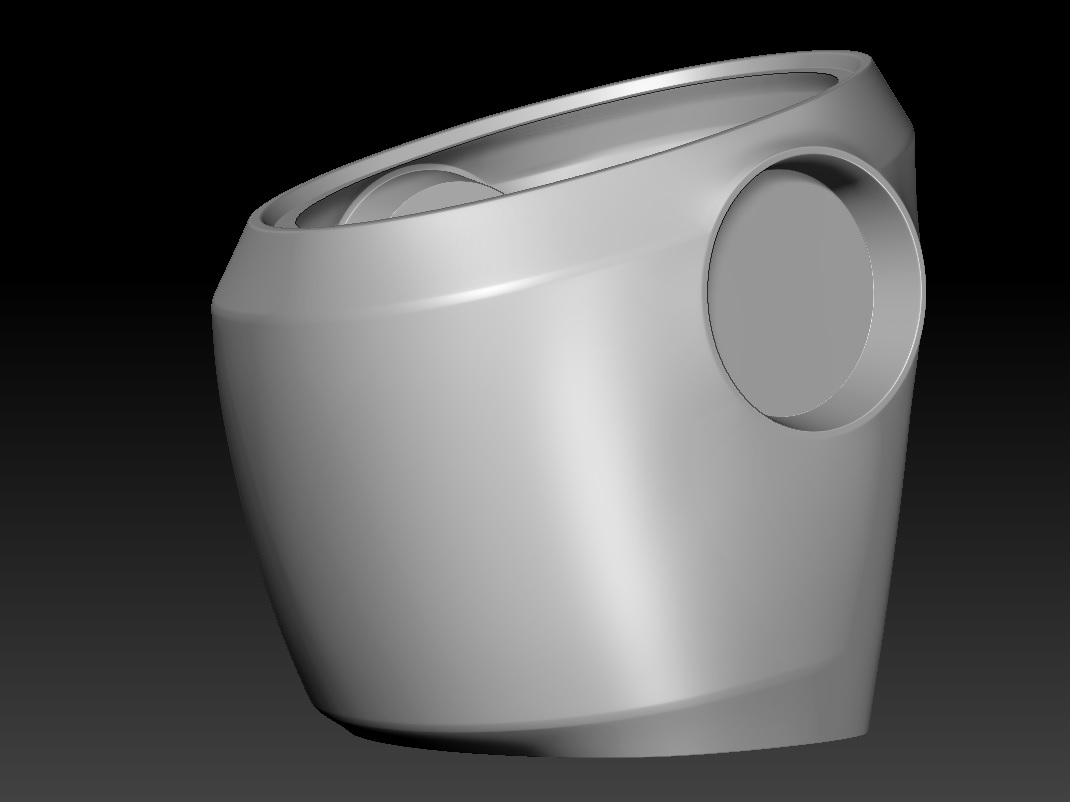
example_armor.jpg

The absolute cleanest way is to slice them in with the slice curve brush. This actually slices the geometry perfectly, so you can extrude or mask the resulting polygroups with a perfect straight edge of polygons. This would work regardless of mesh resolution.

In terms of masking, consider painting the lines on as polypaint first. Use Projection Master or Spotlight or ZApp link to draw out straight lines in whatever fashion you want, then convert that polypaint to masking with one of the color options in the masking menu. This would require a high resolution mesh for the best results.

You may also want to look into extruding panel loops from polygroup assignments.

I considered the projection option but I have to ask, is there some way to get ZBrush to apply symmetry from a ZApplink projection?

Specifically, if I paint something on one side, it would apply it symmetrically? Alternately, is there such a thing as a resym for polypaint?

Projection Master has a double sided option.

If the object is symmetrical, you can mirror and weld poly paint from one side to the other.

How do I mirror polypaint? I’m looking it up on google right now but all I’ve found was that somebody duplicated the subtool and then used the projection brush.

Also, I checked out the double sided option on projection master and it isn’t symmetry the way I’d like.

The most useful it could be as symmetry I guess would be if I rotated to the side of the object and painted it all that way but it’s obviously limited on what I can draw on the front that isn’t visible to the camera.

How do I mirror polypaint?

Either paint in symmetry mode, or Tool> Modify Geometry> Mirror and Weld will mirror geometry from side to side, including polypaint.

Ok! Thank you for your advice. I’m going to try Mirror and weld although my only concern is that it will probably dismantle the UV’s.

At this point though I did try duplicating the object and using the ZProject brush and it works well enough. But that’s enough to go on, thank you for your time and knowledge.

You could always work on a duplicate of the object, then project the polypaint and detail back onto the original to preserve the uvs.

Yes, that did occur to me later…