Couple of tests with pics.
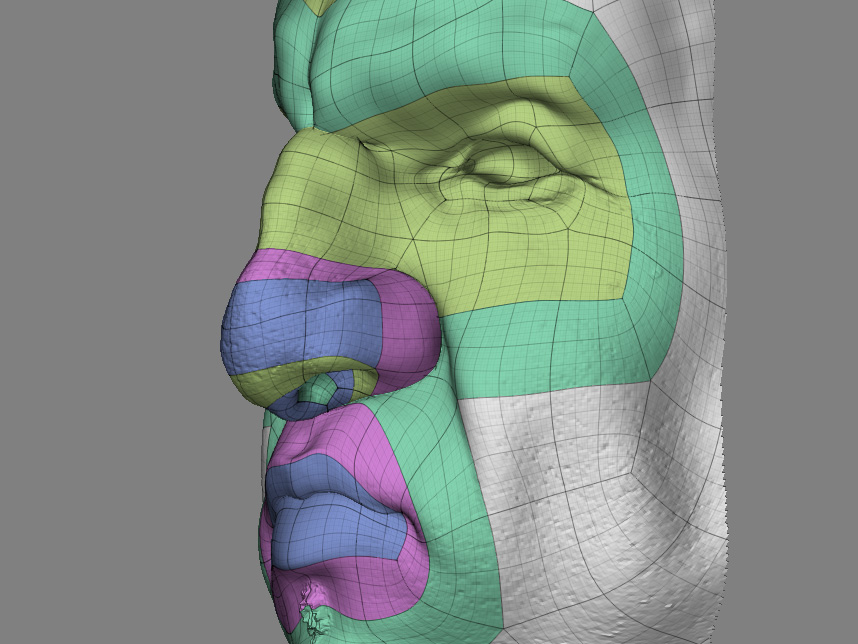
Modeled in ZBrush with edgeloops, GUV mapped.
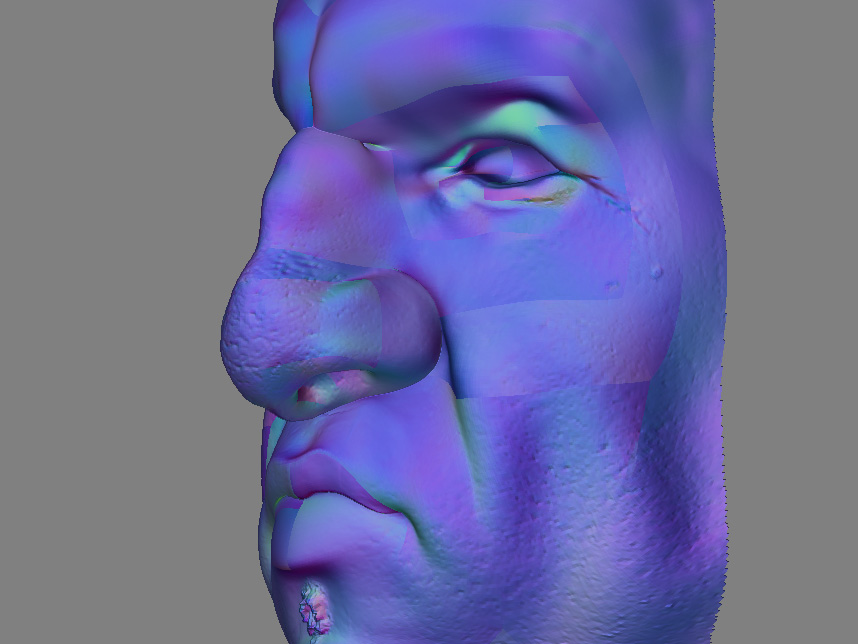
I extract a tangent normal map…I get seams.
First I thought it could be an export problem, or a problem within 3dsmax.
But it’s not. Cause if I extract the tangent normal map in ZBrush and put that texture on the model…the problem is already there. It almost looks like on some
polygongroups, the normalmap changes direction 180degrees (like a negative image)
Are tangent based normal maps rubbish in general (cause I heard about problems with curved surfaces)…Or…is it just not implemented well in ZBrush?
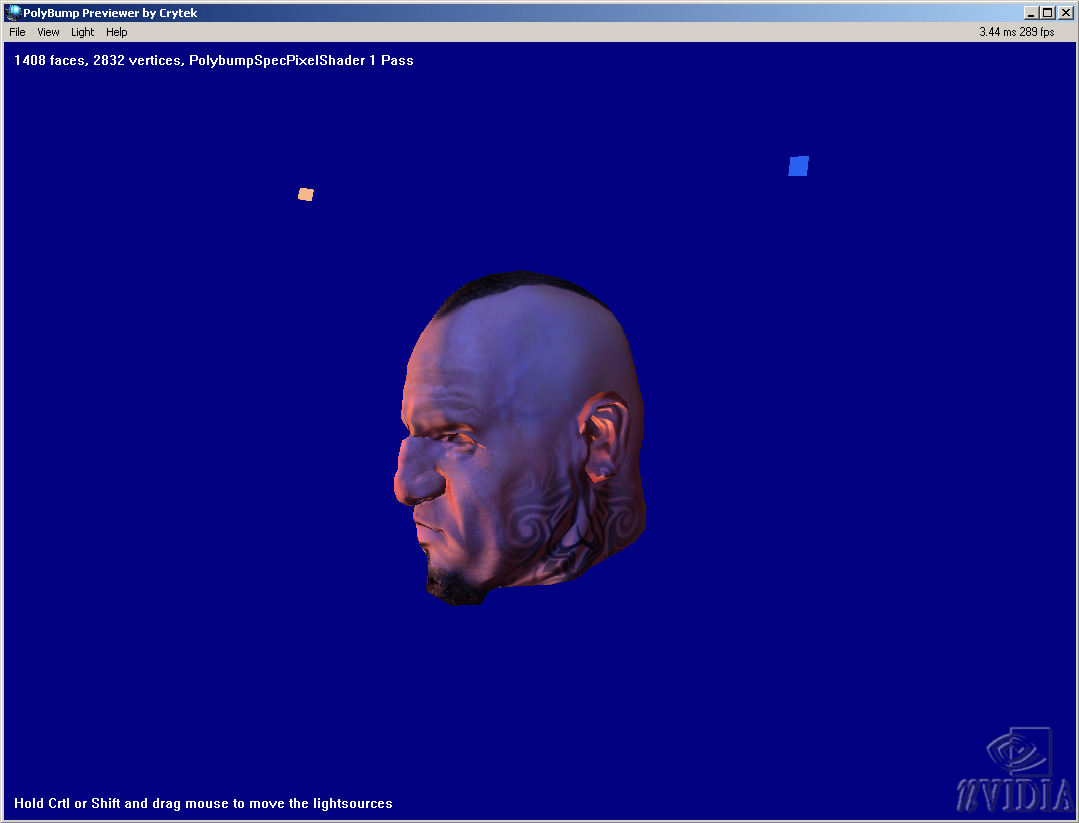
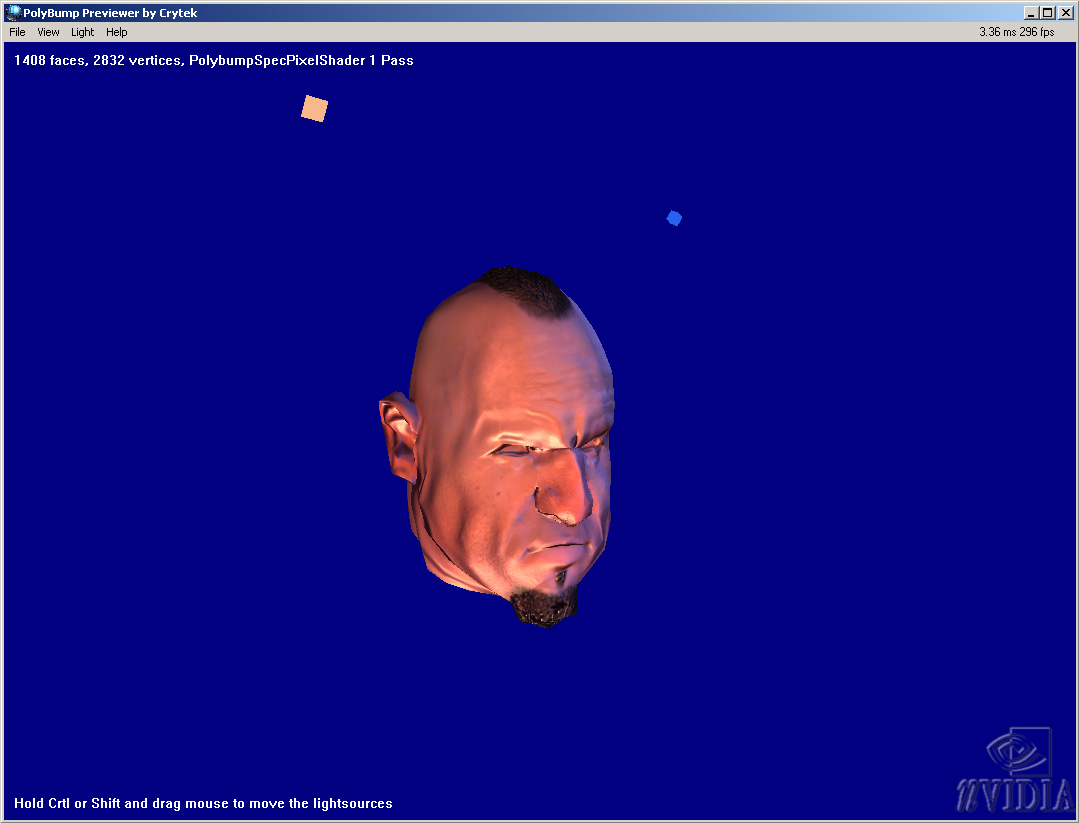
So I tried the Global/Worldspace normal map. No seams here!
Although when I preview that in the Crytek previewer the light consistently seems to come from the bottom.
The lack of response so far is pretty disappointing. I just hope that Pixologic are going to have a closer look at normal mapping before their next upgrade!
Attachments