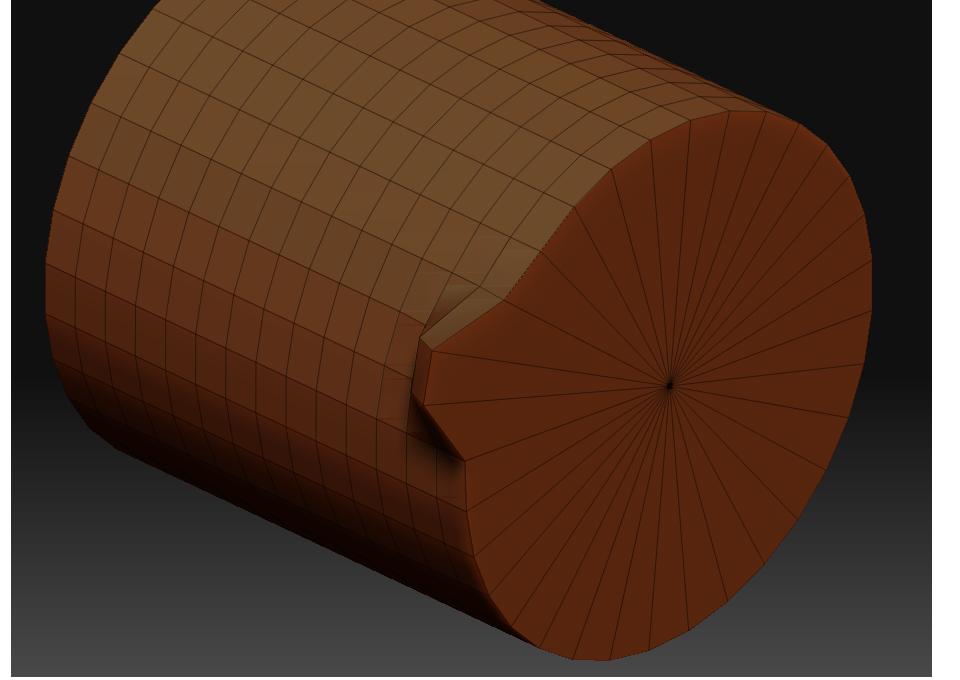
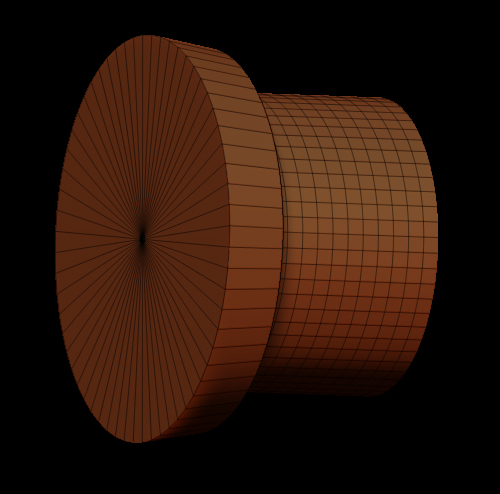
I am looking for a way to set up the falloff so that I can sculpt evenly all the way through the z axis of any arbitrary object (i used a cylinder as an arbitrary example so I am not looking for the radial falloff).
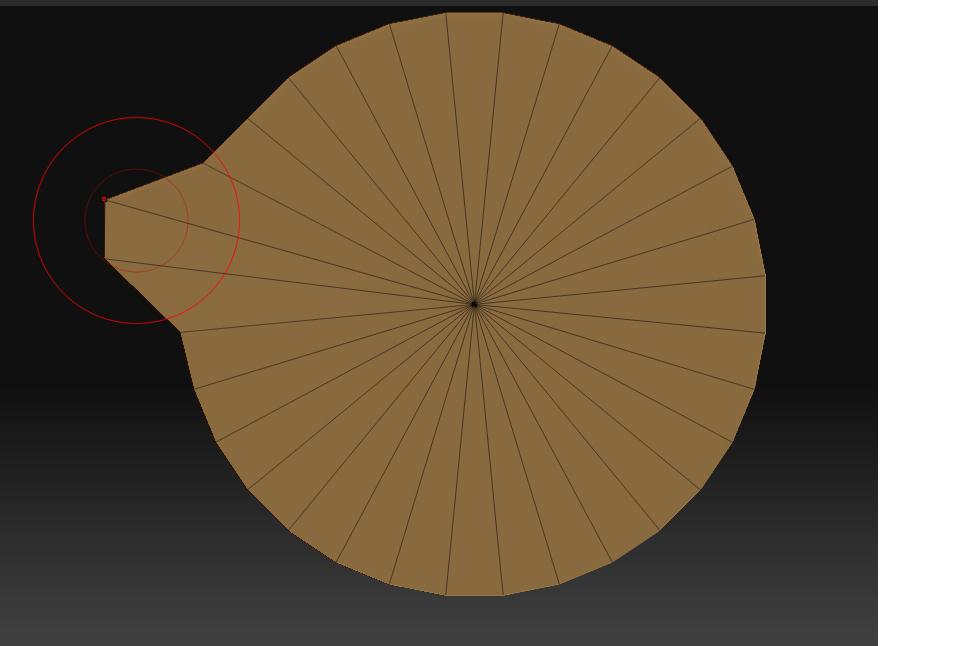
I want to sculpt from a top view and have even effect all the way through the object not just within the shere of infuence located at whatever poly’s I happen to be near. I do not want the spherical falloff you see in the pictures which only affects one end of the object. Symmetry will not fix the problem either, nor will any adjustment of focal shift. I want a falloff that would run down the length of the cylinder evenly not just one end or both ends (using symmetry)
Essentially I am looking for a cylindrical falloff like you find in modo… not a spherical falloff. Does anyone undestand what I am looking for and can Zbrush do this???
Thanks,
Tom
Attachments