ZBrushCentral

Modo 501 GoZ Position Bug

Try the following:

  1. Take a random model in Modo and send it over to ZBrush.
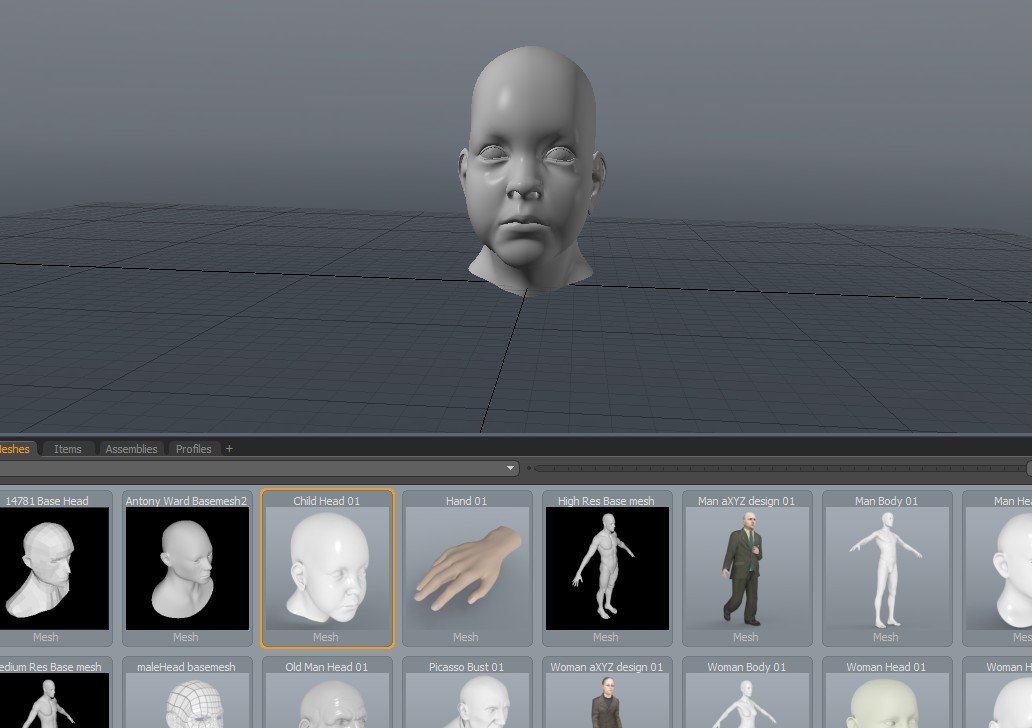
    GOZ1.jpg

I can see no options other than this being a bug. The steps are very accurate; I did only what I said. I should mention that the position is NOT off when I send it to the original scene.

Workaround
In Zbrush, go to preferences and tell GoZ to make models as subtools. Then make a sphere and convert it to a polymesh. Simply a sphere will not work. If you then send your model from Modo to ZBrush and back to a new scnene, the position will be the same.

Is there an official way to send bug reports to Pixologic, or is the forum the best bet?

Attachments

GoZ2.jpg

GoZ3.jpg

GoZ4.jpg

This bug has been fixed and it will be fix in the next minor update of GoZ. Please, check the GoZ manual update and troubleshoot thread (sticky) to be aware of the availability of the fix.

Thanks a lot, Thomas. Do you guys have an estimate on the release date on the fix?

Let’s hope for this next week :slight_smile:

I do have another problem trying getting the mesh from modo 501 into zbrush:

when I drag the tool to the canvas it doesn’t position itself in the middle and is far away in the z direction. it is pretty hard to position the mesh and than it is nearly impossible to work on it, because the camera is not rotating around the mesh but the center of the scene…

Am I the only one, experiencing this problem?

cheers,
frank

Thomas: Awesome.

Frank: I’m entirely sure I understand your problem. This is what I do, pretty much step by step:

  1. In modo, select the item (model) you want to transfer.
  2. Click on GoZ.
  3. In Zbrush, drag out the tool.
  4. Go to Edit-mode. Hotkey T.
  5. Press F to make it fit the screen.
  6. X for symmetry.
  7. Go crazy and have fun with sculpting.