Hi all,
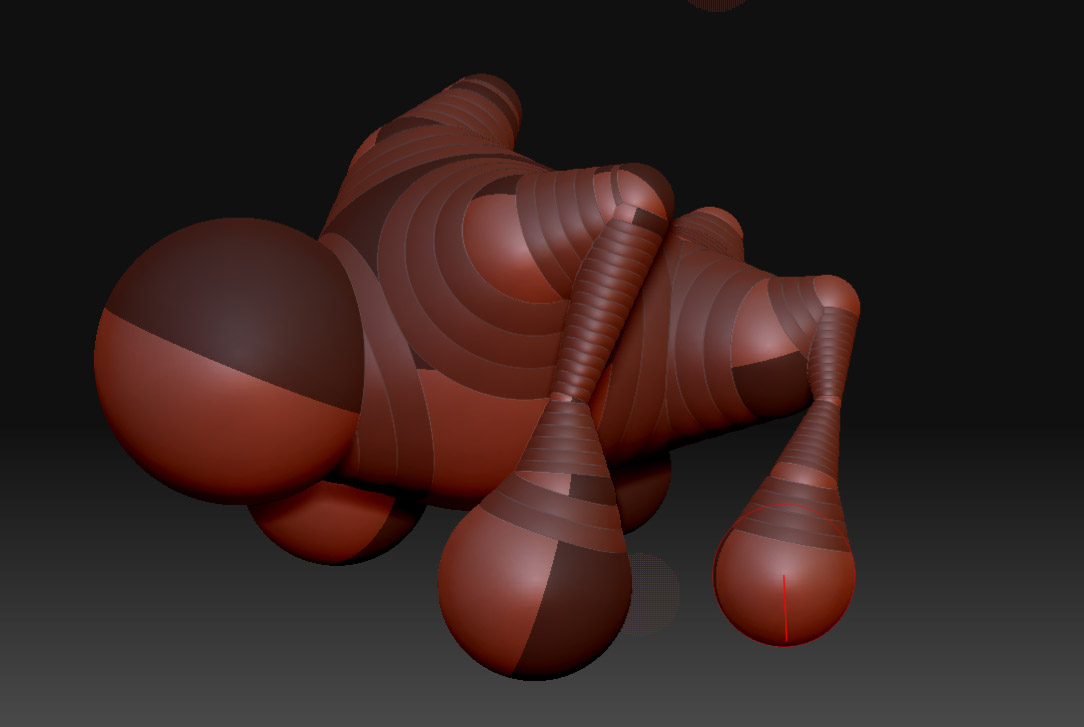
I am a newbie on zbrush and was modeling a character. I have no clue which key by mistake i pressed and now i see that my character which was in zsphere mode has turned a lil dark and i cannot scale, move or rotate any parts of it. It selects the spheres but cannot modify them. I tried searching for an answer and finally this is where i have landed. Helpppppppppppppmeeeeeeeee…
Below is my model which has turned dark now and i cant do any thing to it just because of a wrong key press,
Irfan
Attachments