ZBrushCentral

modeled to smooth polypaint/normals issues?

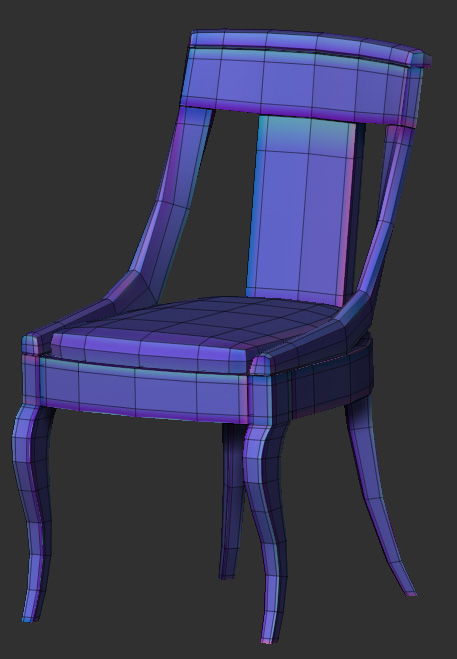
I hope this isn’t a recurring topic; searching yielded no results. I guess I could generate this particular normal map in another application, but I enjoy the simplicity of zmapper so much that I would really like to find a solution for this. It’s happened on both organic and hard surface models I’ve created in the past.
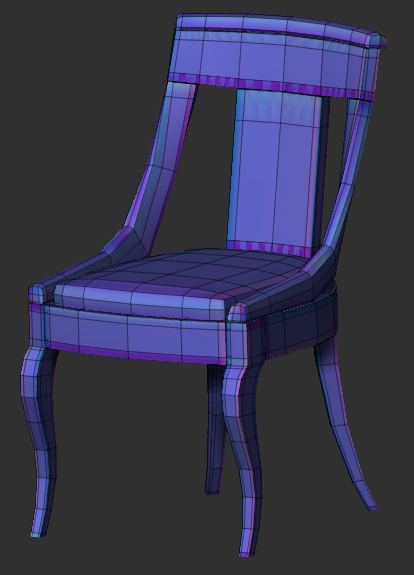
Nearly every time I model to smooth and add edge loops near a corner/edge/whatever, I get odd artifacting. At first, I thought this had something to do with how I was unwrapping, but now I’m not so sure. The same thing is happening both for exporting polypaint textures, and for generating normal maps.
Does anyone know how to prevent this/what settings may fix it?

Attachments
normalTestSnapshot.jpg

Looks to me like you need to give those chamfered edges some breathing room in your UVs. If you added those loops after your did your UVs, that would quickly explain this.

Thanks, Dustin. I think that went a long way towards addressing it. I’ve yet to try it on the other things it’s occurring on to see if it fixes those, too.

I think that, as far as UVs are concerned, what’s happening is… I’m modelling to smooth, and making edgeloops pretty tight on the corners. I’ll UV unwrap it(in Headus), and then export it to zbrush. Then, when I subdivide, it’s relaxing those edges on the corners, but not moving the UVs.

Below is a snap of what the normals look like with mostly the same settings (a little bit of seam overpaint added), but with the UVs laid out AFTER the subdivisions are done.

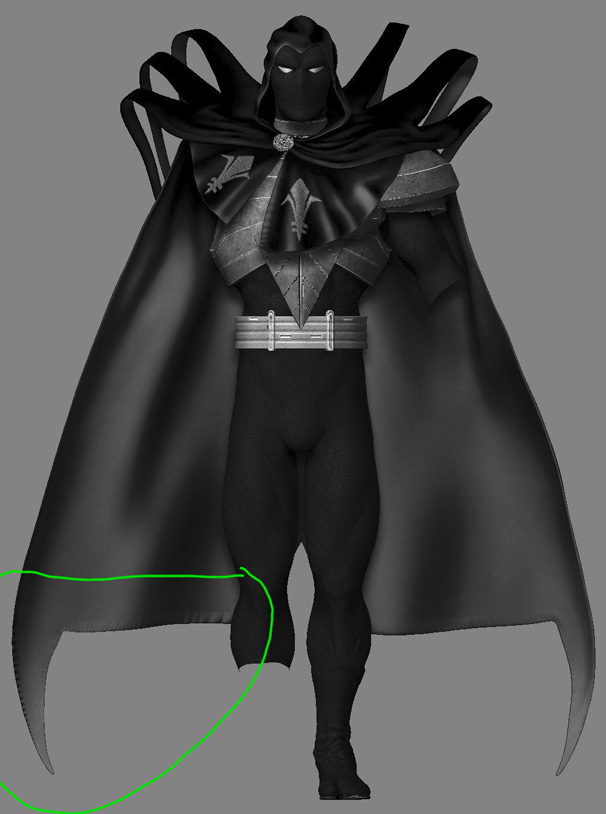
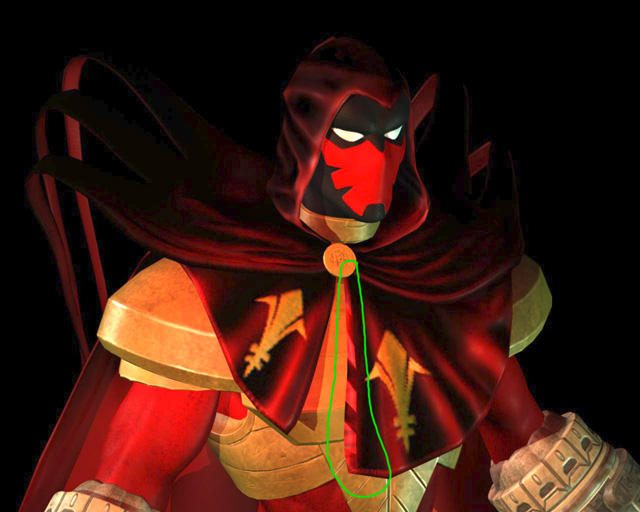
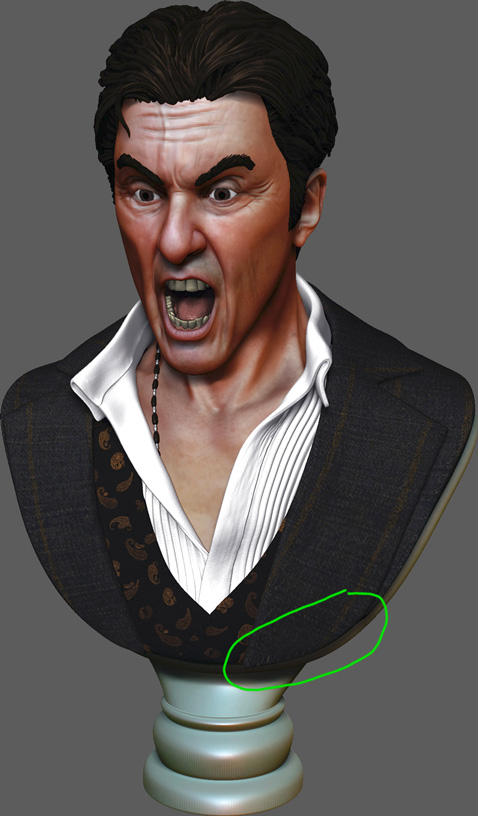
I’ve also posted of few screens of previous projects where the issue arose. I’m hoping to really nail this, so I can consistently prevent and/or fix it in the future.

Thanks again for your input! :smiley:

normalTestSnapshot_02.jpg

Attachments

az_wip_30b.jpg

az_wip_37b.jpg

prj01_pacinoWip_27b.jpg

A couple things. In Headus, you have three flattening mode switches: O, C, and N. N is great for organic shapes, but after I flatten with N sometimes I switch over to O and use the B hotkey to paint out any specific areas that look wonky, like chamfered edges.

In ZBrush you should store a morph before you increase your subdivision levels, then go back to level 1, hit morph>switch (you will see your base mesh swell back to it’s original shape), then morph>delete. After that you can dial your subdivisions back up. That should help keep your chamfered edges from getting too tight.