ZBrushCentral

Model Trouble

Hey everyone,

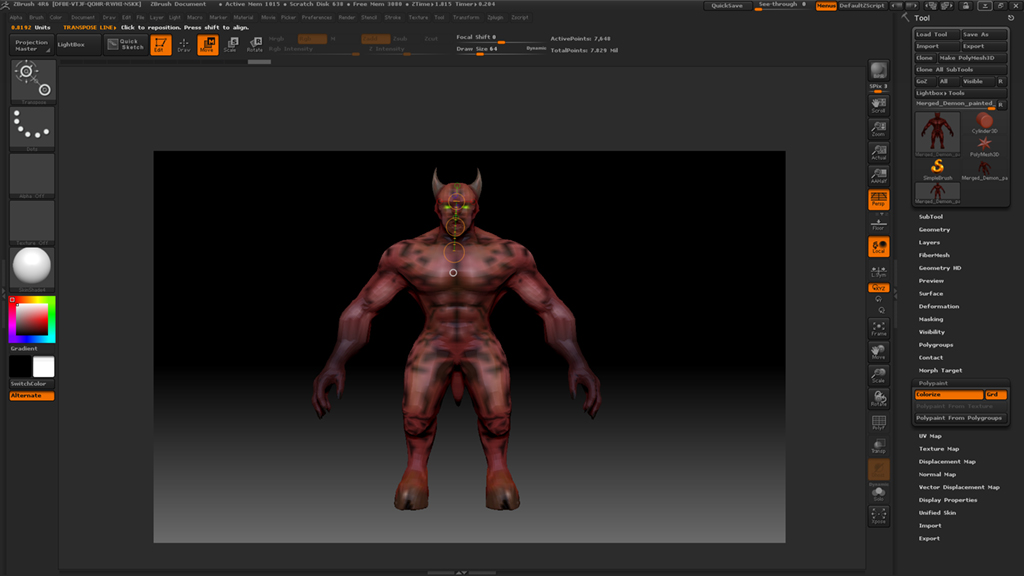
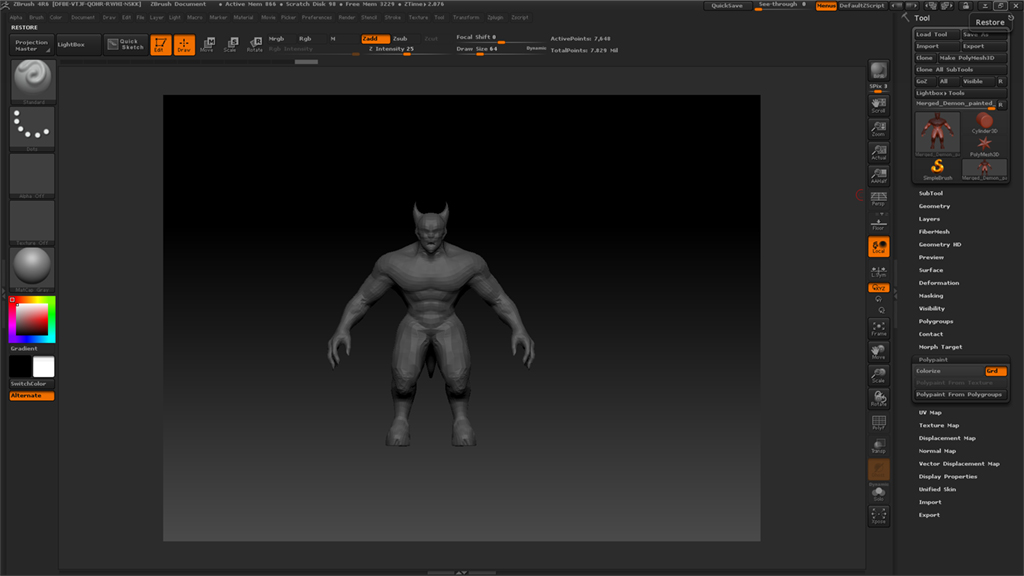
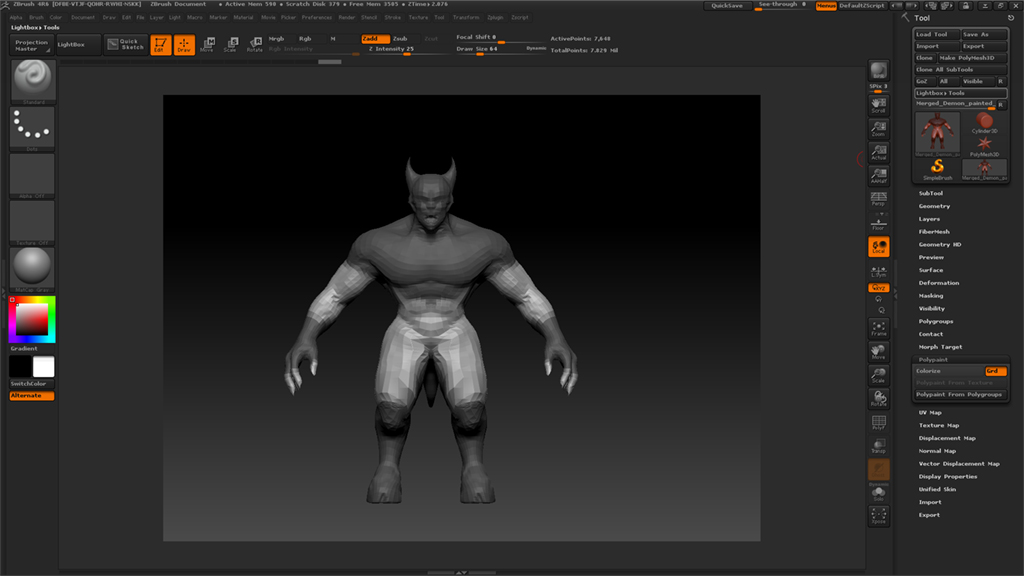
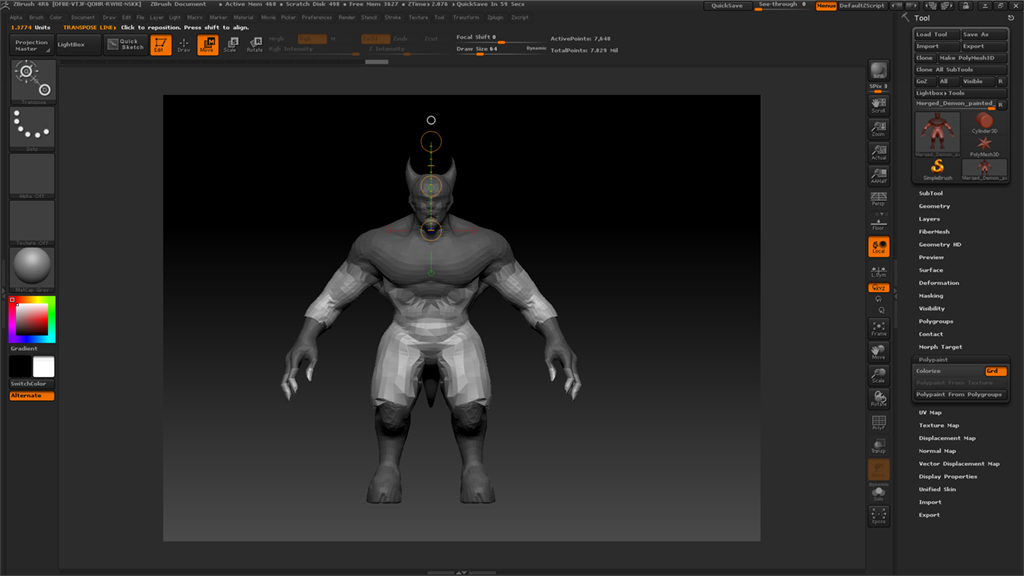
So, I’m relatively new to zBrush, and I have already stumbled upon this problem. So, I went to the lowerst subdivisions. I held control and dragged a mask over the whole model. I inverted it. However, after I inverted it, this was what happened:

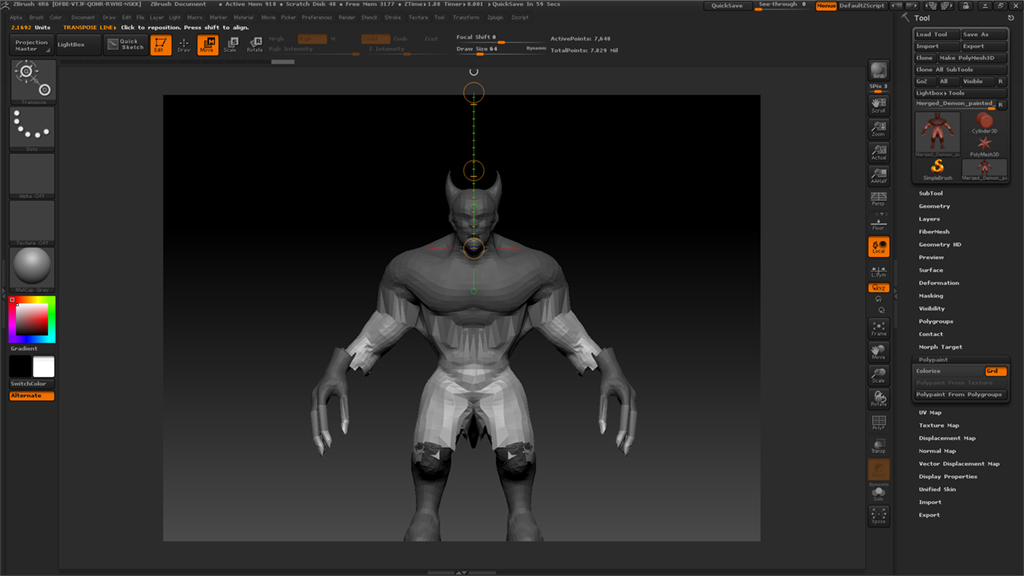
I then selected move, and disabled symmetry. I tried moving the head and this was what happened:

Any ideas on what is causing the problem and whether there is a solution?

Thanks!

Attachments
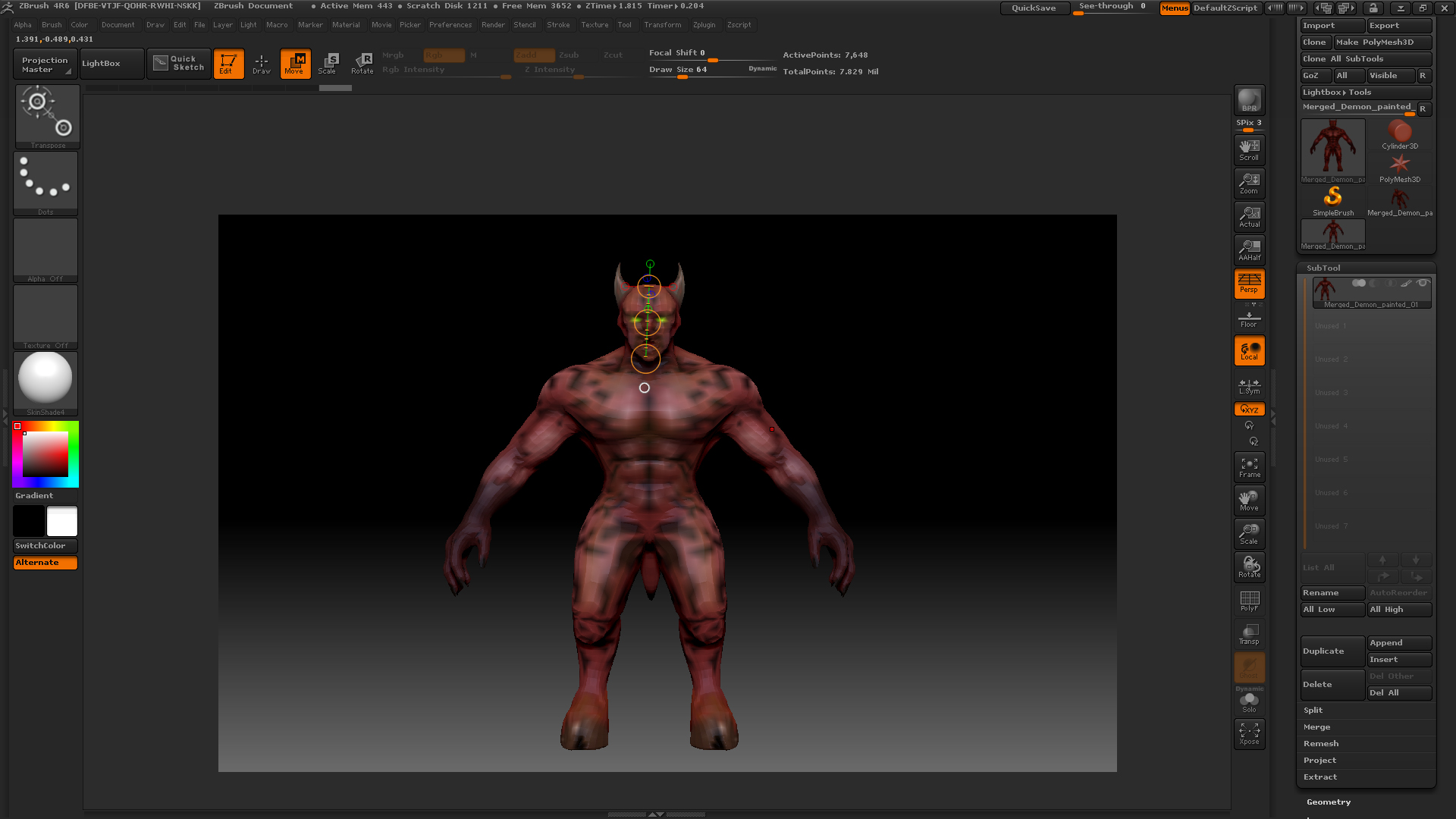
photo 1.jpg

photo 2.jpg

I’m unclear as to what you are trying to do. Masking the whole of a model and then inverting the mask simply removes the mask from the model. From you screenshots it looks as though some of your model is masked but it is hard to tell with polypaint on. Turning off Tool>Polypaint>Colorize will hide the polypaint and make it easier for you to see what masking is applied.

Hey,

Sorry for that. It’s turned off now.

1.) This is just with masking over the whole model by holding down control. 1.jpg

2.) This is with masking inverted. Untitled-1.jpg

3.) This is used with the move tool. 3.jpg

So, I was wondering why, in 2 and 3, it is like that and whether there is any way to fix this problem? I was just trying to move specific parts of the model just to make it look more imposing.

Thanks

Attachments

3.jpg

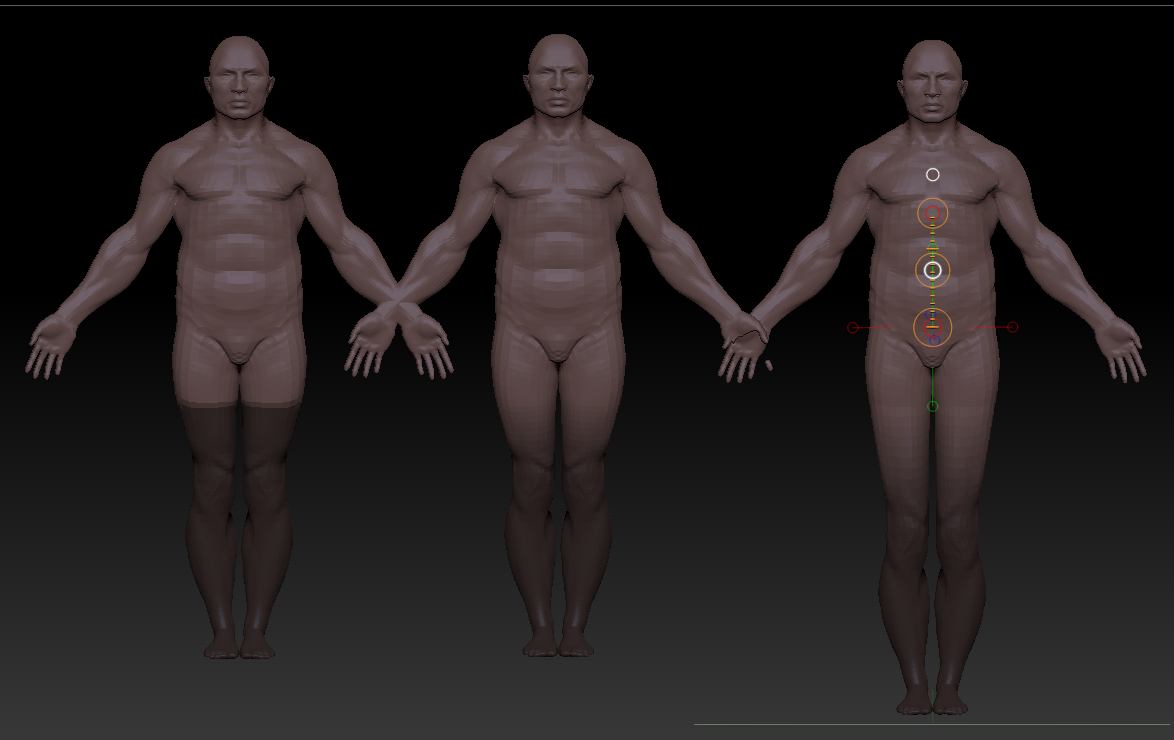
OK, thanks, that’s clearer. The grey bits are masked and the white bits are unmasked. The masked bits will stay put when you try to move anything. Because the top and bottom of you model are masked, when you try to move the unmasked center bit it shears in that messy way.

What you need to do is mask one part at a time, so that you can stretch the whole model uniformly. The attached picture shows the sort of thing, using the demo soldier.

  1. I masked the legs by Ctrl+dragging a rectangle over them.
  2. I Ctrl+clicking on the mesh to blur the mask I did this about 6 times to really soften the masking to avoid sudden changes.
  3. In Move mode, I positioned the action line and the dragged the center white circle upwards. Holding Shift to do this will constrain it to the vertical direction.

There’s more about masking here:
http://docs.pixologic.com/user-guide/3d-modeling/modeling-basics/masking/

Attachments

Masking.jpg

Hey man,

Thanks for taking the time to reply. However, when I try ctrl+dragging a rectangle over the model’s thighs, this is what happens:

Untitled-1.jpg

So, you can see the rectangle maskin over the upper quads, but the other parts are masked as well, which is what I do not want.

Have you tried clearing the mask (press Tool>Masking>Clear) before trying to mask again. If that doesn’t solve it then I’d have to see the model to try and find what’s wrong.