Hi everyone,
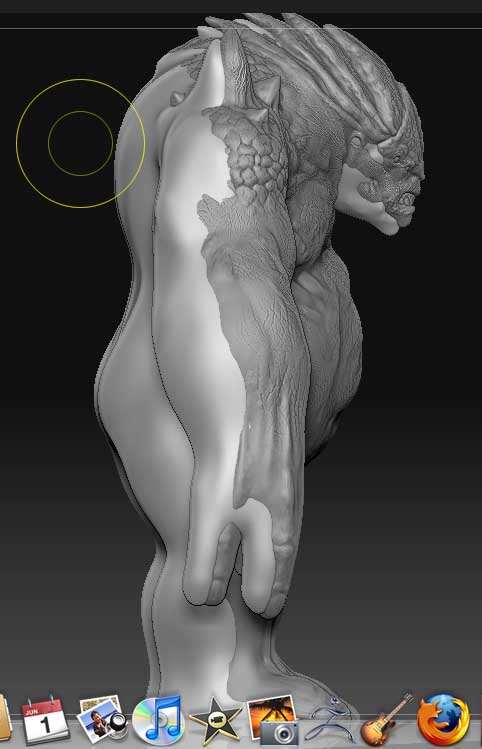
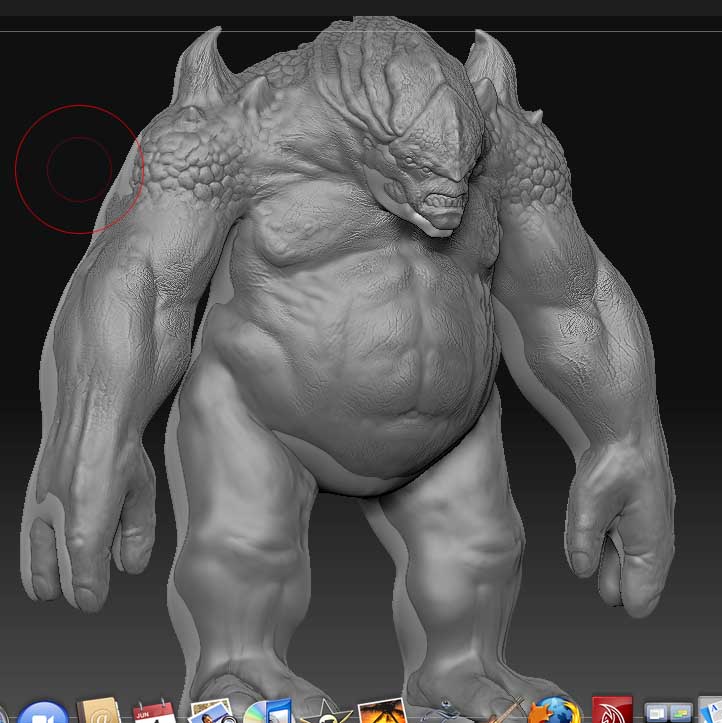
I would like to project my high resolution sculpt details onto a new mesh. When I bring in the retopologized mesh into zbrush, it is slightly out of alignment with the high resolution sculpt I would like to project from. Here’s my workflow and some pictures.
-
Model and retopologize within z-brush.
-
Export the lowest resolution subdivision as an obj and set up UVs in MAYA.
-
import the model back into z-brush.
-
Append the model as a subtool to the high resolution version and “project all”.
The problem is that when I bring it back into z-brush, it’s slightly off kilter from the mesh I want to project from. I can still project and clean it up a bit of course, moving the mesh to fit as best I can, but this seems unnecessary and I’m sure I’m just not importing/exporting with quite the right settings. I can’t wait for that “go z” Pixologic posted. Looks amazing and will probably go a long way towards solving all of these import/export issues that bog down the forums right now.
Thanks again for any help you can offer.
Attachments