ZBrushCentral

Model Distorts When Offset or Moved

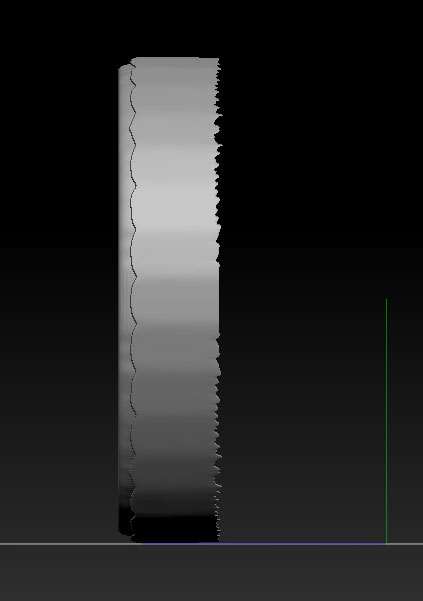
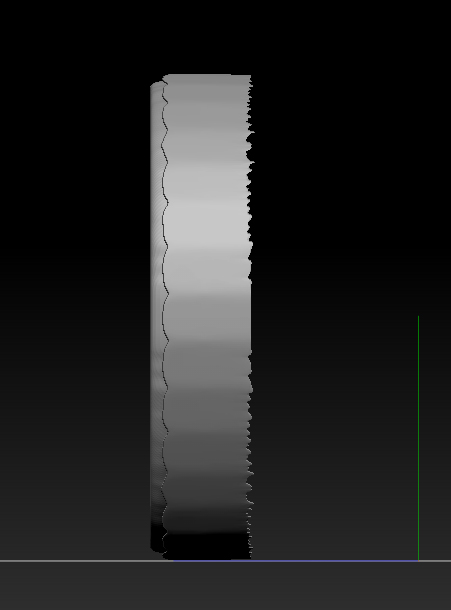
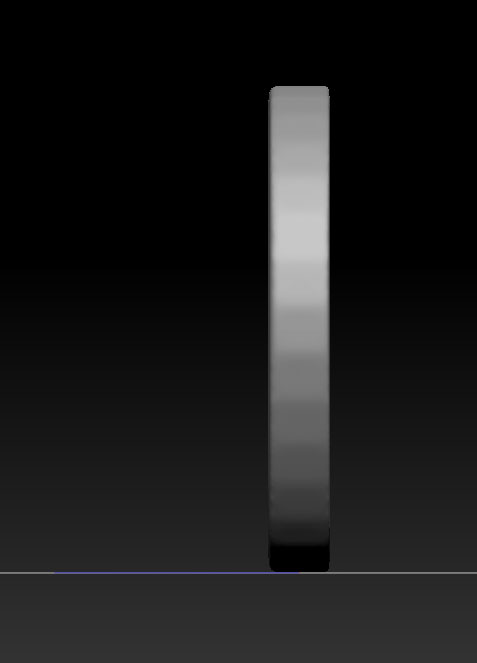
Hello fellow ZBrushers. I’m brand new to the program and have encountered a strange distortion problem when I use either Deformation – Offset or the Transpose – Move tool to move an entire model. This has happened on three different models-- one made from the parametric cylinder, and two made from scratch, starting with Alphas (I then used the “Make 3D” button to create models out of the alphas). Is this a bug, or am I doing something wrong? The distortion does not occur when I use the same techniques to move the demo head.

Thanks in advance for any help you might be able to offer.

Attachments
before_offset.jpg

after_offset.jpg

before.jpg

after.jpg

The odds are that you have a mask active. Looks like the ends of the cylinder are masked. Go to Tool > Masking and click ‘Clear’ or hold down ‘Ctrl’ key and click and drag on an empty spot on the canvas. Also, whenever you use ‘Make 3D’ from an alpha, the alpha is left on the mesh as a mask and has to be cleared. Leaving the alpha on as a mask after ‘Make 3D’ does have it’s advantages on occasion, if you want to make more, various ‘Deformations’ or sculpting on it.

1 Like

That was it! I did not know that a mask was being applied. Thank very much for the help. I do appreciate it.