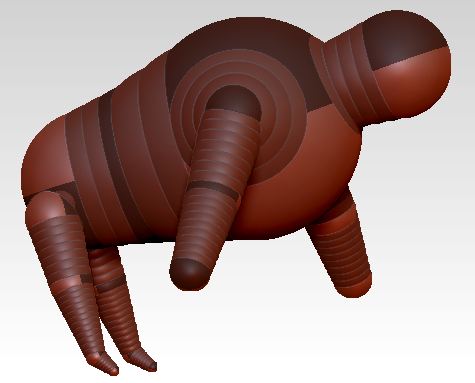
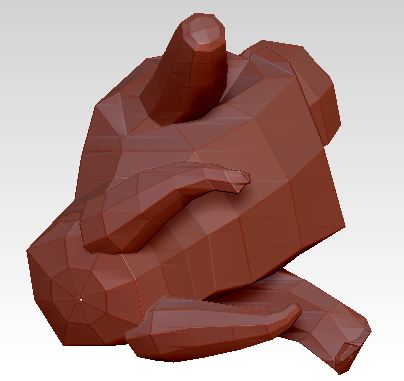
I’m trying to develop some skill in constructing and posing Zsphere armatures. The first image I’ve attached shows a simple armature. I pressed “A” to preview the adaptive skin. In the second image, note that the model has been rotated so that, in the adaptive skin preview, I’m looking at the underside of the model. First time I’ve ever had that happen. Can anyone tell me why the position of the model changes when I go from the zsphere armature to the adaptive skin? Many thanks.
Doc Pit
Attachments