ZBrushCentral

Micromesh Render Issues

I have a perfect project that I’d like to use Micromesh for, but it’s not rendering properly for me. I have two issues…

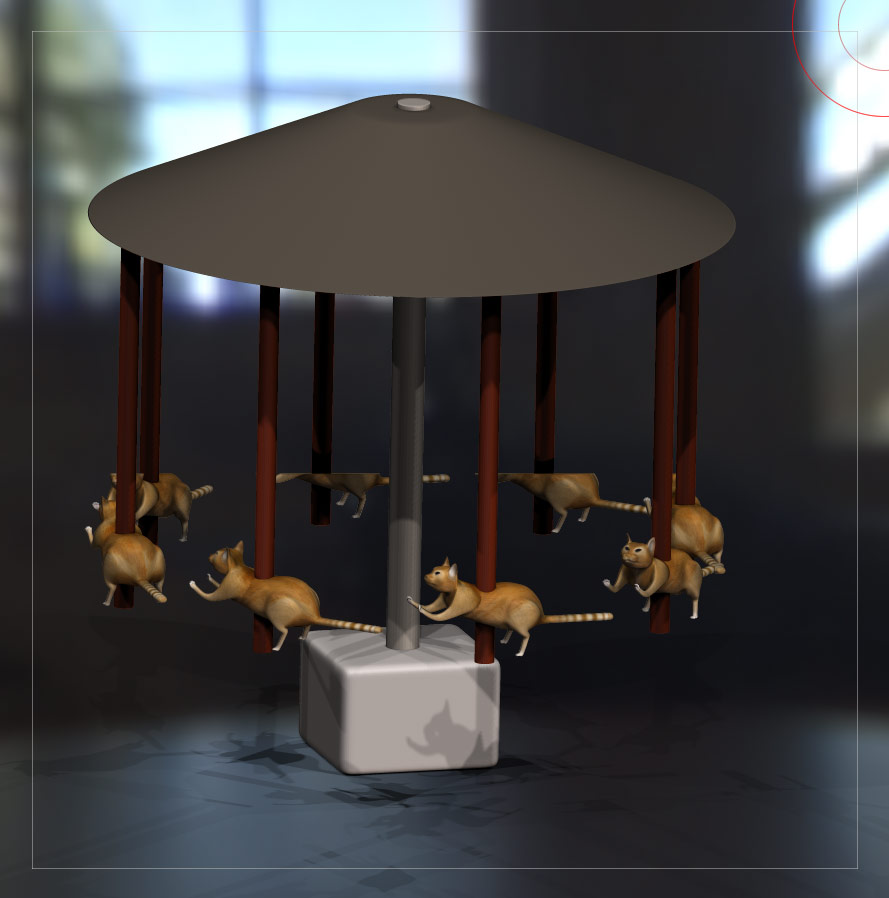
  1. The render cuts off part of the assigned mesh, which in this case is a cornstalk. I had a similar problem in the past with rendering the floor shadow, which was fixed by increasing the grid size. But that didn’t work in this case.
  2. The coloration of the corn stalks is gone. I tried it with Polypainting and assigning UVs and texture, but in either case ZBrush ignores it and renders the cornstalk with the color and material presently selected.

In the documentation, there’s a pic with a sphere and colored leaves which uses the micromesh, so it looks like it should be possible. Am I missing a step somewhere?

Great update overall, by the way!

Attachments
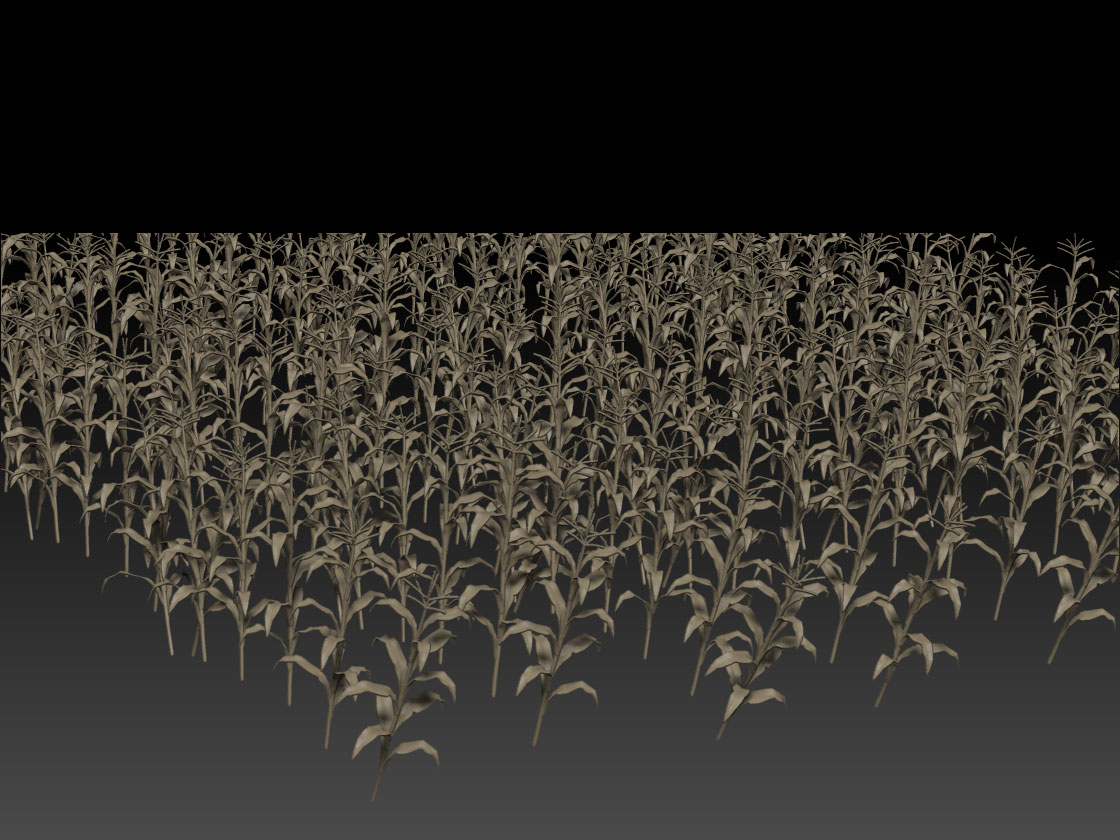
Cornstalks.jpg

Nevermind. I figured out a workaround for the render cutting off the top. I just added one more polygon way above the scene which Im guessing made ZBrush take more space into account for rendering it… I dunno… but it worked. :slight_smile:

And somehow I also got the coloring to work with the UV version with assigned texture. So all’s good!

Sorry i have exactly the same problem and didn’t really understood your workaround, i just tried myself (put a plane above the scene), errr no change at all ^^;; If possible, can you show a screenshot of your method ?

167430testmicromesh1.jpg

For the cornfield, I used an insert brush and drew the rows of individual polys over the ground. Then I duplicated one of those individual polys I drew and moved it far above the scene. It wasn’t a separate plane subtool. So I think what’s going on then is that ZBrush now thinks there is a micromesh instance on that poly above the scene and will take that into account when determining the space that the micromesh will take up. Does that make sense? I’m speculating that’s what’s happening, but for whatever reason, it seems to work for me.

Thanks for the fast answer, i’m on it right away :slight_smile:

Alright it works !!! :+1:
I use planes for my micromeshes, so i just duplicated on of them on the same subtool as you said, and put it far away at first.
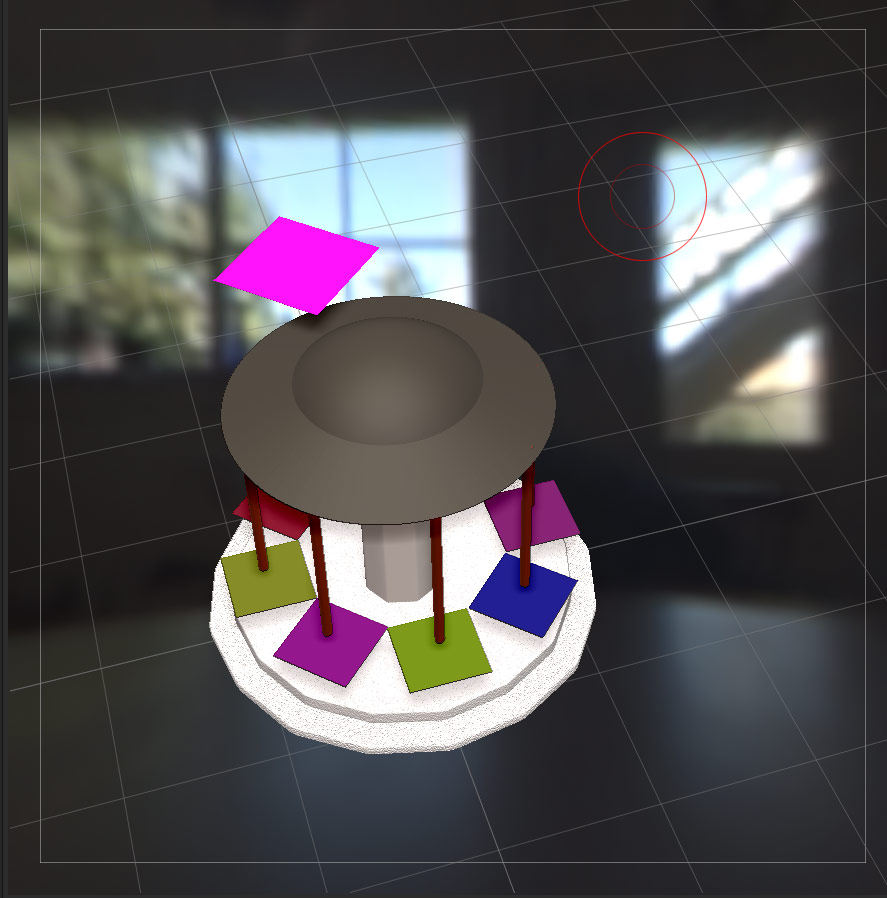
Strangely, just putting it above the scene is enough. Here on this screenshot, the plane is simply on top :

345996testmicromesh1cworkaround.jpg
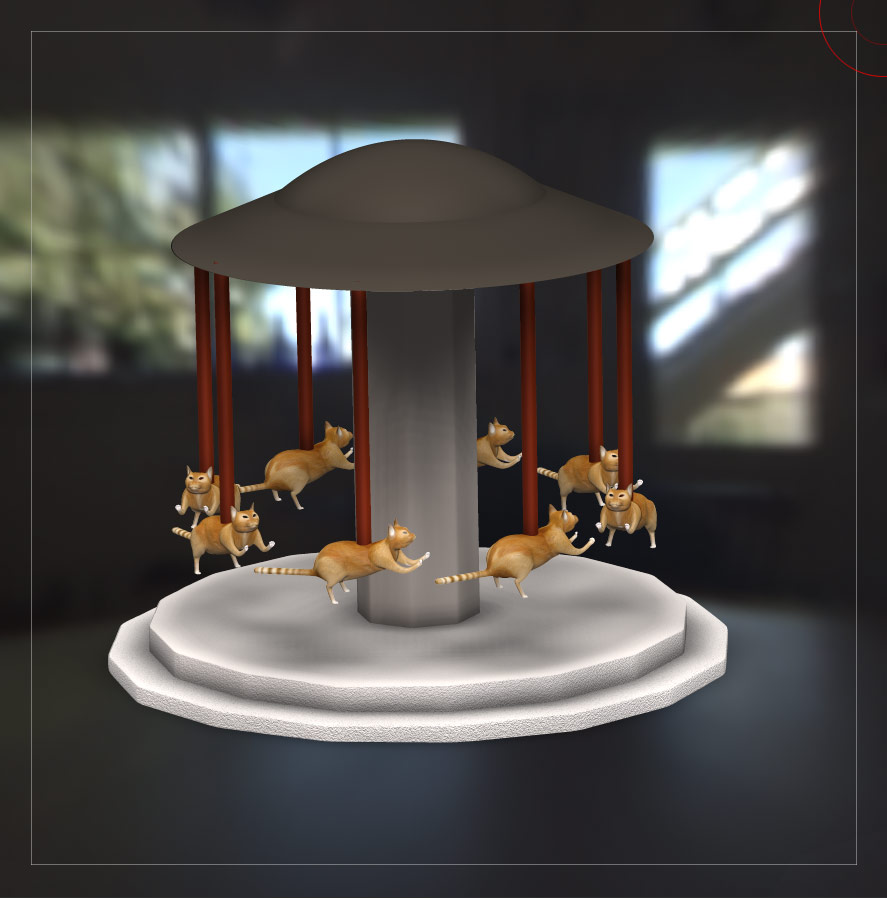
test_micromesh1c.jpg