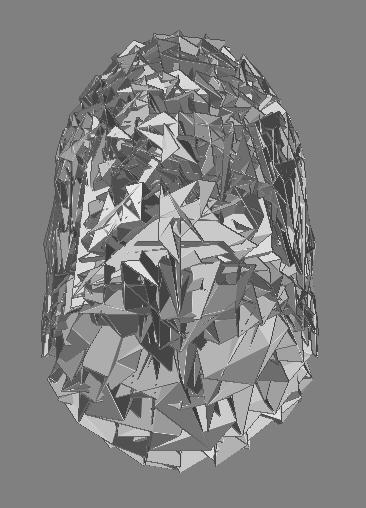
Hi, im very new to zbrush2 but Ive sculpted quite a few models. I would usually just start from zspheres in zbrush the whole way, but i want to try to make a model in max then export to zbrush, then export back to max. I know the process of how to do this, and ive done it before, but for some reason now, i get very very messed up mesh when i import an .obj from max into zbrush2.
im using max7 and zbrush2. when i export as .obj and import it into zbrush i get a wierd mesh like in the image. BUT i can export from zbrush and import into 3dsmax jsut fine. anyone know whats the problem?
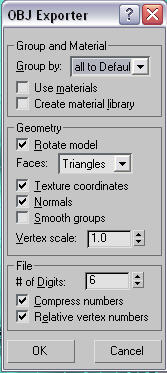
ive also attached the settings i used. BTW that messed up jargon is supposed to be a head and its only like 2700 polygons.
Attachments