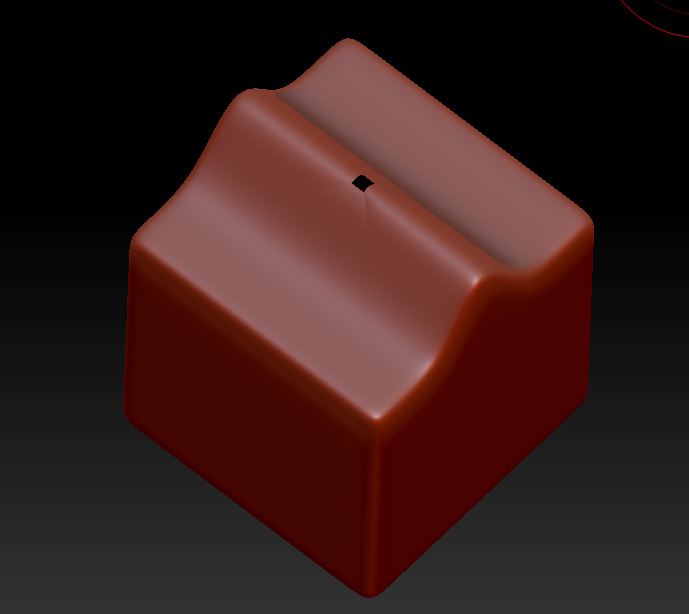
Hi guys, sometimes when I go to polish a mesh, I end up getting little holes in the mesh like this:
All I did here was to grab a cube, make it into a polymesh, subdivide it, warp it with the transpose tool and then polished…anyone know how i prevent that?
Attachments
 I’m so used to importing meshes into ZBrush, I just assumed the primitives would work as is. Thanks so much!