I’m using zmodeler brush to make my mesh. When i press the dynamic button to bevel everything out, I get these weird holes. I unwelded the left section. But I doubt thats whats causing it.
Im a newbie beginner in zbrush.
Attachments
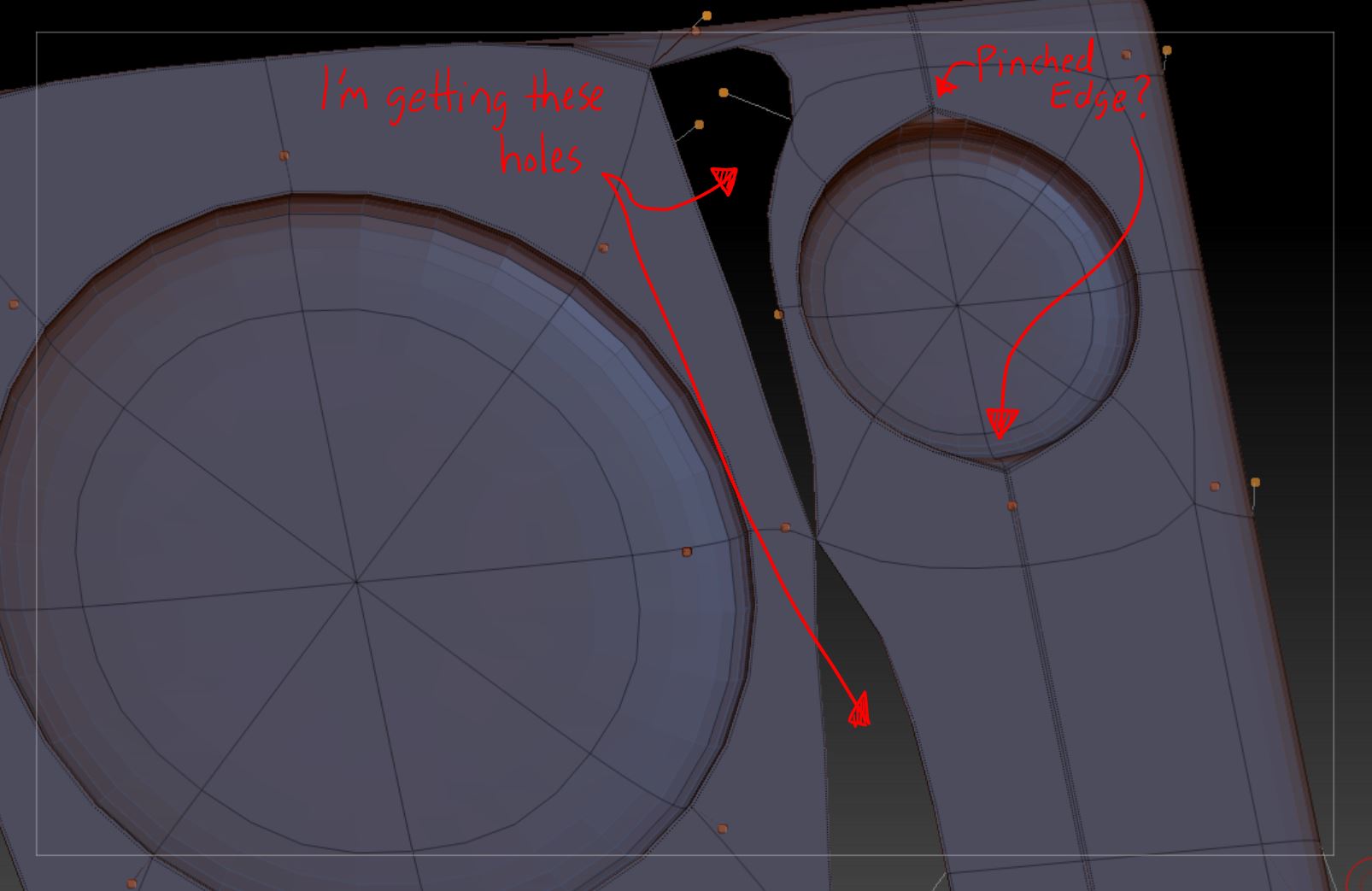
I’m using zmodeler brush to make my mesh. When i press the dynamic button to bevel everything out, I get these weird holes. I unwelded the left section. But I doubt thats whats causing it.
Im a newbie beginner in zbrush.
Please help me Im really stuck. I’ve been stuck on this one model for a week now because of this problem.
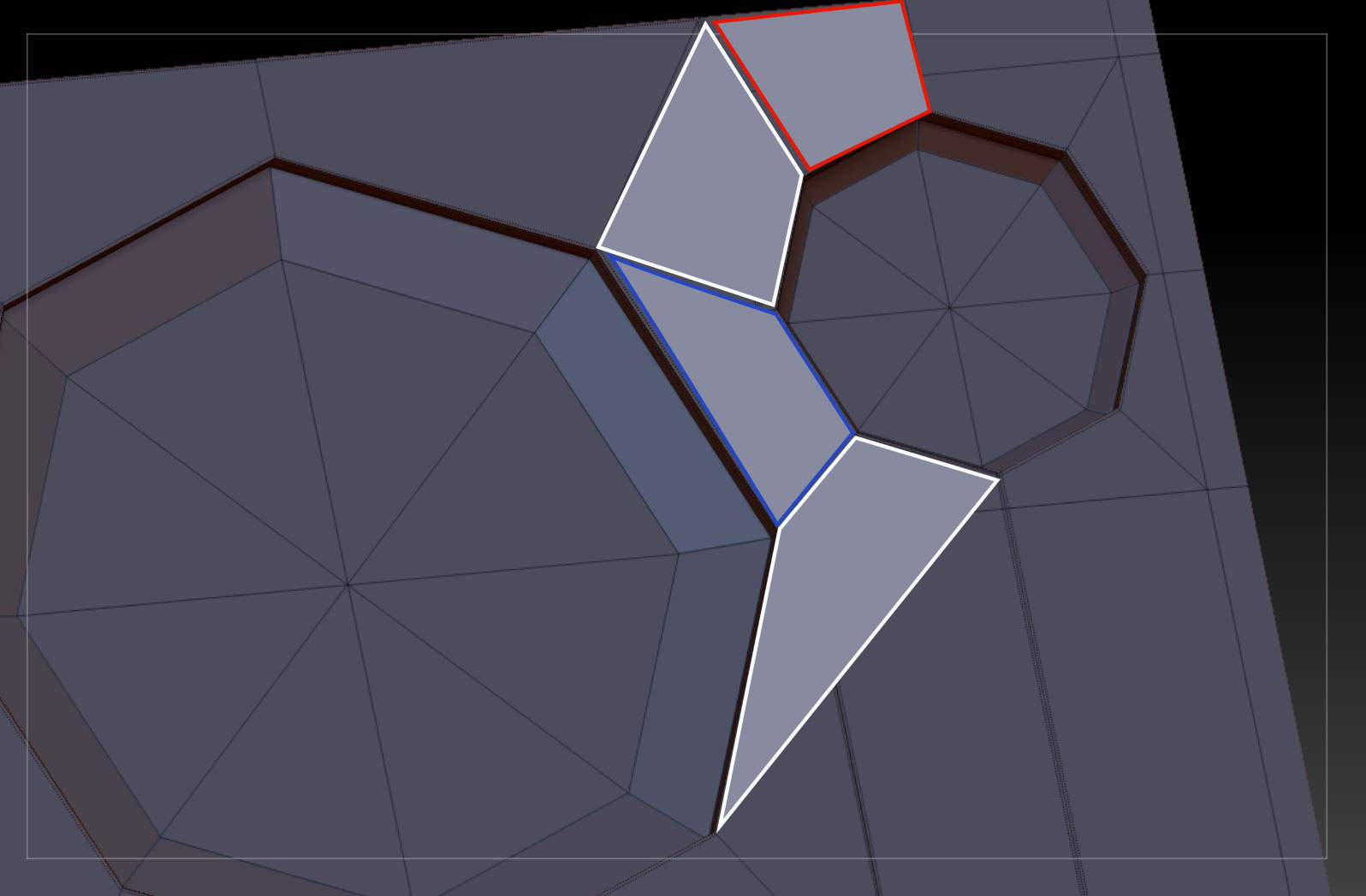
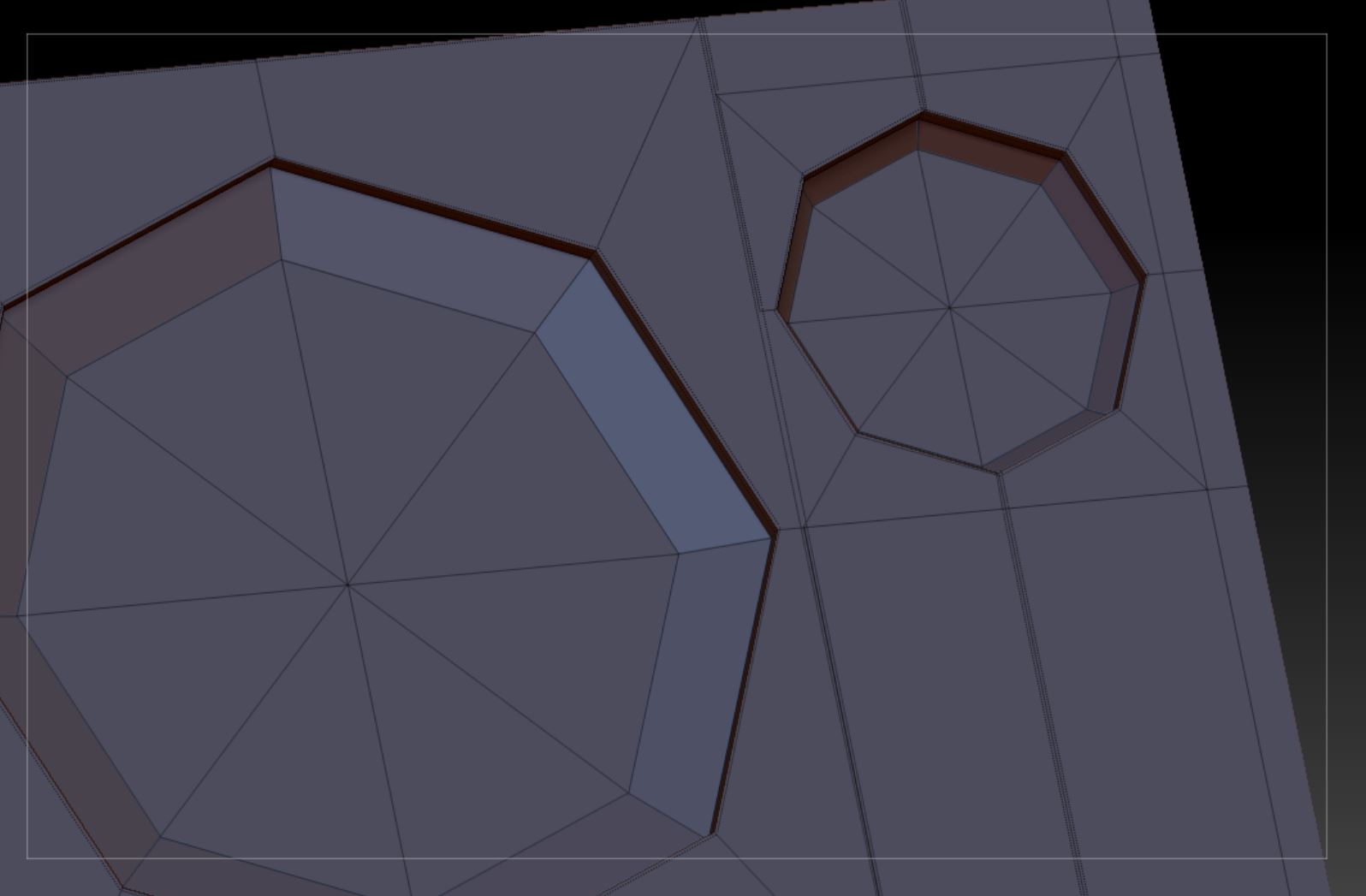
Your polygons arent stitched up where the holes are appearing. I’m guessing that the huge 5 sided polygon on the left of the top hole isnt stitched up properly to the 3 smaller polygons on the right. The pinched edges are happening because you’ve got crease lines running up and down the circle’s edge.
As for how to fix it, try redo your flat surfaces like in the attachment. ZModeller-Edge-Bridge works well for this.