ZBrushCentral

Merging OBJ

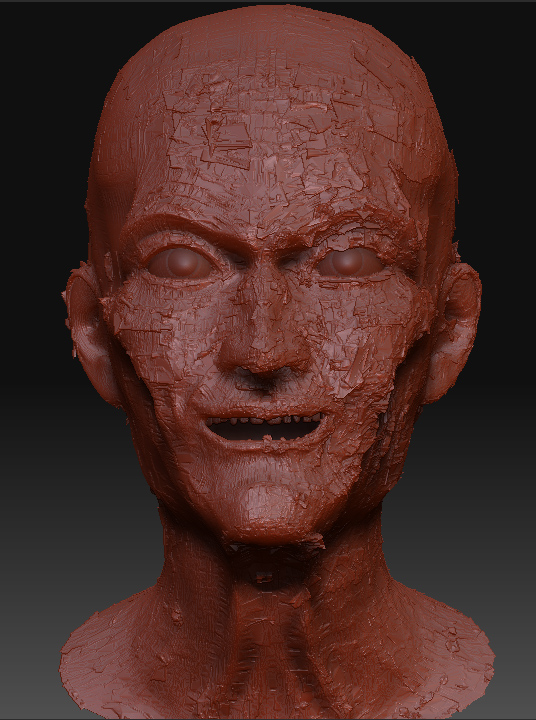
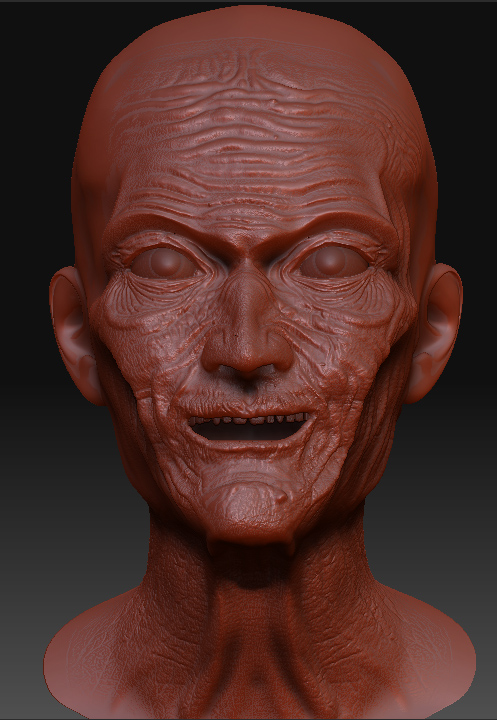
Hi, I have one question, is this what I wan possible at all. I know when I want to change something with UV’s, just go to sub level 1, export obj, go into max (for example) change UV’s, export as obj, in Zbrush go to import, press merge, and new obj will replace old one, but all sub levels will stay ok. Now I have done something similar. But, I wanted to change mesh, so I have moved some vertex, but nothing radically, and after importing in Zbrush and after putting back model on higher sub level all went wrong!
Can this be done in Zbrush any way?

Attachments
zb1.jpg

zb2.jpg

If you’re going to change the point order or the number of points at the base mesh level (that is level 1), you can only preserve UVs (to a degree) using the edge loop command or locally subdividing. Everything else is likely to change up your UV work.

If you need to preserve detail & levels with a new, similar base object, you have a couple of routes. Use Zbrush’s retopo tools to make the changes and if you follow the setup instructions, your details will be automatically projected onto the new topology. Alternatively, refine your base mesh (level 1) in another program, UV it there, and then import back into Zbrush. Make your old object (with all the details) a subtool of the new object and use the “Project All” feature to transfer your detail to the new object. You may need to clean up a little with the Zproject brush, but its better than starting from scratch.

HTH,
-K

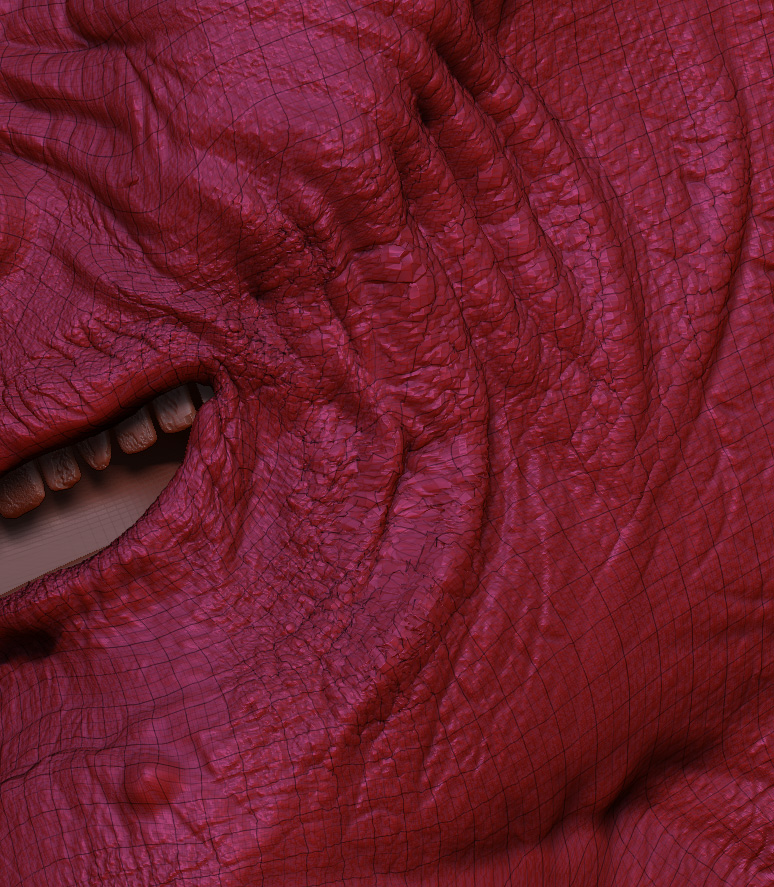
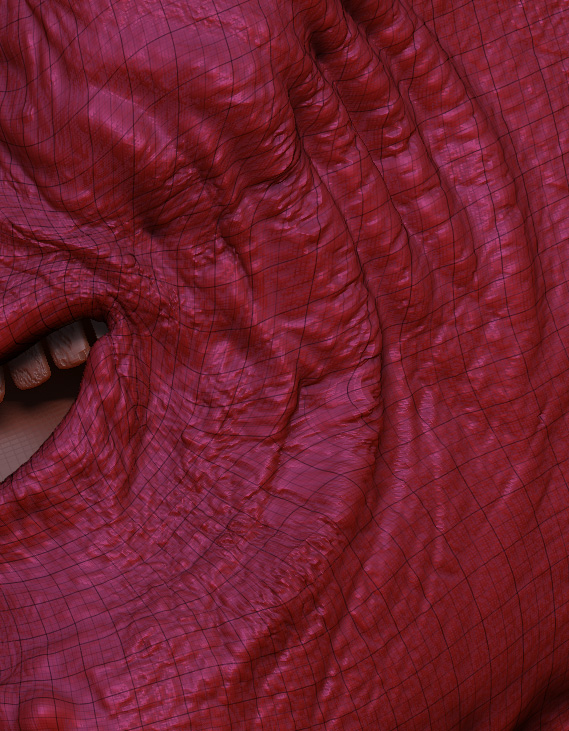
Kerwin, thx but this is not solving my problem, but I have found great button in zbrush “Reproject Higher Subdiv” and here you can see why!

Attachments

mesh1.jpg

mesh2.jpg

Ah, I misunderstood what you had meant by “change the mesh”. If the point-order remains intact, then Reproject Higher Subdiv is definitely the way to go. It’s especially useful when you move some points around in the lower levels to gain density in spots for the higher levels.

The solution I suggested is for more radical changes to base mesh. :wink:

-K

Kerwin, thx any way, good to know those procedures you was talking about.