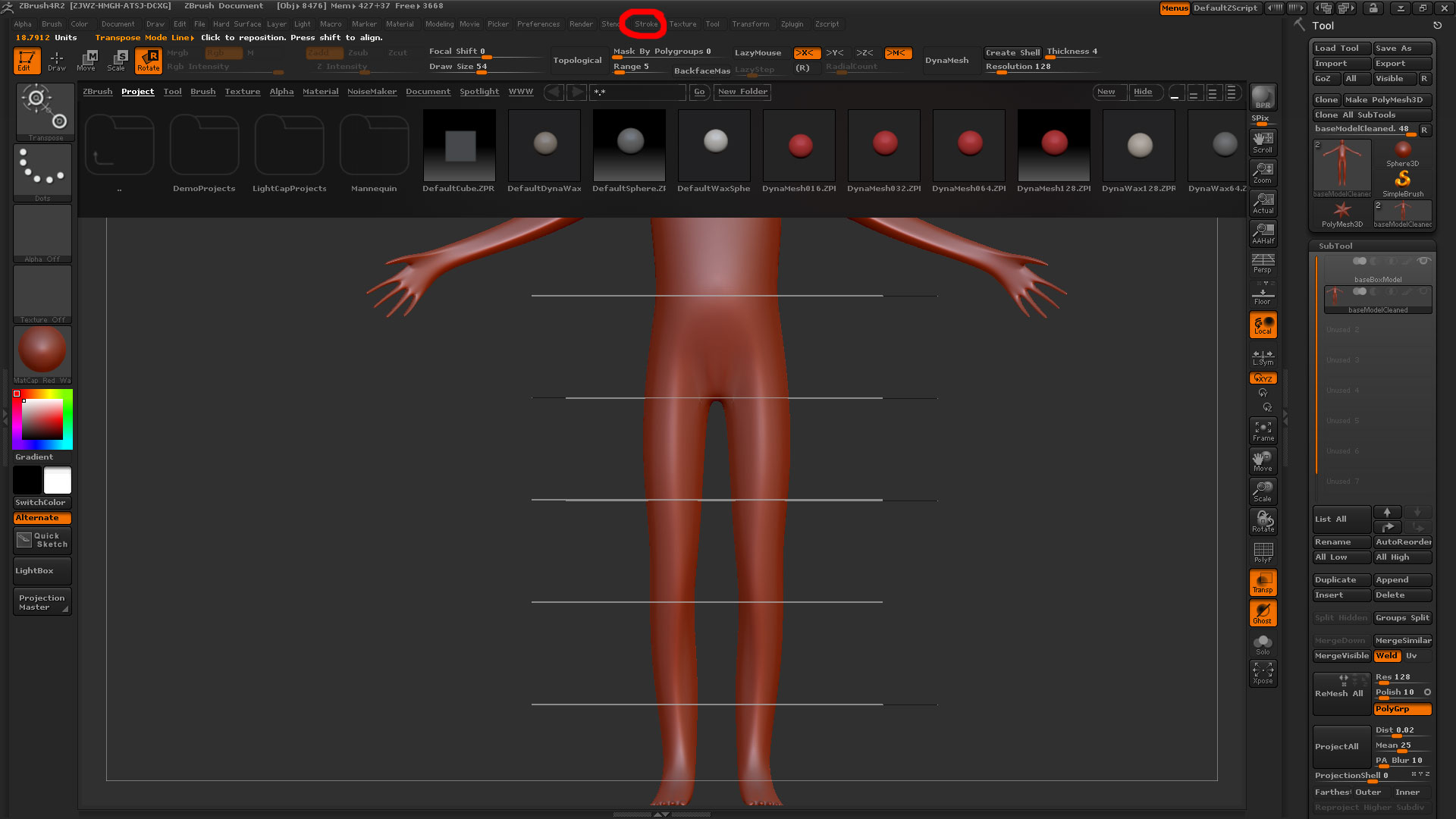
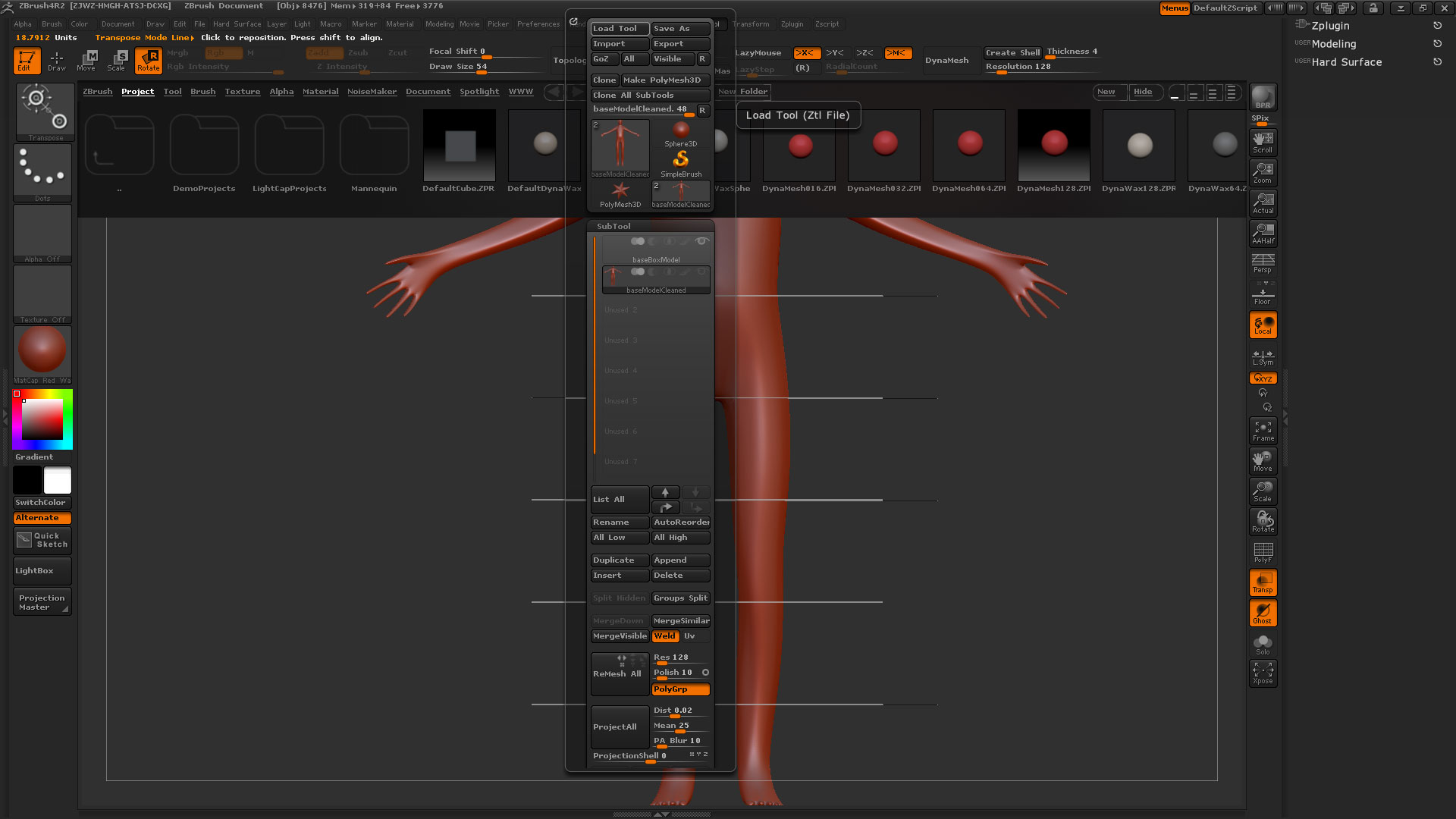
Run into a strange problem where the menu item hotboxes (areas you have to click on to open them) are significantly offset from the displayed graphical buttons when I try to open them.
You can see in the two attached screenshots what I mean. If I click on a menu item (Stroke in the example) a different menu to the right will open instead (in this case the Tool menu). Once I mouse off the menu and move around the menu bar it seems to recognize the hotboxes correctly, so I can still kind of access them, but it makes getting to the palette I need very frustrating.
Another symptom I notice is that these menus seem to be a bit higher on the screen than would be normal, which suggests to me that the spectral buttons are higher somehow?
Any suggestions on how to remedy this, or should I just look at doing a clean reinstall?
Attachments