ZBrushCentral

Memory Help?

I am using ZBrush 4r4 p2
intel i7 - win 7 ultimate - 64 bit - 8 gigs of memory.

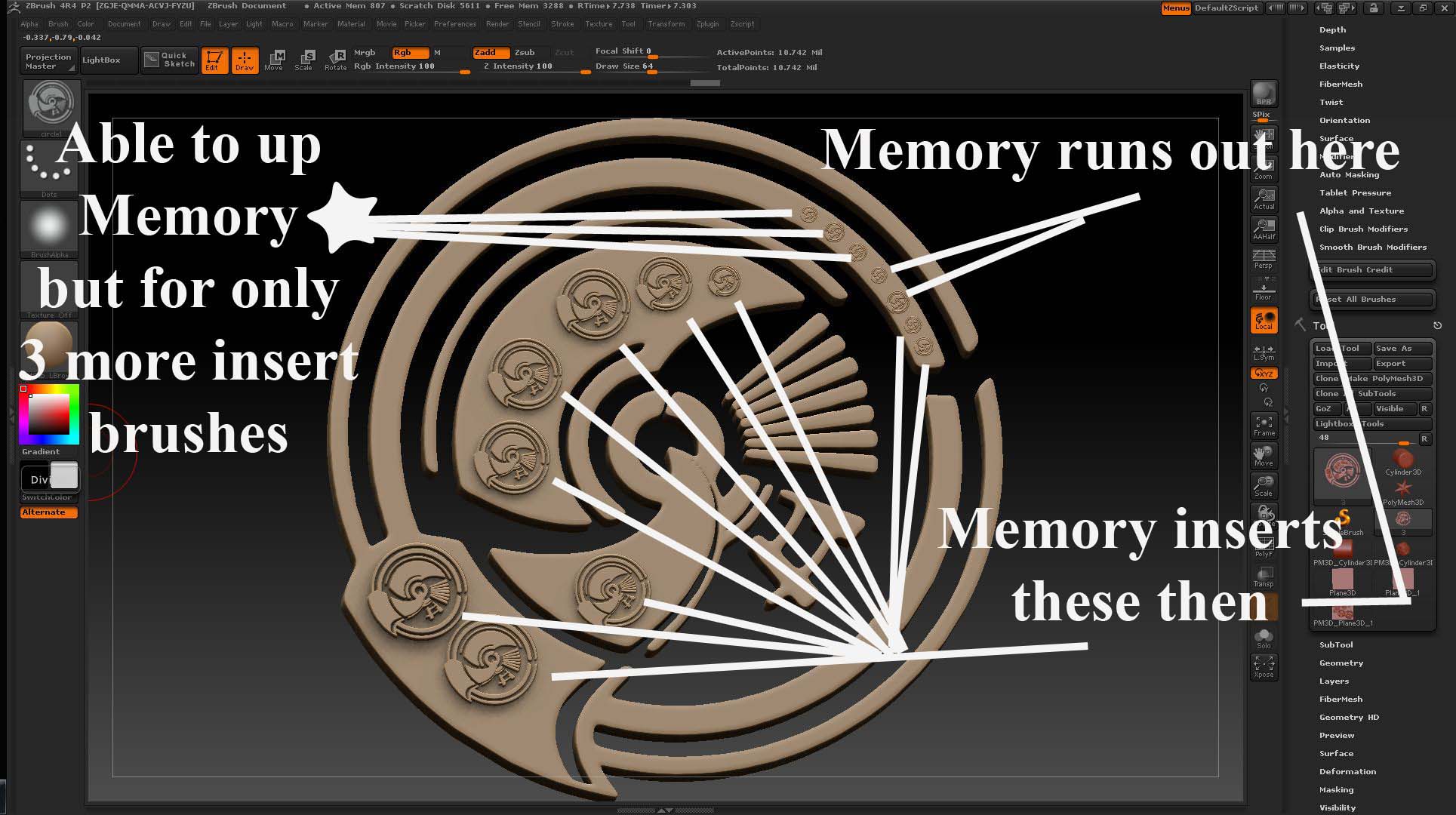
I created a ztool from shadowbox (shadowbox 512 res) > I then created an insert brush from the shadowbox created ztool > I then started using the insert brush and after some inserts got the mem needs to be config in preferences > went to preferences and I think I uped the mem settings but could only add 3 more inserts.

What do I need to do to work with higher mem (mem compact - etc)?

Attachments
zb insert brush mem1.jpg

OK I have been creating insert brushes and when I import an obj file make polymesh and create an insert brush it seems to insert hundreds on an object and no mem note to increase mem. But when I create a shadowbox ztool and do a polymesh then create an insert brush it seems to only insert about 6 times mem note comes up - NOTE- when I create a ztool from shadowbox the res is set at 512 - I do this to get clean detail.

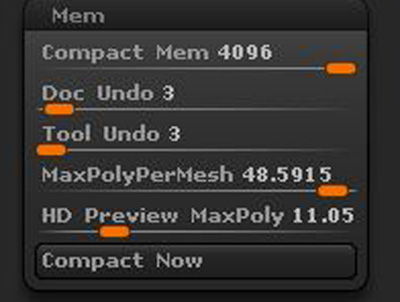
Attached a mem settings capture - which I used to get the shadowbox 512 res insert brush to cover a cylinder.
Also, after seeing video on memory settings it said to raise the mem to around 7500 (for 8 gigs of memory), however when I do this it goes to a default of 4000 and something (see setting in attachment)

What am I doing wrongmem settings.jpg to get more mem OR other ways to lower the models geo without losing details when using the insert brush.
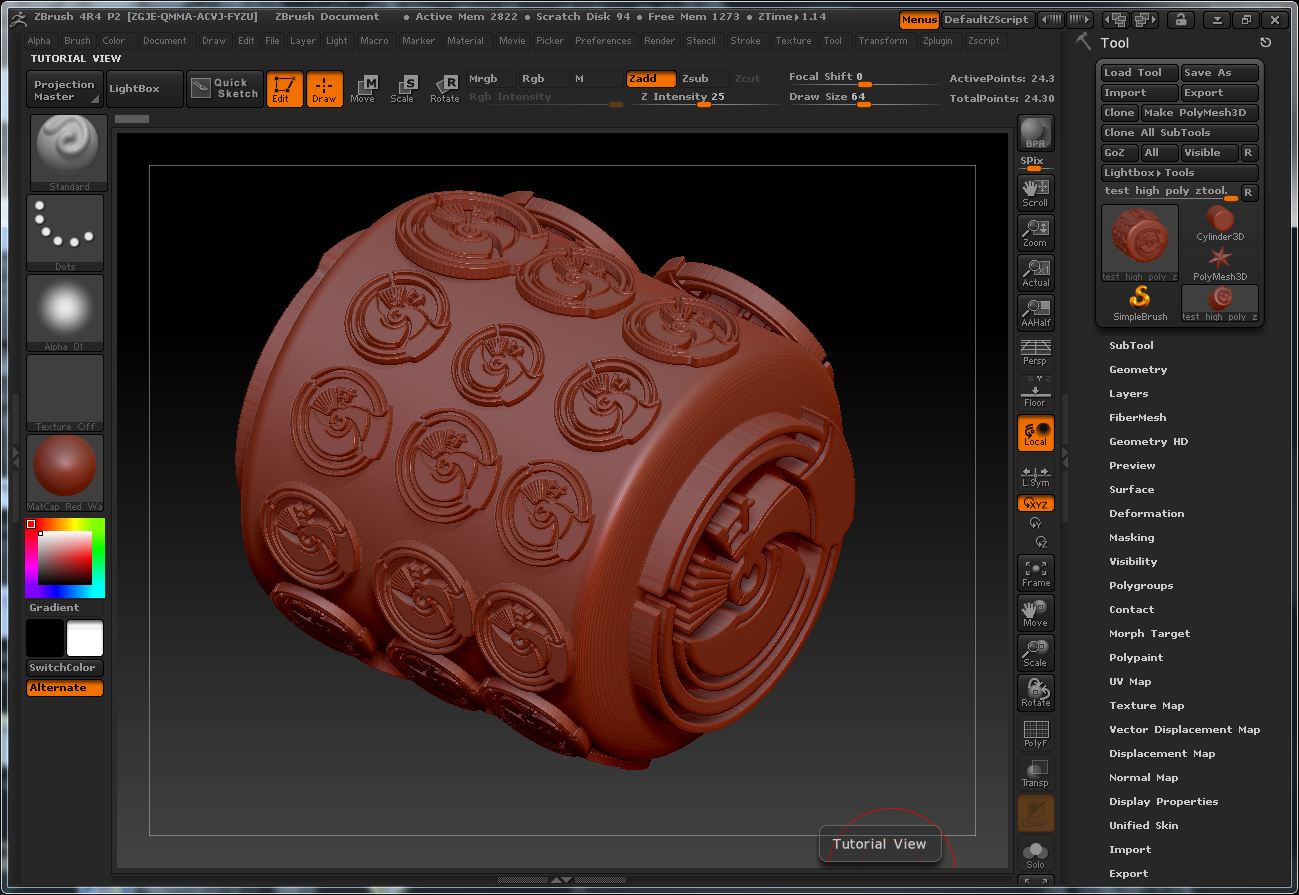
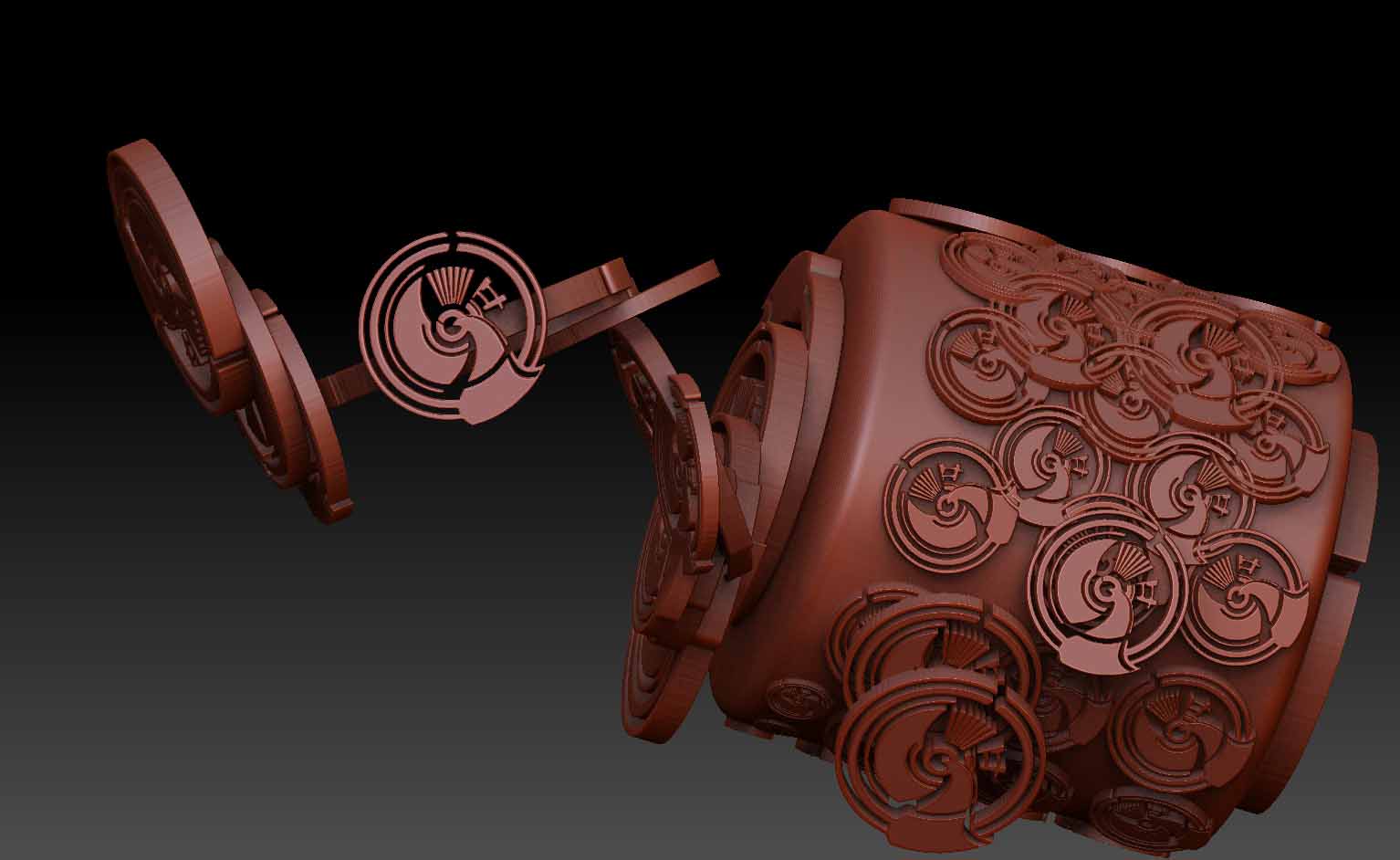
Attachments

test1.jpg

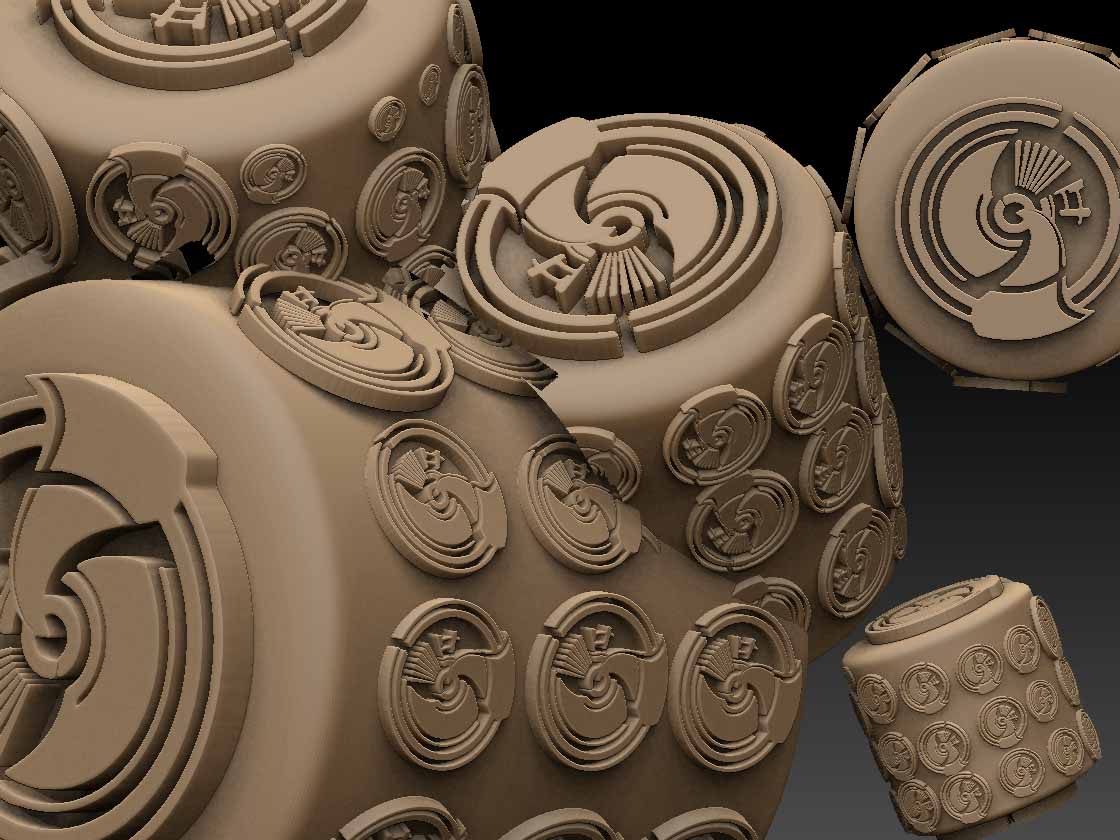
The ztool (shown in the above attachment and the attachment here) is 318megs. I used Decimation Master and the saved out the ztool and it is 147megs ztool file. Brought that file back into zbrush (ZBrush 4r4 p2) reset mem settings to those in the above post as a test the shadowbox insert brush continued to add the inserts from the insert brush.

Is this the way to continue to add details to the model - you insert brush until mem note shows up then save out then use Decimation Master then keep doing the process again until all the details are added?

Attached image of the 318meg ztool file.

Attachments

318meg ztool.JPG

OK I loaded the 147meg ztool made with Decimation Master and worked with shadowbox insert brush until the mem note came up saved the file and it is 336megs.

attached image of added more of the insert brush.

Attachments

147meg ztool.jpg

OK brought the 119meg file into zbrush and used the shadowbox insert brush until file got 336megs.

So I guess Decimation Master is one way to go when mem note opens.

Here’s an attachment of the 336meg file

Attachments

336meg ztool.jpg

I think you are attempting to push ZBrush beyond its capabilities. It’s a 32 bit app and so on a 64 bit system can only use a maximum 4GB of memory. That will give you a maximum polys per mesh of about 24 million. Pushing it above that limit is almost certainly going to give you memory issues.

The insertmesh brushes are intended for very low resolution meshes, otherwise the polygon count of your model will increase very quickly. I think that’s what is happening with your model.

Marcus thanks for the refresher of the 4 gigs and the low poly count for the insert brushes.
Do you know of any tuts or tips on how to get a shadowbox created model at 512 res to low poly count or is that what Decimation Master is for.
Thanks

Decimation Master is certainly worth trying. It depends on what you want to do. If you are only going to insert one or two meshes then their poly count won’t matter too much. If you want to insert lots of meshes then you want to get the poly count as low as possible. For that I think that the Topology brush is probably the way to go. You have absolute control. Though, of course, it is not an automatic solution it doesn’t take long.

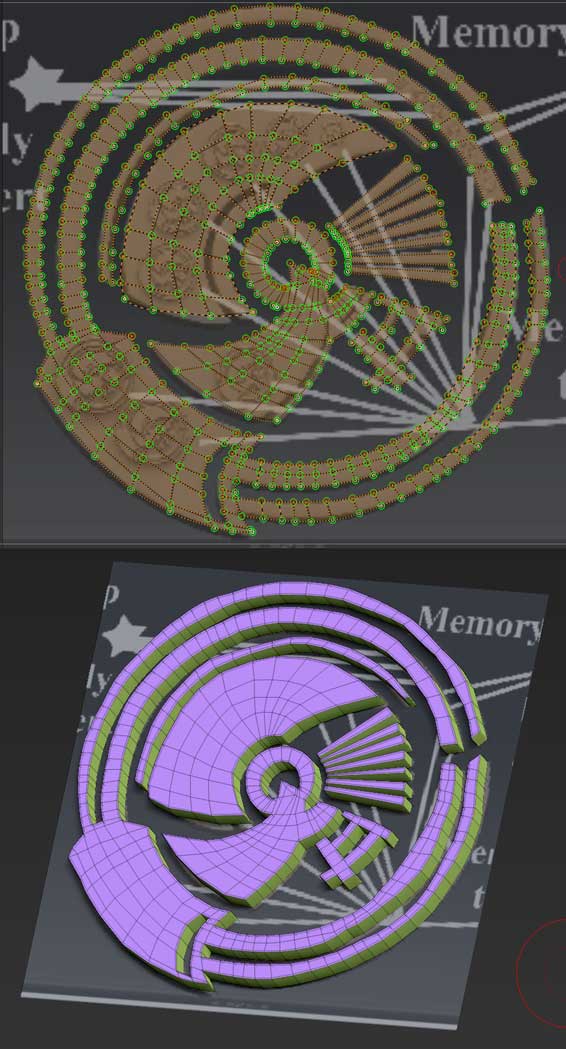
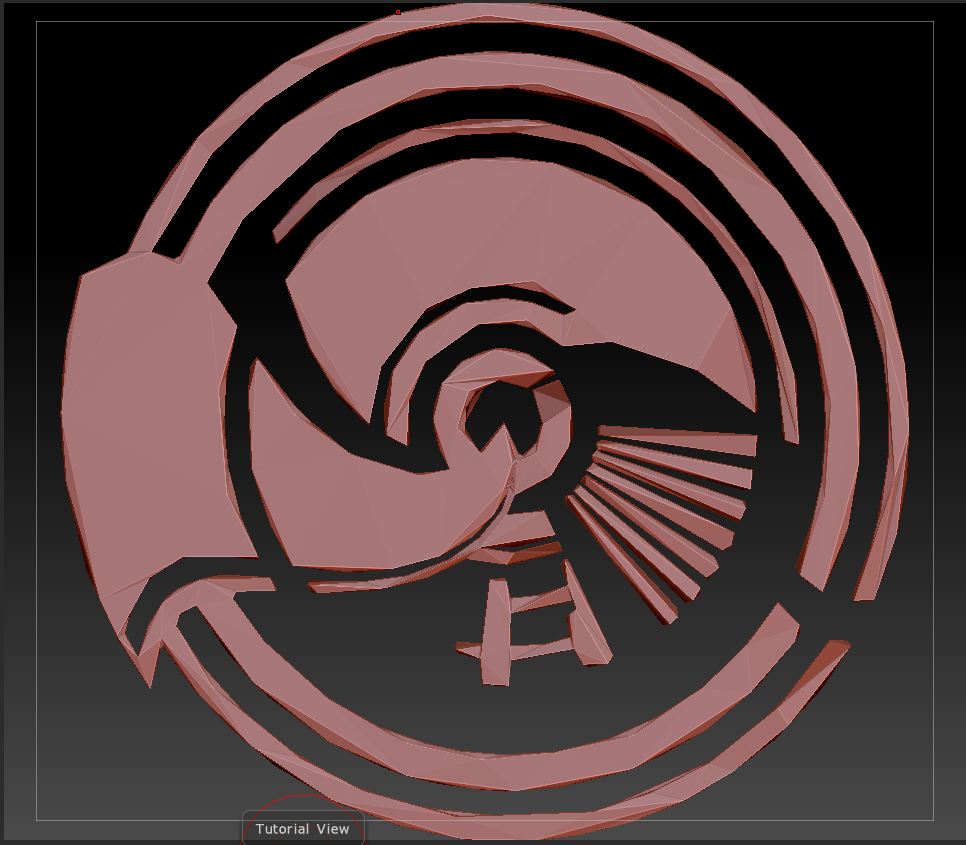
Here’s a picture of a quick version I did. I copied your image and applied it as a texture to a plane. I subdivided the plane a couple of times and then transferred the texture as polypaint. This gave me a base to work on. I then used the Topology brush to build up the topology, adding only the lines necessary to get the shape. Finally I set the Draw Size for the thickness I wanted and clicked on the plane to create the mesh. Final poly count about 1,200.

Attachments

TopoExample.jpg

Marcus thanks for the tip - question sense you did it on a plane did you extract the difference to make the mesh?

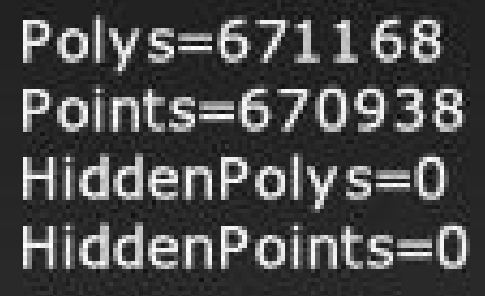
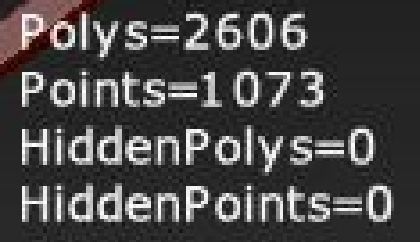
On the shadowbox tool at 512res the ploy count org is - (also zipped up a copy of the org image used to create the 512res shadowbox created ztool)
1.JPG
After 3 Decimation Master runs
2.JPG
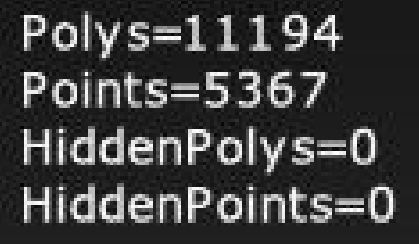
on the fourth DM run got this (so DM helps some I guess)
4.JPG4th dm.JPG

No, it’s done using the Topology Brush. You draw the topology then set the Draw Size to the thickness you want before clicking to create the mesh. The new mesh is part of the original (in this case the plane) but you can separate them easily as the plane is masked. Simply press Tool>Visibility>HidePt and then Tool>SubTool>Split Hidden. The new mesh will then be a new subtool.