ZBrushCentral

memory error

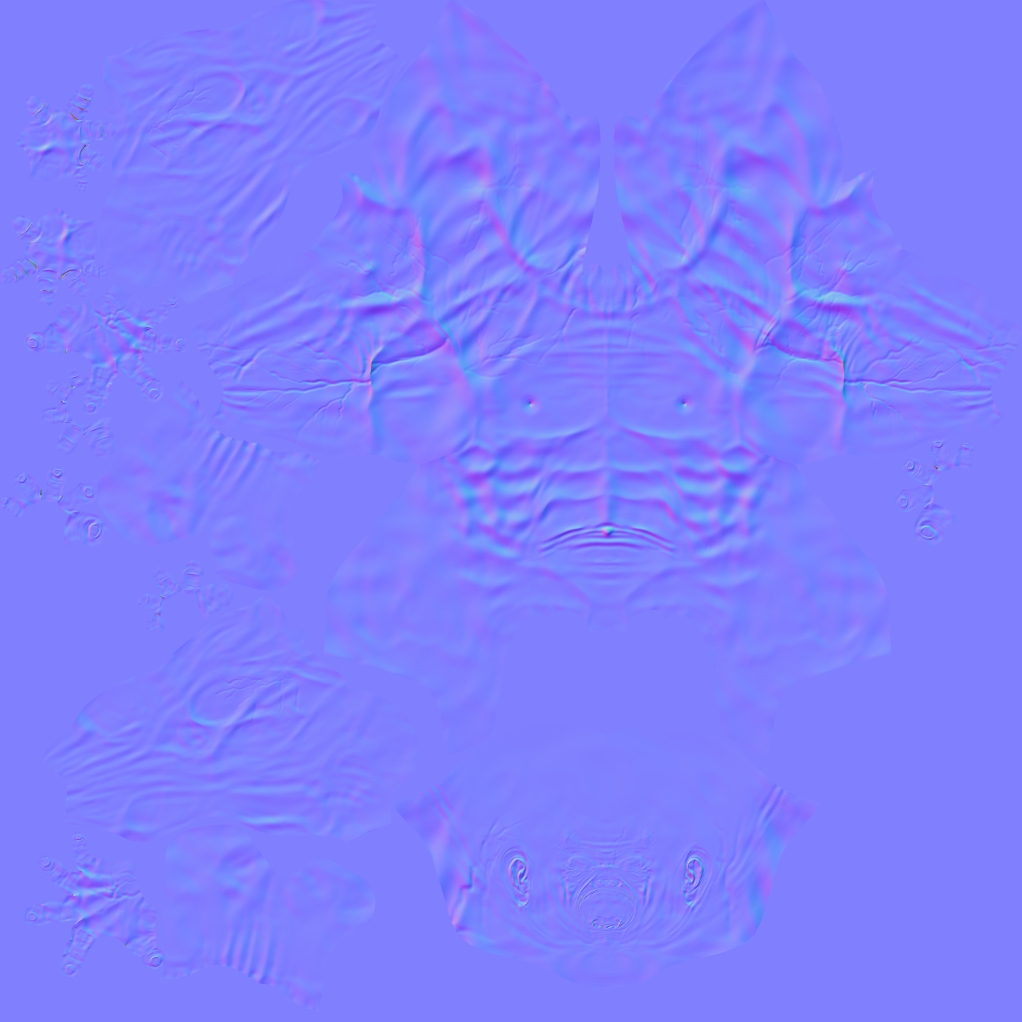
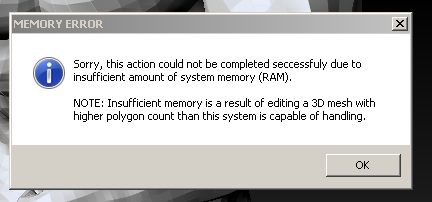
I’m trying to get as much as possibel details in normal map but when creating it as maximum available size in zb 8k I receive memory error and zb crashes.
The geometry is 6 times subdivided and it has 14mil points.
I have 8GB of ram. Is there any work around or I simply need more ream to be able to get all small pores on my model face burned into normal map.

Attachments
mem.jpg

You won’t get a good map out of an 8k image. If you have a 4k image it can hold 16,777,216 points of data. You currently have 14million. The only time you need to use an 8k image is if you have around 67million points.

Side note though. I can’t get Zbrush to generate an 8k image either.

As beta_channel says, a 4K map should be enough to support all the detail but you will need good UVs, well packed and with important areas carefully laid out.

However, you should be able to generate an 8K map. I’ve just done it for a 14 million poly mesh (the rhino divide up to level 6 - I’ve 6GB RAM). Make sure that there’s no more stuff loaded in ZBrush than necessary and don’t have ram-hungry programs like Photoshop running at the same time.

hmmm…I have whole character body and with 4k the face is loosing a lot of details so I have no idea how you guys are able to squeeze all the detail from 4k. I guess I will have to work more on better uv layout.

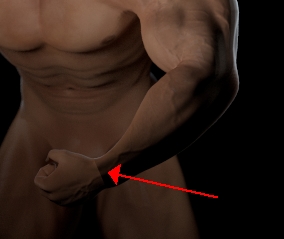
the other problem is when using polygroups in uv layout the normal map got stitches during render.

Attachments

1.jpg

2.jpg

That is a problem with you UV orientation when using tangent spaced normal maps. Make the seam have the same orientation and that will go away. Nature of the beast.

Pore level details are better handled with a detail bump map…assuming you’re working in real time.

Sorry I’m not that good with uvs … can you please explain how I can make sure seams have the same orientation?

If the seam at the wrist is pointing left, then the seam on the hand needs to be pointing right.