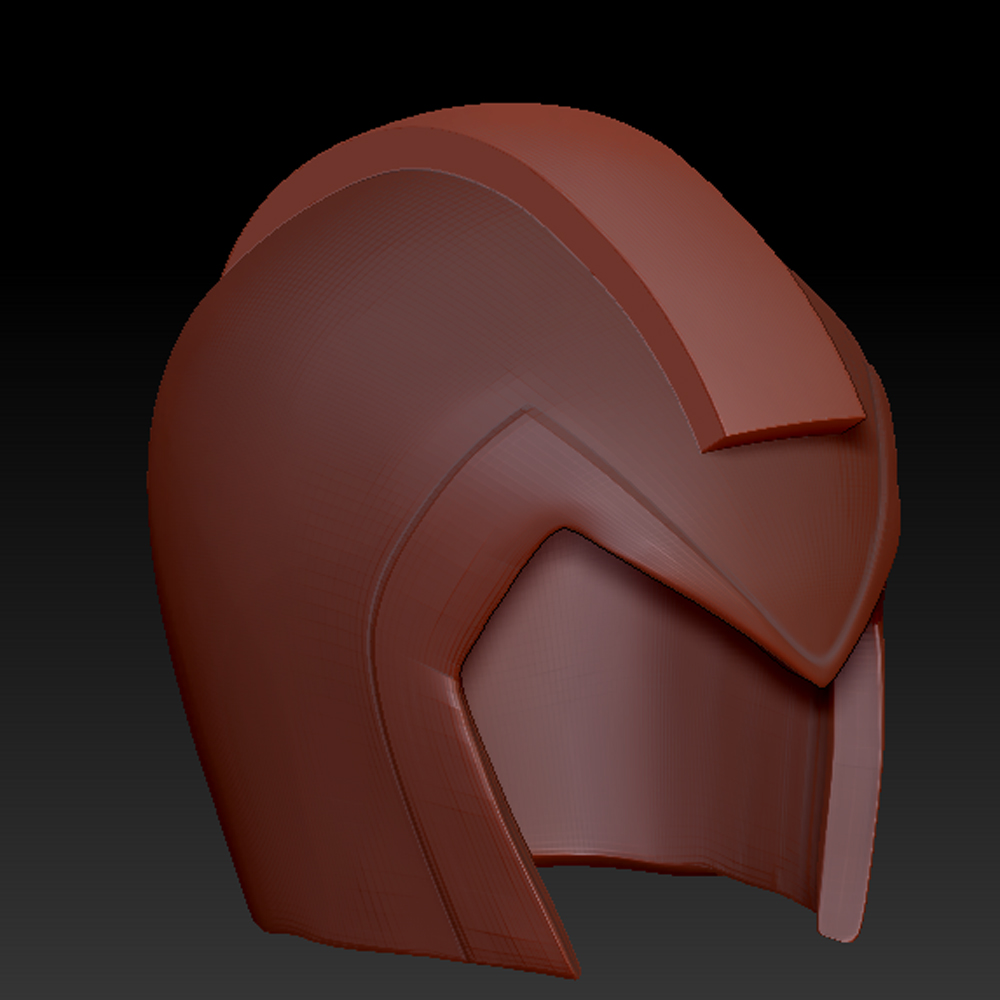
So I figured it was time to see what Mega Man X would look like in a high resolution sculpt and realistic texture painting.
But I am having a terrible time trying to get the hard surface techniques in Zbrush down. Here is a picture of what I have sofar.
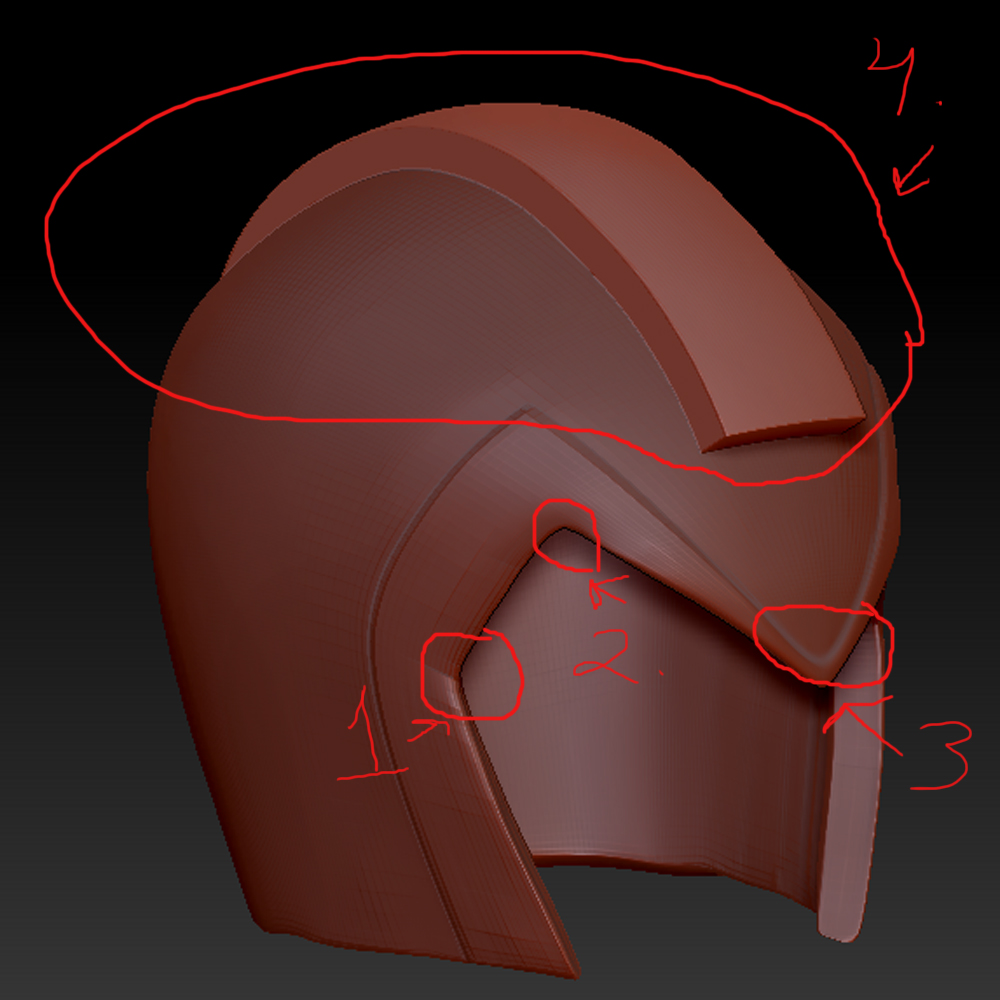
1 and 2 are pretty much the same. How can I get these edges nice and sharp. The clipping burshes do not work well on this kind of complex shape. Not that I can do at least. I figure just clip that entire frint piece right from the point down to where the helmets opening is. But I am not having any luck.
-
I find the part where the two halfs make a triangle to be way to round. Needs to be sharp, again, clipping brushes were not helpful, atleast for me.
-
is what made me put the pen down after 3 hours of troubleshooting and contact the community for advice and techniques. I need these to have a mechanical perfect bevel. I was using the trimdynamictrails. But it is way to free form. Back track wont follow the shape I am sculpting on.
Following the eat 3d zbrush hard surface techniques gave me good ideas, but I could not get them to work for me. Do not even get me started on shadowbox. damn thing wont let me paint masks. I was using the clipping brushes, extract, dynamesh. I really can not stand messy meshes. SHould I jsut say screw it and work with the messy meshes as well? How would you all go about getting the proper shapes and mechanical detail for this helmet?
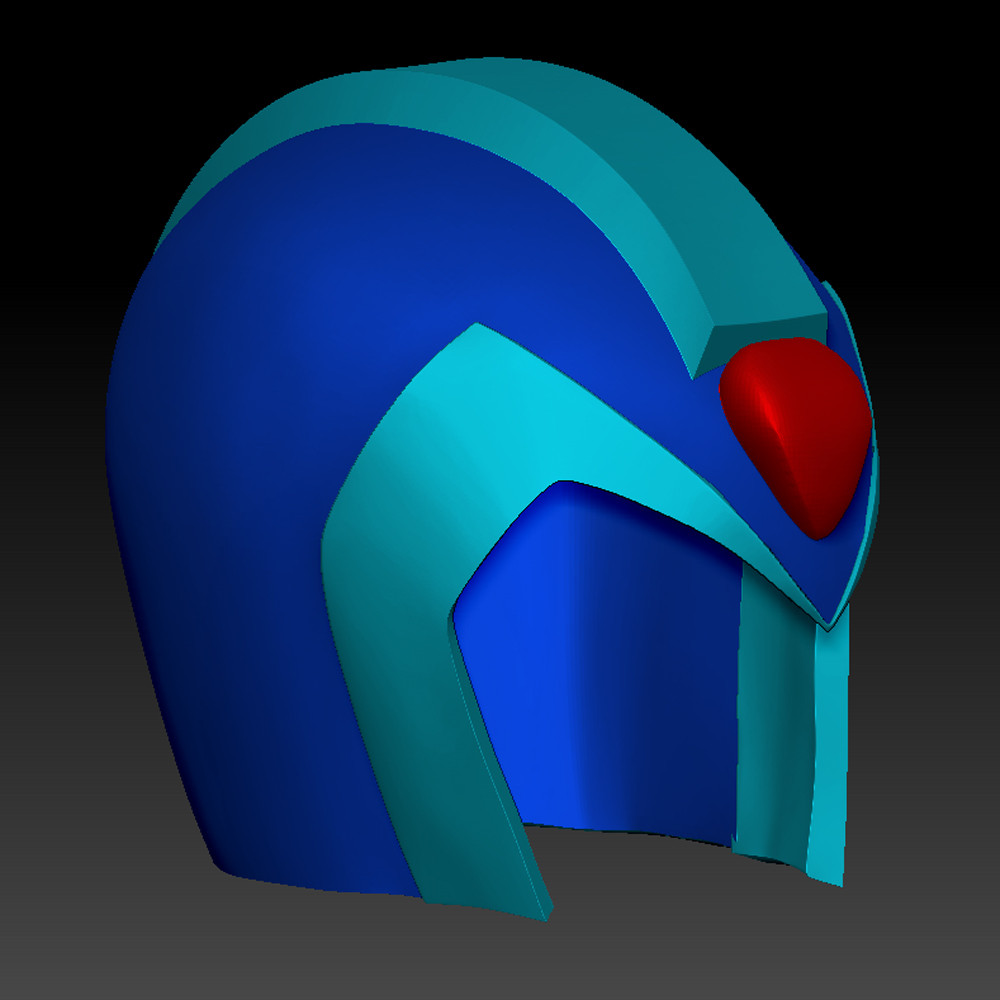
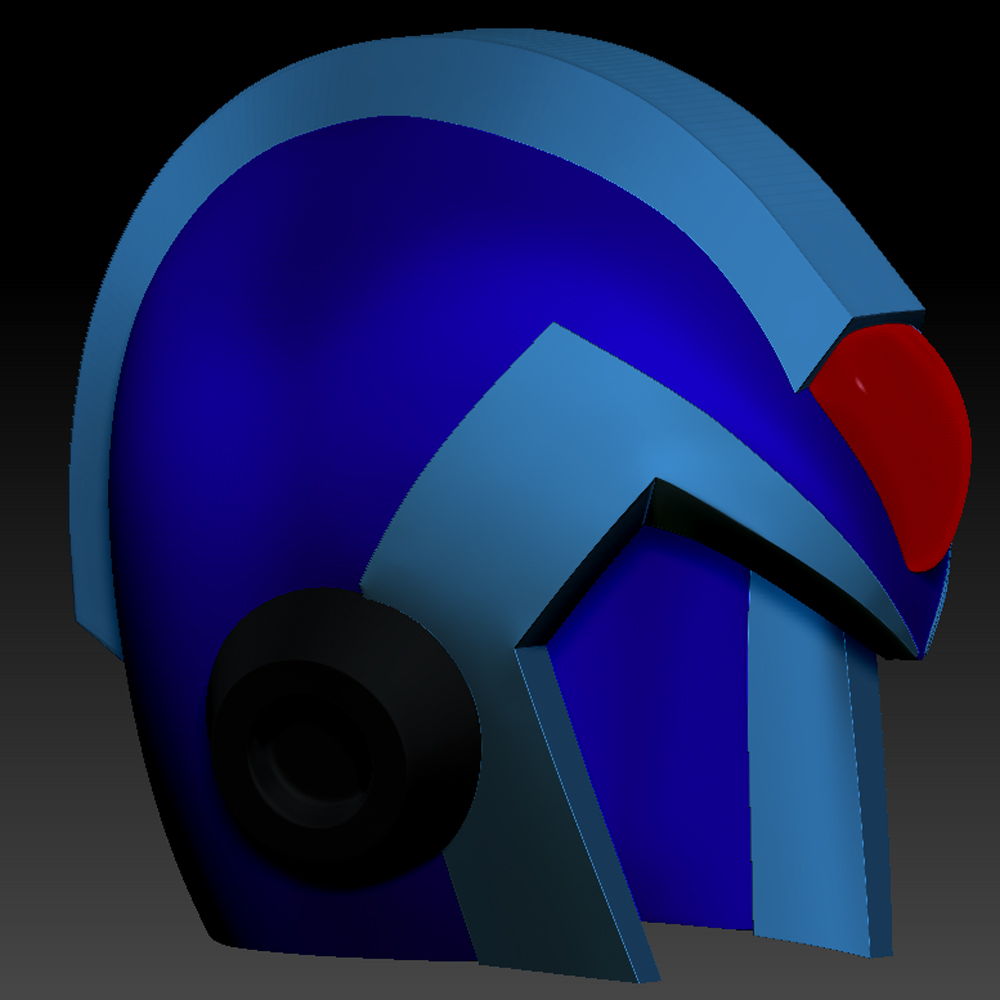
here is a good image of the shapes I am looking for. http://www.bing.com/images/search?&q=mega+man+x&qft=+filterui:imagesize-large&FORM=R5IR3#view=detail&id=D9EDE1E67251C518F2573E6837DB576512FCF998&selectedIndex=133
Attachments