Hi,
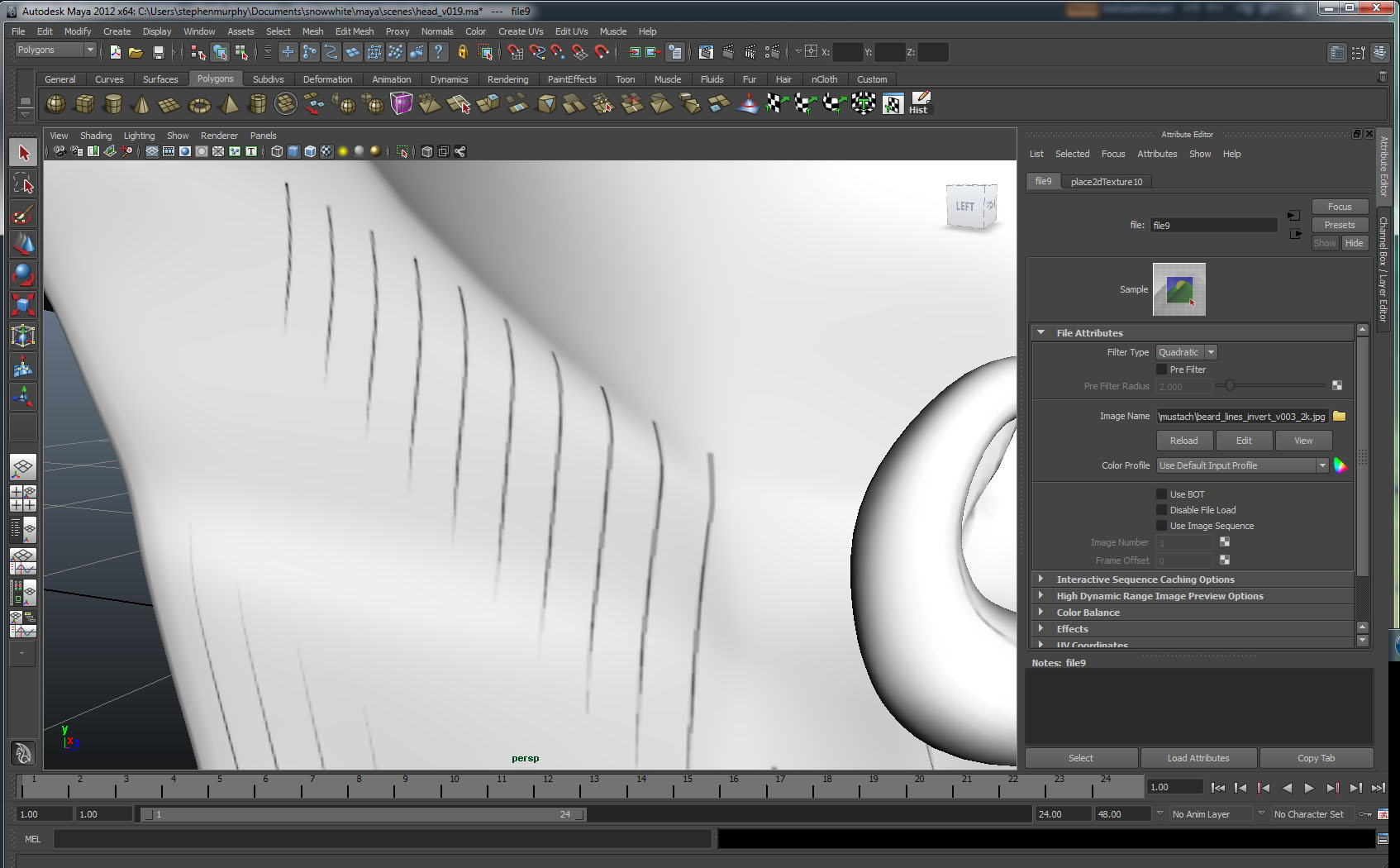
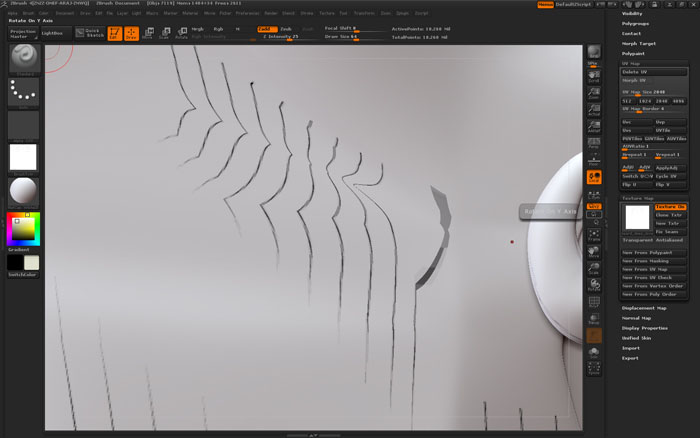
I have a poly mesh with uvs in maya - I have texture painted in photoshop (painted from the maya uv snapshot) - which when applied in maya shows no distortion. The poly mesh cage in maya shows no distortion when I press “3” to display it smoothed. If I then bring this model into zbrush and divide the mesh a number of times - when I apply the same texture it is very distorted in places. The texture comprises of very thin black lines.
How can I avoid the texture distortion in zbrush - is there something I need to do when importing or dividing the mesh?
Thanks
Stephen
Attachments