Hi,
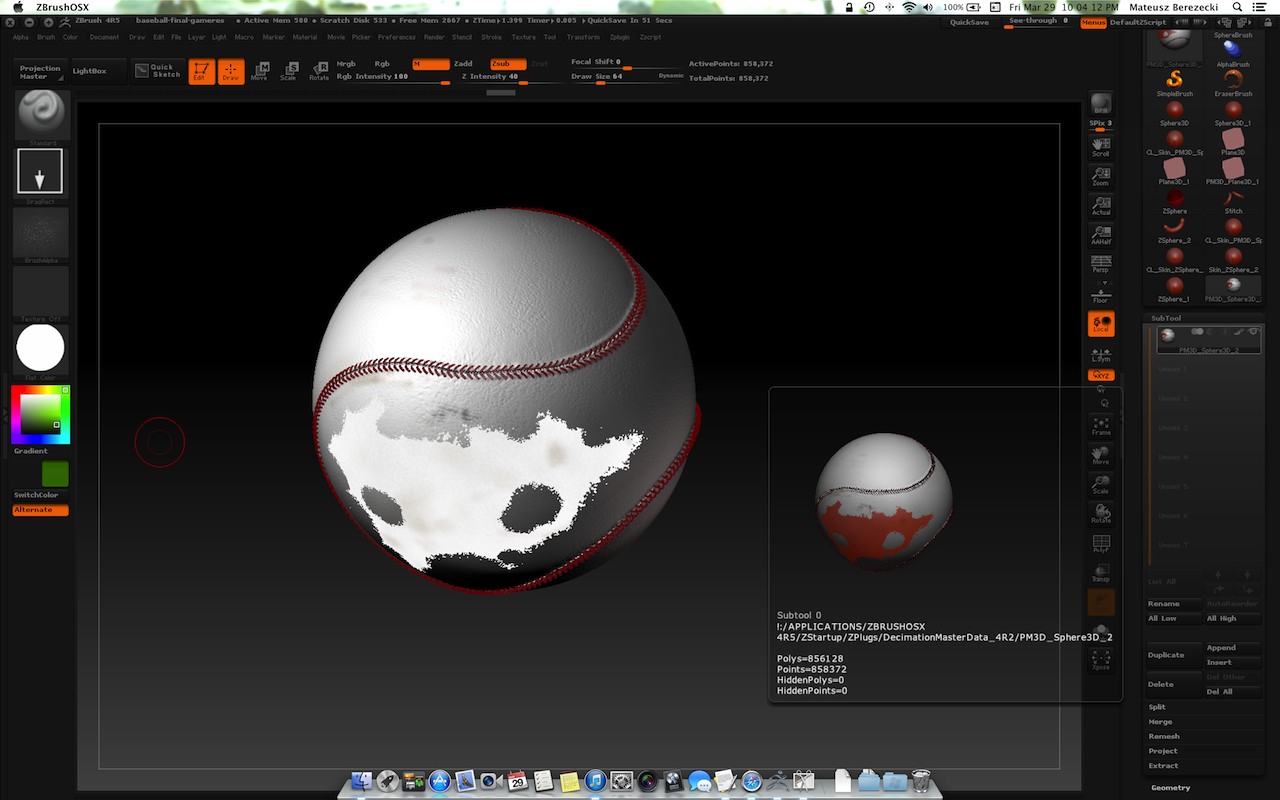
I’m a new ZBrush user and still learning how to use it properly. My problem occurred after I’ve finished modeling a baseball ball. I’m not really sure what happened (I went through a few steps of merging down, etc.) but then when exporting maps to other 3d apps I noticed that the material is a bit screwed up in one place. I don’t know how to fix this, how I made this happen and how to fix this. I’m attaching a screenshot to demonstrate the problem.
How can I fix this problem? The white part changes when I change materials but other parts remain fixed.
Attachments