Hi!
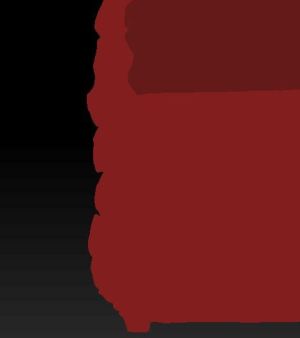
Im new to Zbrush so I hope my problem is something that easily can be solved. I made a model and painted it. I worked several days on it so I opened and closed it many times. Today I added some subtools and closed the program. When I wanted to go on working on it I opened the tool again and everything was messed up. The model was painted in gray tints but when I drag it in the main window it was brown. The biggest problem is that the material information doesnt apply on it. Thers no depth information everyting looks just flat. I dont know what I did or whats wrong with it. Even older versions I opened now have this problem.
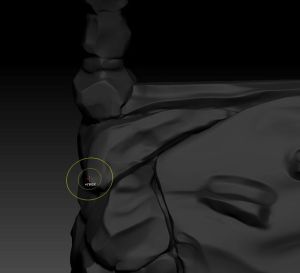
1: Thats what it looks like now. No material information, everything is flat. When I change the angle or look closer to it there seems to be a second layer that brakes through small parts.
2: Thats what it should look like.
3: When I paint over it its just plain color.
I hope someone knows what to do. Thanks in advance!!!

Attachments