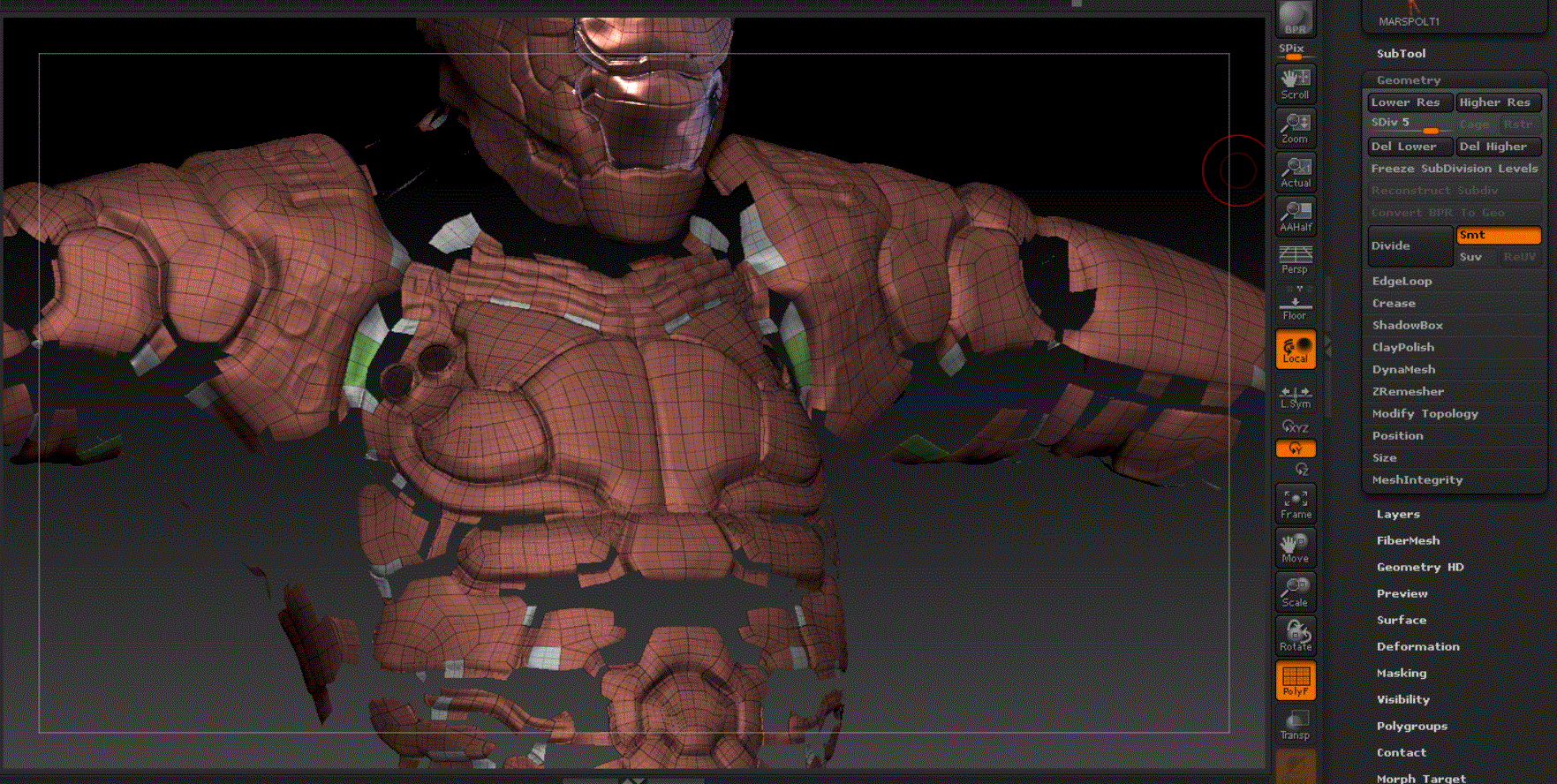
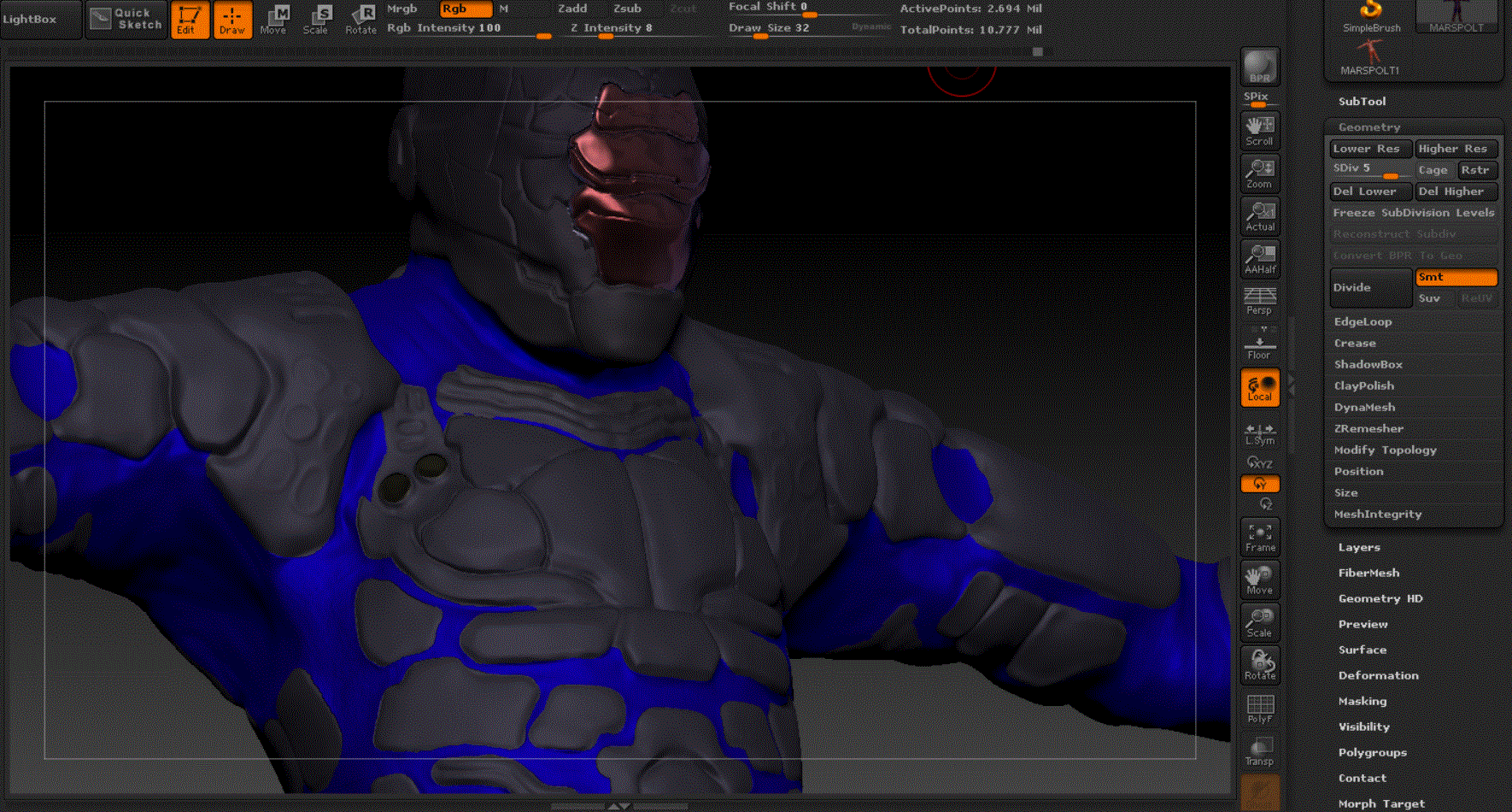
This has happened many times before and usually i just find a workaround but right now i’m doing a character that is cloth/metal so it’s important the 2 groups stay apart so i can work on them seperately.
the problem is i’ve masked all the ‘harder’ surfaced parts, and polygrouped them (and the inverse)
i’ve coloured the soft group blue for now.
The problem is, that although this works for a few minutes, zbrush always sooner or later decides to churn them into these blocky squares, i assumed before it was because i’d masked on a lower subdivision so i spent a lot of time masking on the higher, and still the same problem… again it is fine for a short amount of time, then suddenly goes blocky not retaining the smooth polygroups i’d created
thanks for the help
Attachments