You can paint any material onto the same model. First, select a material and color that you want to use as the base, turn on ‘Mrgb’ button, then go to ‘Color’ menu and click 'FillObject. With ‘Mrgb’ button still on, you can now select any material and, or color, and just paint it on your model. If you didn’t like what you did and you want to start over and have a live preview of different materials again, with ‘Mrgb’ button still on, select the ‘Flat Color’ material and go to ‘Color’ menu and click ‘FillObject’. This will reset your material and you can now click on any material in the Material palette and it will show on your model.
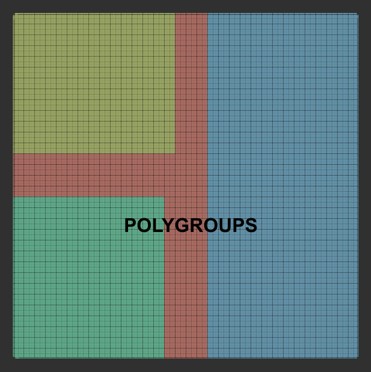
If you have diffierent groups on the same model coming from Modo, these should come into ZBrush as different Polygroups when you Import as an obj. file (as I don’t use Modo, I’m not sure about material groups though). Just click on the ‘PolyF’ button on the right shelf to view them. If you want to split up those Polygroups into different subtools, then click ‘Groups Split’ button in the Tool > SubTool submenu.
You can fill each Polygroup on your model with a different material and color by first filling your whole model with a base material and color(as I mentioned above), isolating 1 polygroup (Ctrl+Shift+click) then selecting your material and, or color, then going to ‘Color’ menu and clicking FillObject’ button.