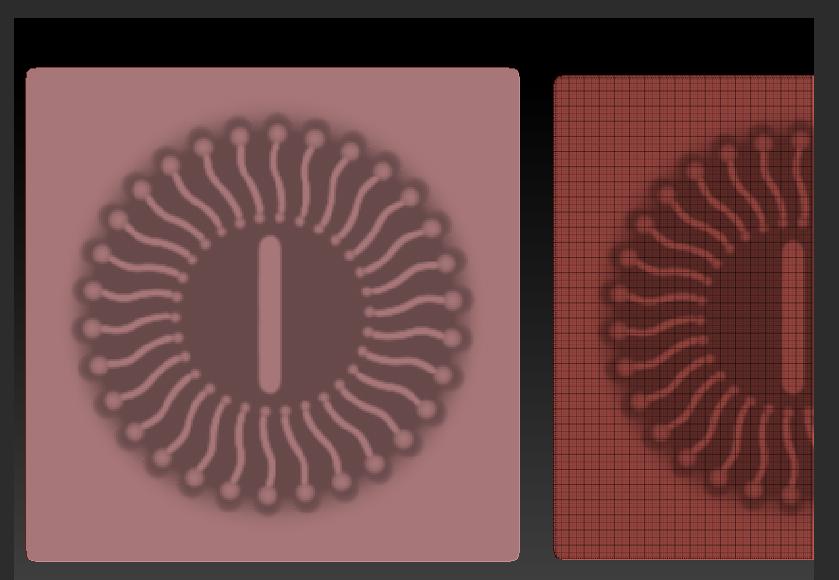
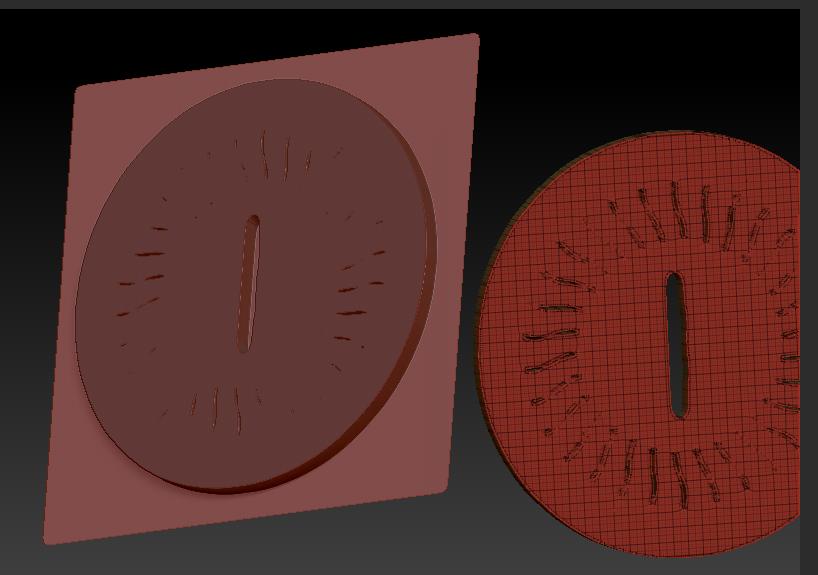
Couple options.
Create Alpha, Make 3d
-Paint your design
-Inverse the mask so that the design is visible
-Sharpen the mask some
-Under tool>masking>hit Create Alpha
-Under the Alpha menu, select the new alpha and hit Make 3d
There are adjustment sliders there as well. Great for creating base geometry "cookie cutter’’ style.
Morph Target
-Store a morph target under tool>morph target>store mt
-Paint your design
-Inverse the mask so that the design is visible
-Sharpen the mask some
-Under tool>deformation, there is an offset slider and small x,y, and z buttons. You will need to find which axis will essentially pull the design out a bit using the offset slider.
Then go to tool>morph target>create diff
A new mesh will appear in the tool palette. It is determined by the difference between the new sculpt (offset deformation in this case), and the morph target (just the plane in this case).
Both of these are great techniques for creating geometry and will give you a more accurate depiction of your design. Mesh extraction averages a lot of the intricacies of the mask so things such as straps, shirts, etc. come out cleaner. So they all have their purpose