UV Map->GUVTiles
Masking->Mask By Cavity
Texture Map->New From Masking
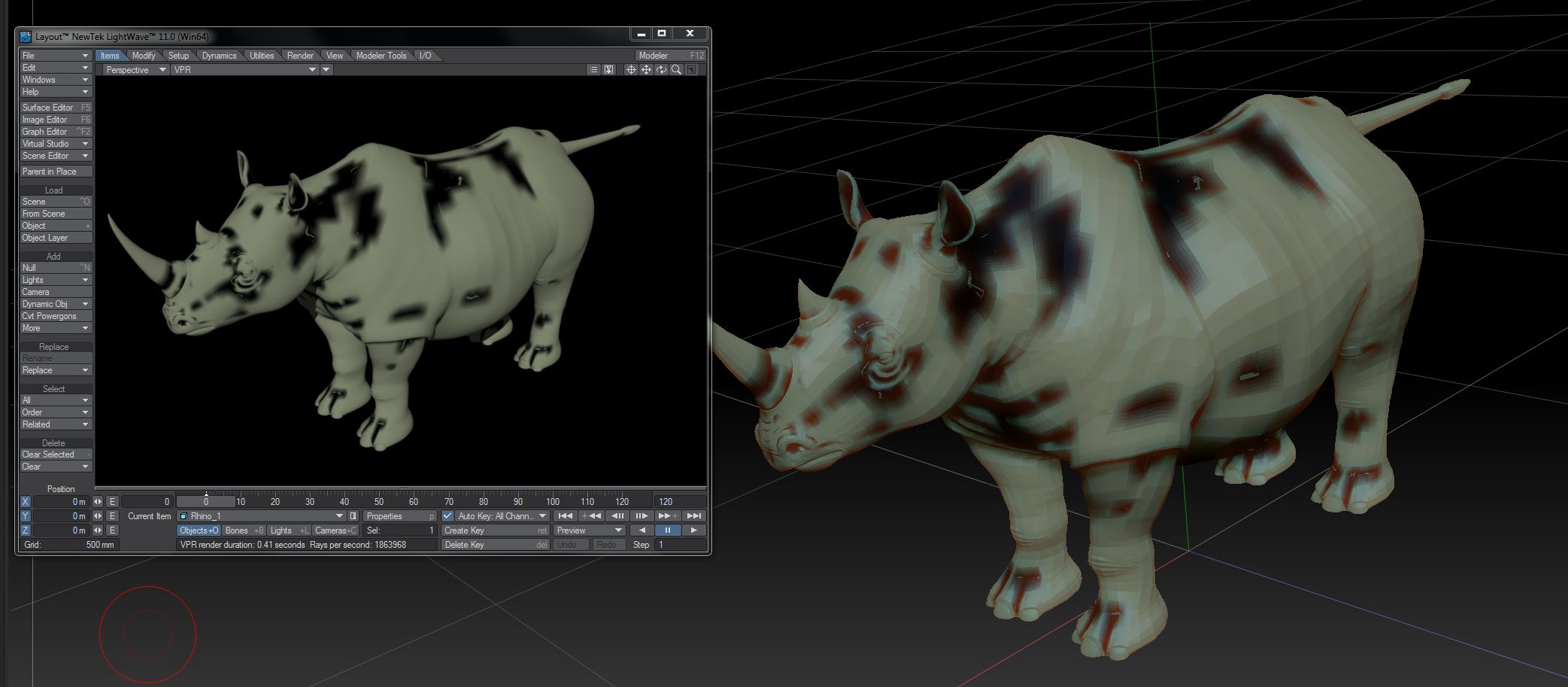
produces cavity mask with white errors as can be seen in image
Attachments
UV Map->GUVTiles
Masking->Mask By Cavity
Texture Map->New From Masking
produces cavity mask with white errors as can be seen in image
Hi bgoreta1,
did you mask on the highest subdivision level? Because masking is done per vertex, so if the resolution is too low, it may look broken.
Regards
I had to press fixseam under texture map tab, that fixed the white holes.