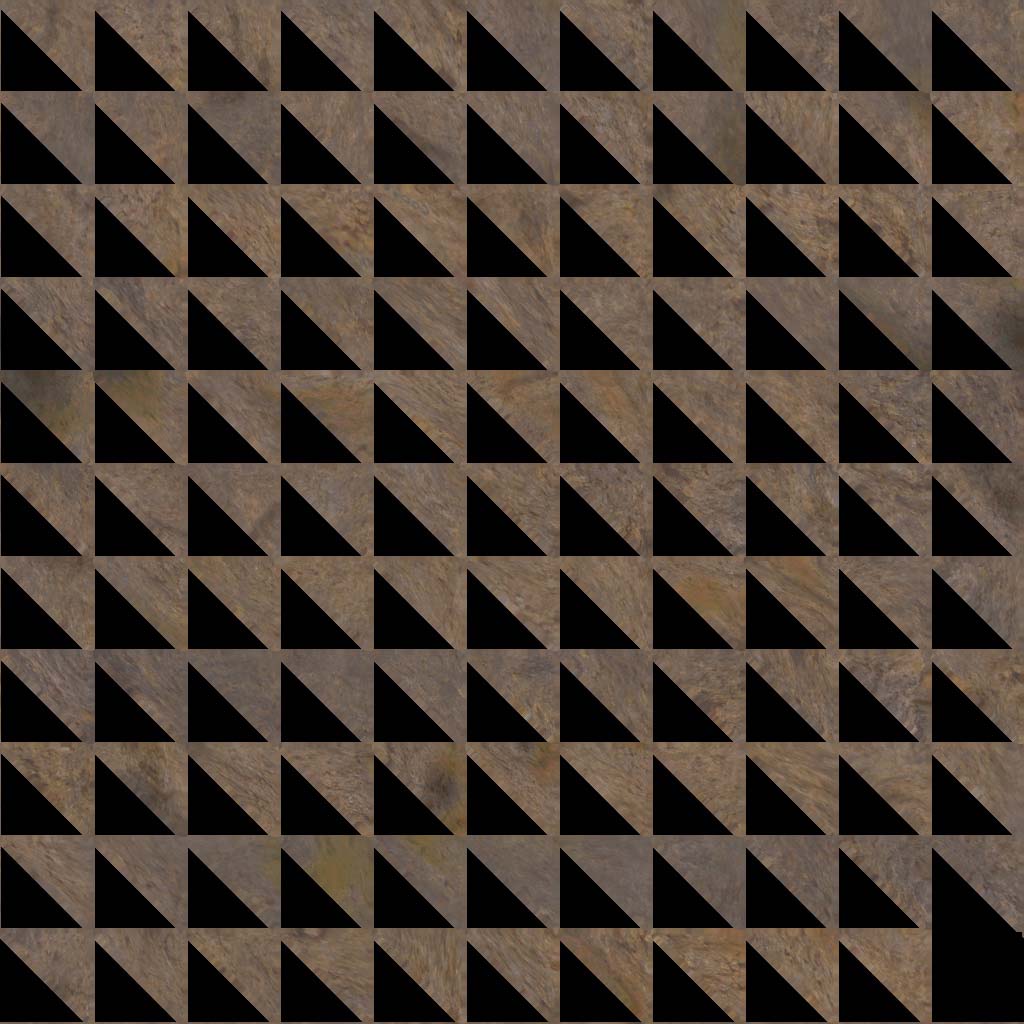
Hi, when I make texture maps, normal maps, or displacement maps in zbrush 3.1, half of the maps are wasted. Here are some pictures:
Attachments
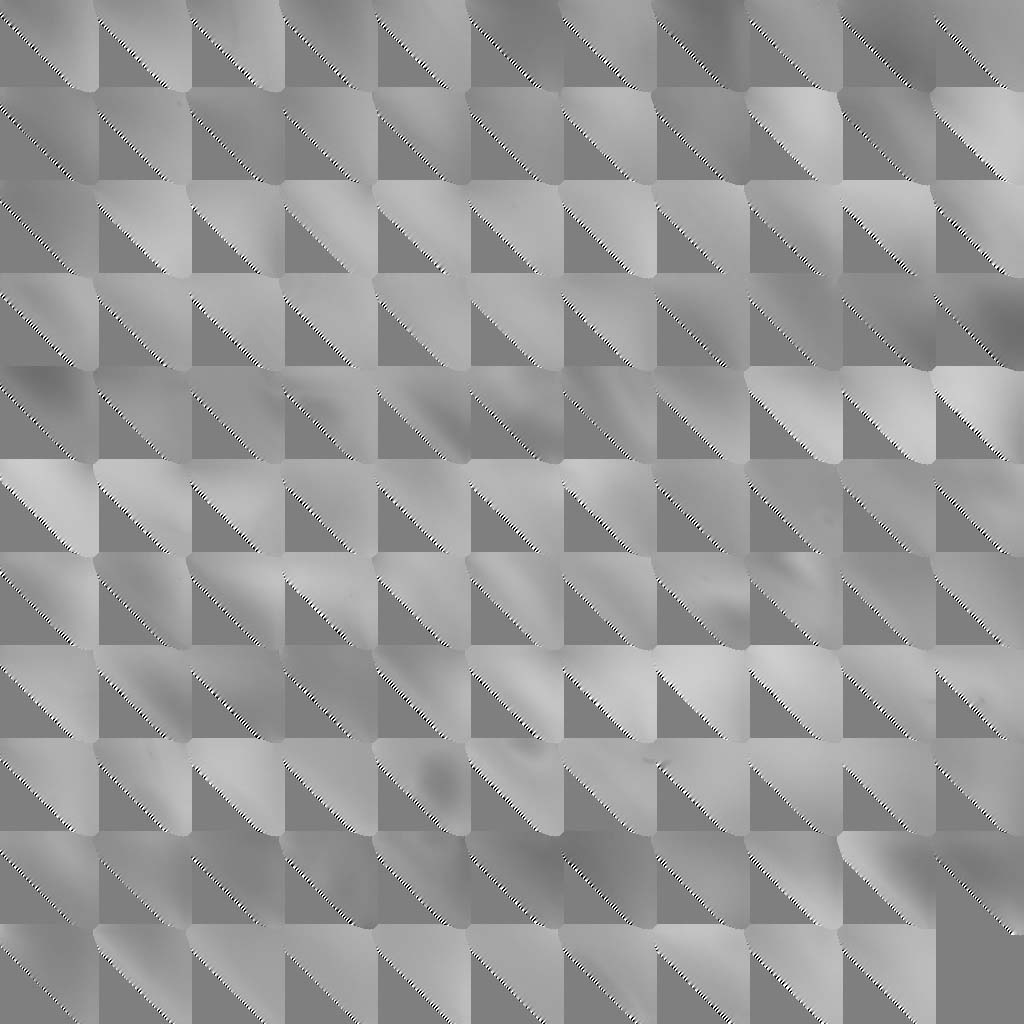
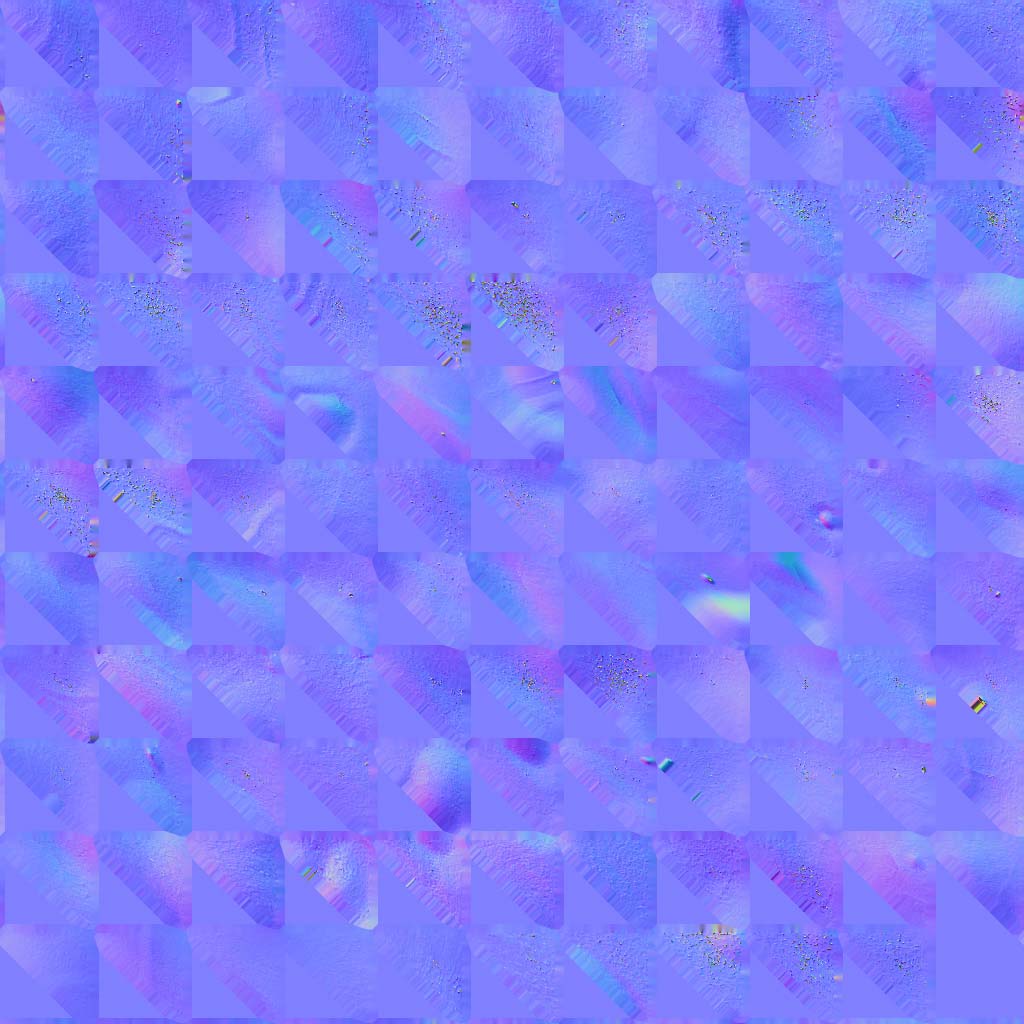
Hi, when I make texture maps, normal maps, or displacement maps in zbrush 3.1, half of the maps are wasted. Here are some pictures:
Please help me. Does ZBrush have a uv layout alternative?
The problem is that your model is all triangles, and ZBrush is optimized for quads. If you can bring it into ZBrush as quads that will give you the best results. If that’s not possible, try using GUVTiles instead of AUVTiles. That may help.
ok. thanks for the advice
EDIT:
Nope didn’t help. It just messed it up more.

That’s GUVTiles? It looks like AUVTiles.
As I said in my previous post, though, if that doesn’t work you’ll need to use a quads version of the model. Or you can lay the mapping out in another application and import it into ZBrush that way.
Jeez! I’ve done AUV tiles, GUV tiles, and now I’ve tried out quads. The only thing left for me to do is to map it 3rd party…and I’m off! lol
Erm…how do I import it into ZBrush? Can I use UV mapper (sorry I’m a bit of a n00b)
help please
How do you import what into ZBrush? Your question is unclear.
Sorry, if I can lay out the mapping in UV mapper, how do I import the map into zb or attatch it to a model? is there a tut on this?
Export the model from UV Mapper. Then in ZBrush, load your model and go to subdivision level 1. Import the OBJ that you just got out of UV Mapper. The UV’s will update.
Basically, a mesh with identical topology (including point order) can be imported into level 1 of your ZBrush model. The newly imported model will update level 1, which then updates the rest of the mesh.
If you go to a higher level and the model explodes, then the point order was changed somehow.
ok thank you.