ZBrushCentral

Map export offset problem with Max and ZBrush

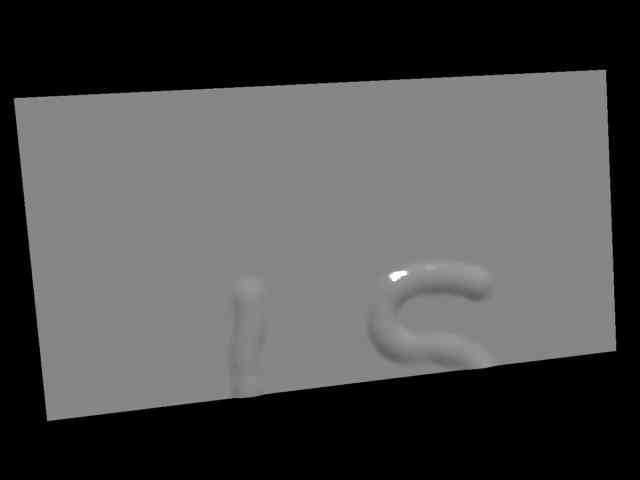
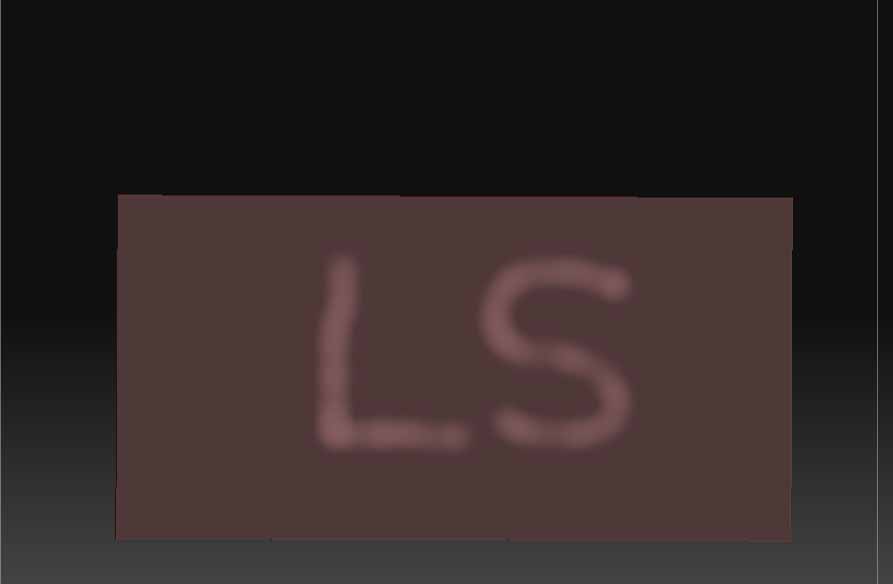
Hi. I am having a serious problem with exporting maps to 3DS Max. In researching the Max 7 to ZBrush to Max (MR) workflow I am using a very simple model - a plain box with flattened UVs. The UVs check out fine in ZBrush although the UV space is not symmetrical (and I see no reason why it should be - on a more complex model there would be even less symmetry). The generated displacement appears to be aligned correctly when I check its postioning in ZBrush using Make Tx. In Max however, the map is offset and can only be corrected by adjusting the Tile Offset parameter of the bitmap rollout, something I don’t want to do as it relies on sight. I can find no options in the ZBrush exporting controls - flipping horizontally or vertically, or rotation - to correct the problem upon saving the Alpha map, either raw or using the Displacement Exporter.

Please help me out. I am getting perfect displacement results apart from this one serious problem, and yet it must be possible to export a map that will work with 3DS Max.
Thanks in advance for any help.

[UVsInMax.jpg]MappingInMax.jpg
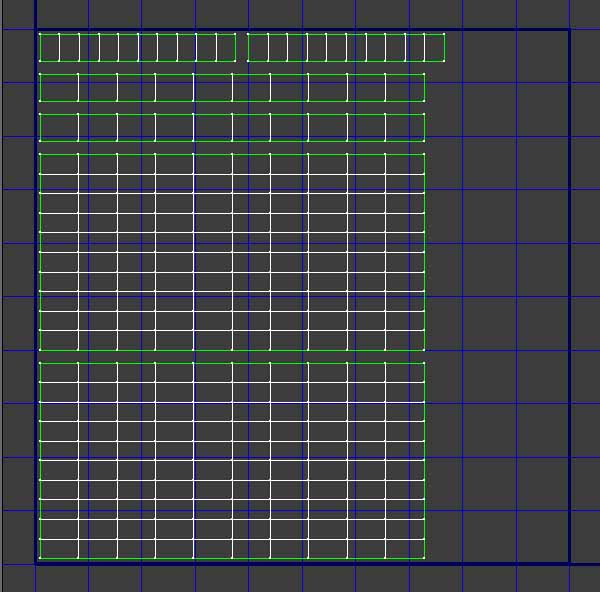
Attachments

MappingInZBrush.jpg

How are you getting your displacement out of ZBrush? Details.

I have tried exporting the displacement map through the alpha pallete’s export button (Alpha>Export), and including every permutation of flipping and rotation (Flip H. Flip V, and Rotate). I have also tried exporting through the Displacement Exporter. I have tried several quick codes (DE-FDEK-EACADA-D16, DE-FDAK-EACADA-D16) and both flipping the map or not.

None of these so far has produced a correctly aligned mapping.

Thanks in advance for any help.

It’s okay, I realised what I was doing wrong. It occurred to me last night as I was lying in bed that the imported .obj comes into ZBrush upside down, but of course I could not tell with the box because it is symmetrical. That is why my displacment map is coming in offset or upside down. So I tried a test with an asymmetrical tapered box instead, and it worked out fine.

Thanks for taking an interest in my beginner’s problems. Now that I have that problem solved, I can get on with the task of making some proper models.