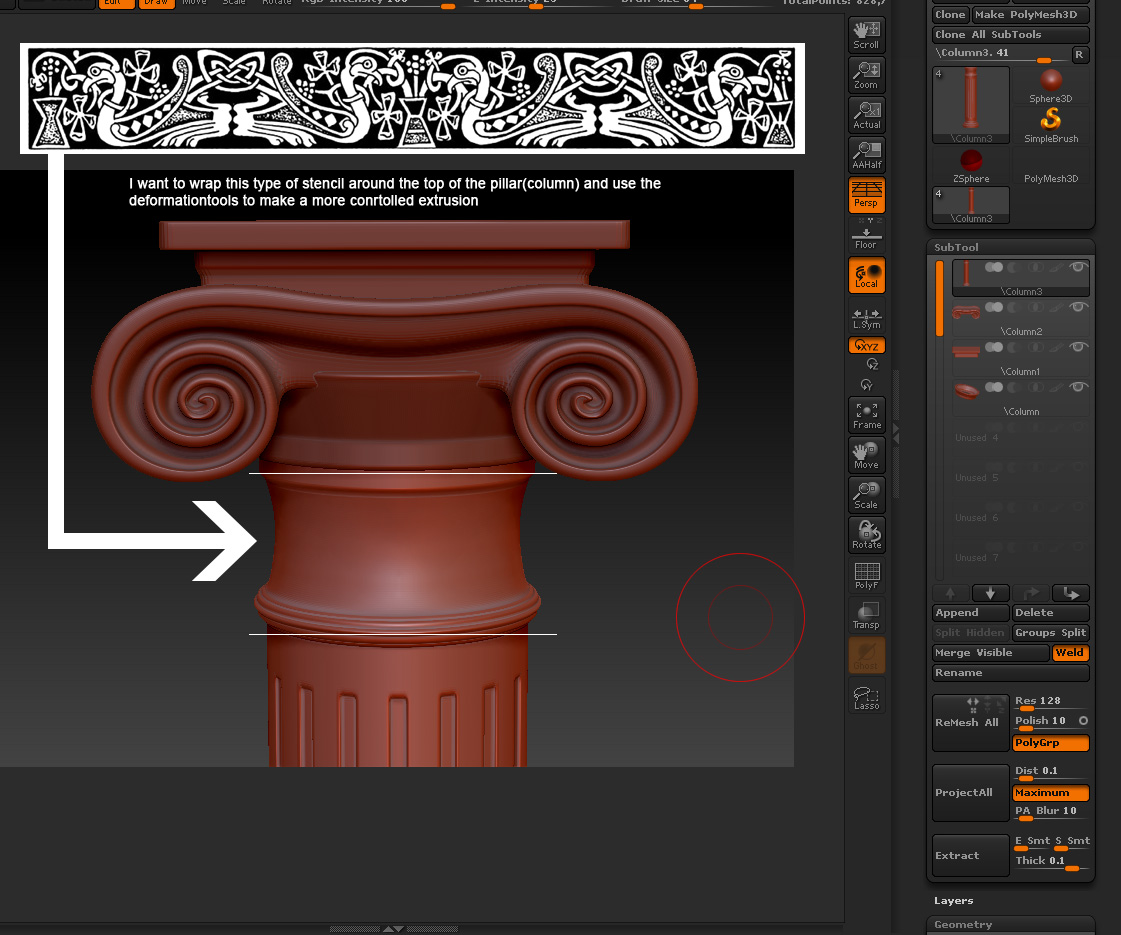
Hmmm . . . for this one, staying entirely within ZB and not resorting to other tools, I would probably use projection master. I would make my alpha a texture, fill my object with white and then set it to one of the orthogonal views with the shift key while rotating.
Subdivide enough to hold the texture (if it isn’t fine enough already) and turn on polypaint.
I’d then drop it to the canvas with projection master (fade UNchecked) and using the simple brush and a drag-dot stroke, lay down 1/4 of my texture, letting the rest overhang the edges of the object. Pick up the object and rotate 90 degrees and repeat with projection master for the next 1/4. Repeat two more times.
The brush size will give you control over the size of drag-dot so once you have it the first projection-master drop, all the subsequent ones should be the same size.
Now I can just “mask by intensity” and play with the deformation tools like inflate as I want to get as nice even rise of the texture.
Once you get the hang of projection master, you’ll find it’s a good way to link-up 2D textures with 3D forms.
HTH,
-K