Ok, ZB community, question for you:
How to make a nice mesh hole in ZB???
I tried something with partial success, but not enough to be happy with it.
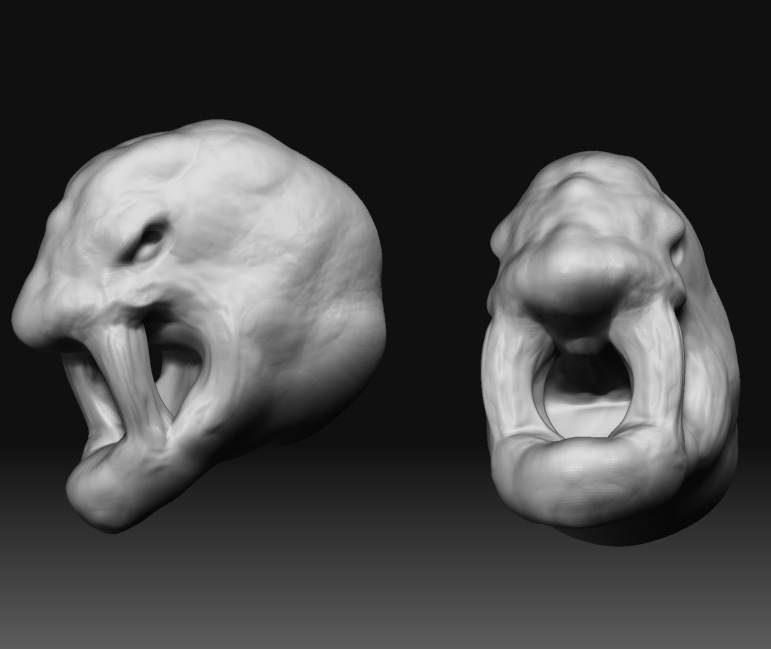
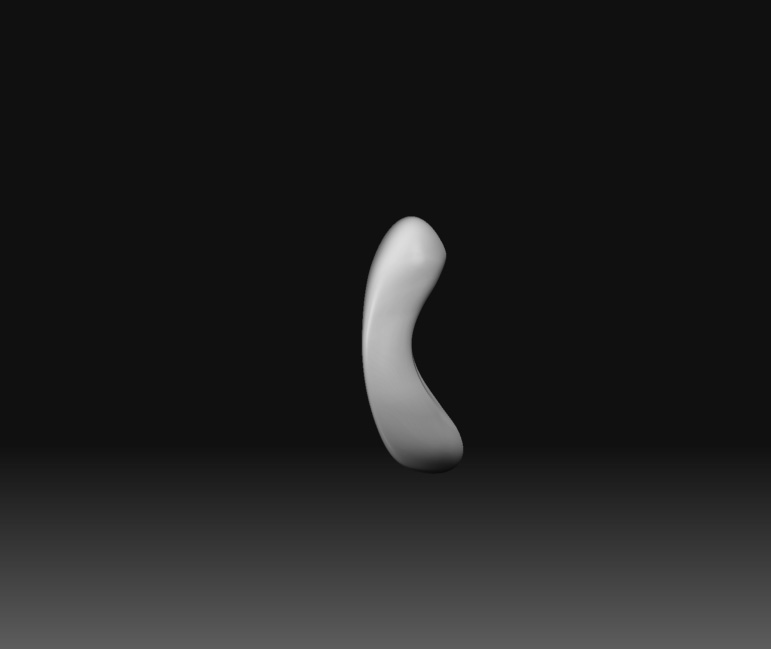
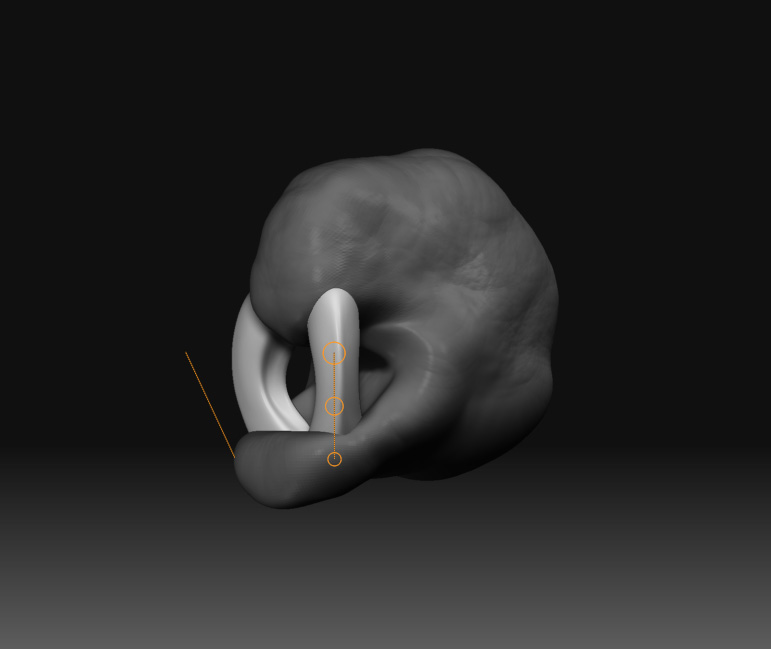
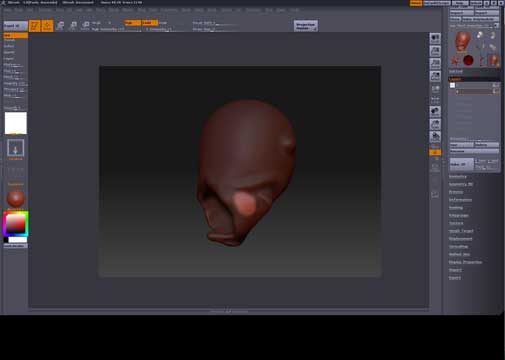
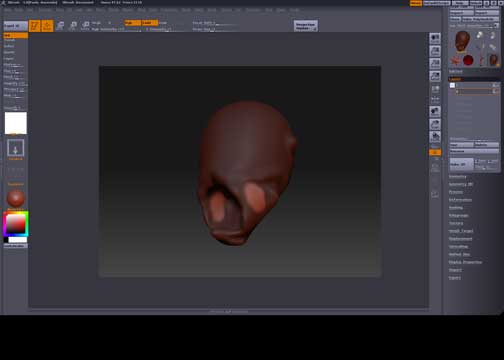
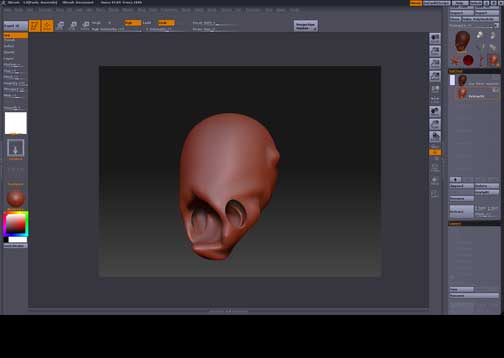
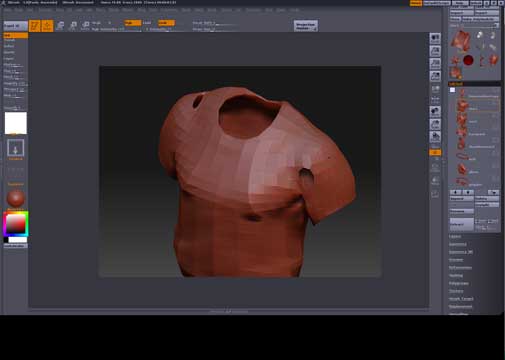
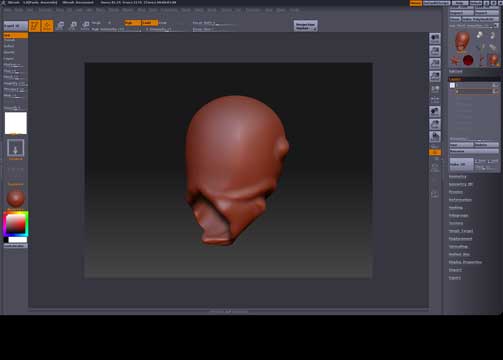
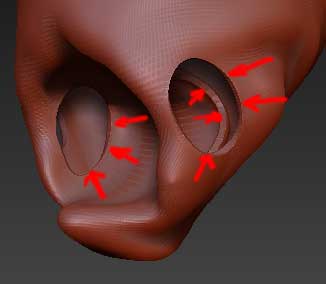
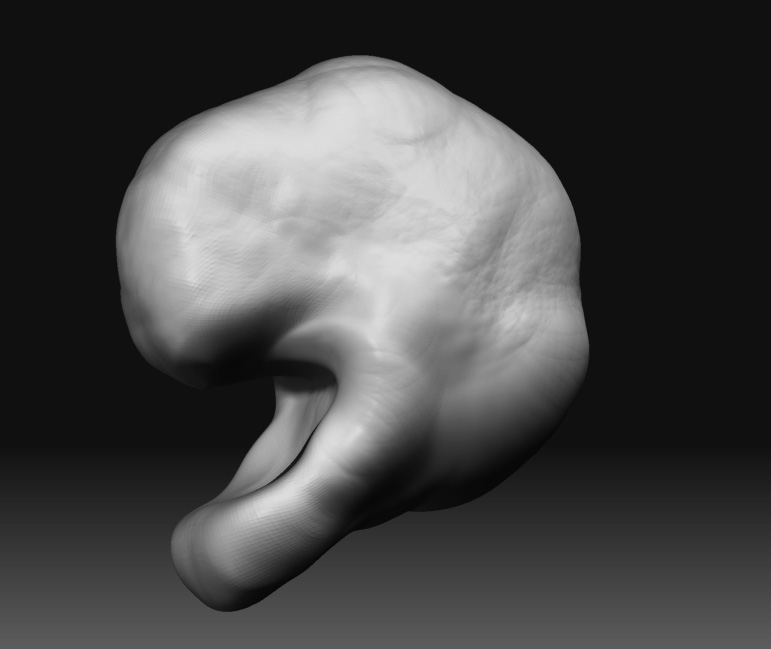
I started modeling something in ZB3 (pic.1), I’ve set that in layer 1, than in separate layer I added some pixels (pic. 2), than I masked some pixels and inverted the selection (pic. 3 and 4), than in the subtool palette I extracted it and got mesh with with holes but also with hollow construction of the whole mesh (pic. 5). I don’t need those hollow areas (pic. 6), I need single hole going through the mesh. All I am trying to get is something like ZB demo soldier’s shirt (pic. 7). Plase, i know that this is possible in other modeling softwares, but I need to find is it possible in ZB.
pic.1
Attachments
 ]
]