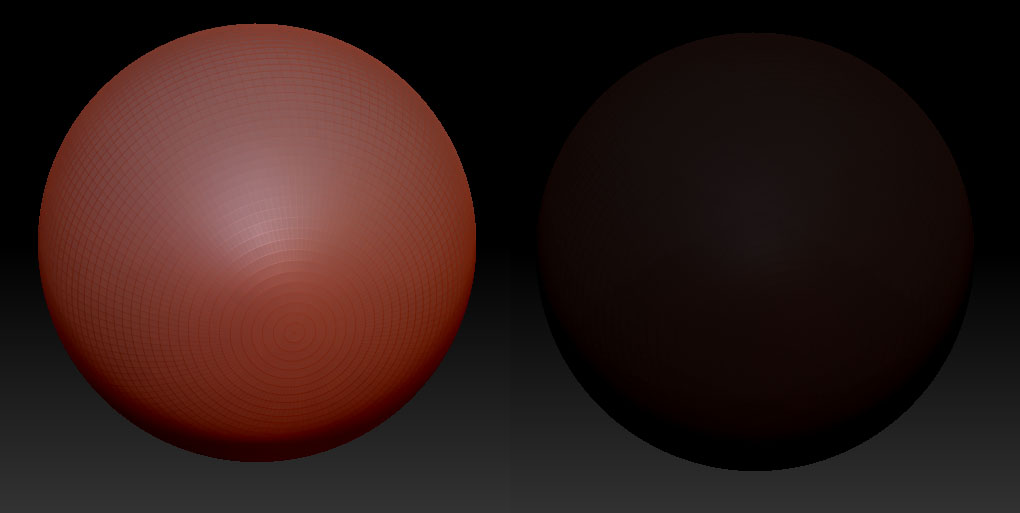
i’m not sure what i did to make this happen or if it normally happens
but when i make a mesh and thebn click Make PolyMesh3D so i can sculpt on it the entire model becomes dark and it’s hard to see what’s happening on the mesh.
i’ve attached a picture so you can see what i’m talking about
how do i make it so when you hit the Make PolyMesh3D button it doesn’t go so dark?