ZBrushCentral

Mac 3.12 zBrush Textures Won't Display

For some reason, zBrush isn’t displaying the textures on my models. I’ve tried to find an option to toggle texture visibility but I haven’t found any in the manual and I’m sure that I’m shading the tool with a material that does not have any color information. Anyone have any ideas?

Mac Pro 3.0x4

Attachments
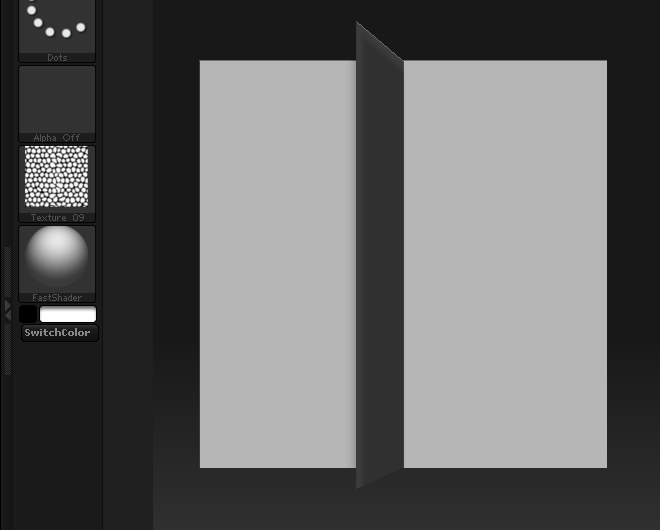
Picture 1.jpg

You really should read the 3.12 PDF. (It’s in my signature.)

Version 3.12 allows textures to be applied per SubTool rather than per model. This means that selecting it in the Texture palette won’t apply it to the model anymore. Instead, select the desired SubTool and look at the Tool>Texture Map menu. You’ll find a thumbnail there with which you can select the desired texture for that SubTool.