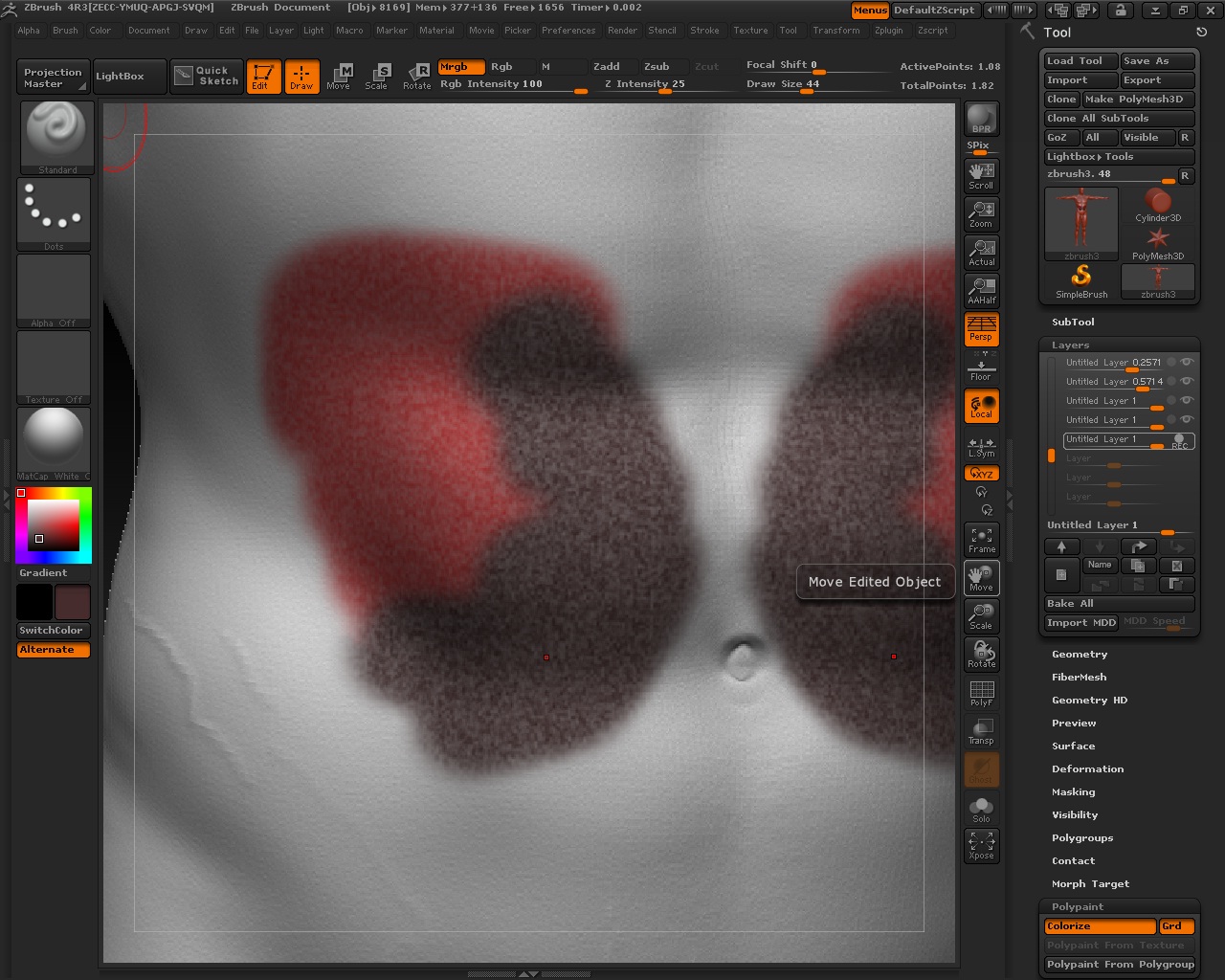
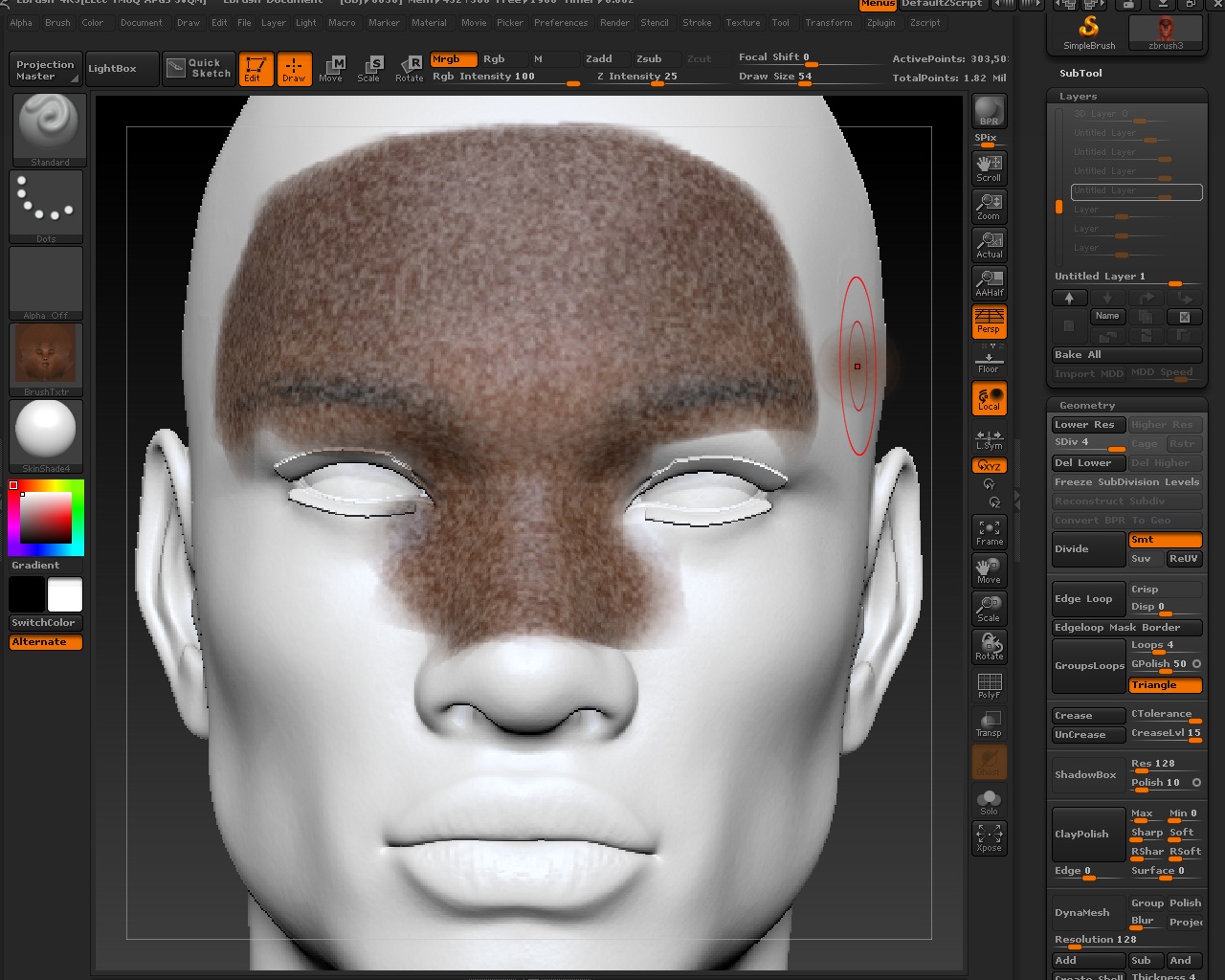
Hello there, you’ll probably need more than 1 million polygons to get nice crisp detail. Especially if that number is spread throughout the entire body. For heads alone I usually use 1 million at the lowest for polypainting, but might go past 4 million depending on the model and detail. I can only imagine that some of the great works on this site go far higher.
If you were to give the model UVs at this stage, using Projection Master plus a blank texture would let you transfer any results to the texture when you pick it back up, so that the painted detail becomes more dependent on the resolution of the texture/UV islands rather than the vertex density of the mesh. If you have a program like Photoshop to Zapplink to, then this becomes a good way to work with photo projections and smaller models.
I’m not quite sure where that white noise is coming from if that is also part of the issue. Do you have surface noise enabled? If so, turning down the strength of the color blend would get rid of that so that you can see what you are painting better.