Hey guys, I just bought zbrush 3.5, and am loving it !
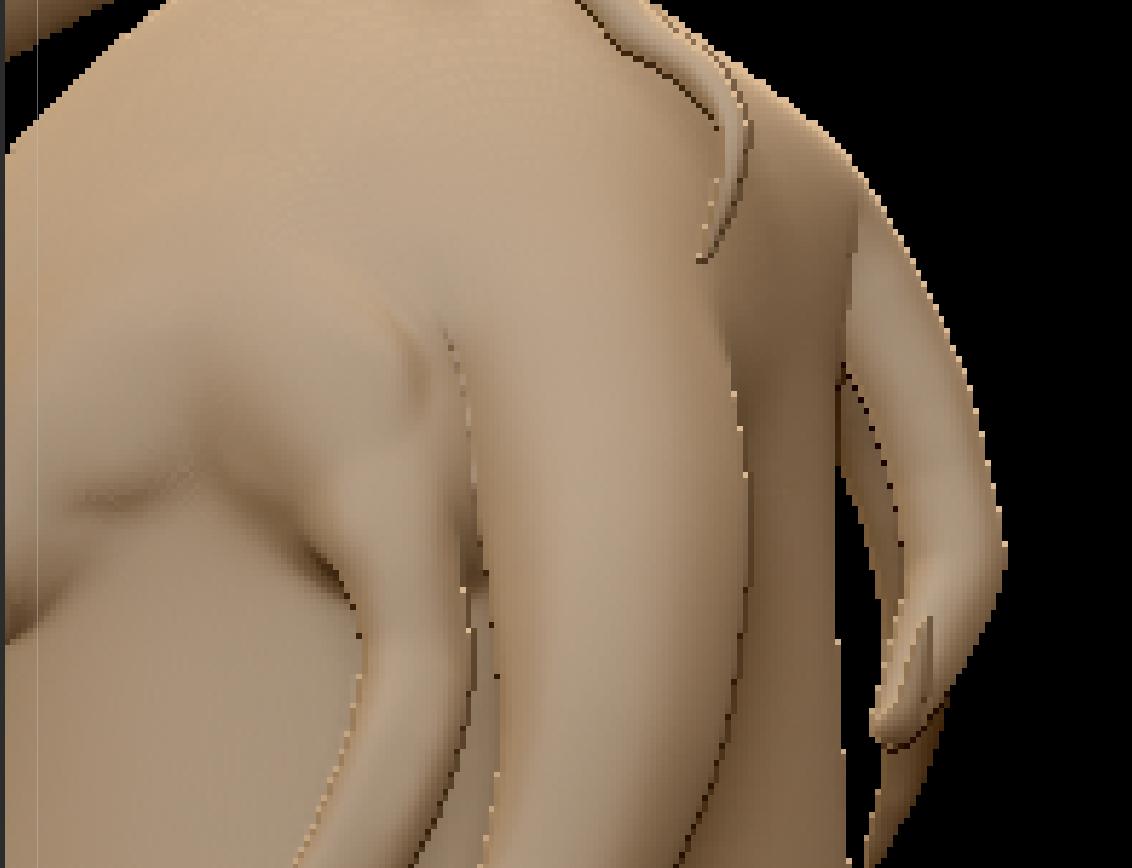
but, i’ve ran into a problem. I scuplted a whole guy with zspheres then turned it into a adaptive skin, but even after turning up the density to like 6, increasing the polygon count to like 9 million, and increasing the canvas/resolution size to about 5000, by 5000. But the quality is not what I want it to be.
I am learning from a video by Simon Blanc (no more wine), although thats way to advanced for right now, I just wanted to play around, and i made a chraacter that he inspired me to make.
From watching the very begging of this video (link right below), you will see that he takes his zspheres, and converts it into a adaptive skin at a density of 2, right after this he begins to skupt and you can see the level of detail… or clay like/look, while mine is very (you can see the pixols) on the edges…I am not sure why this is…
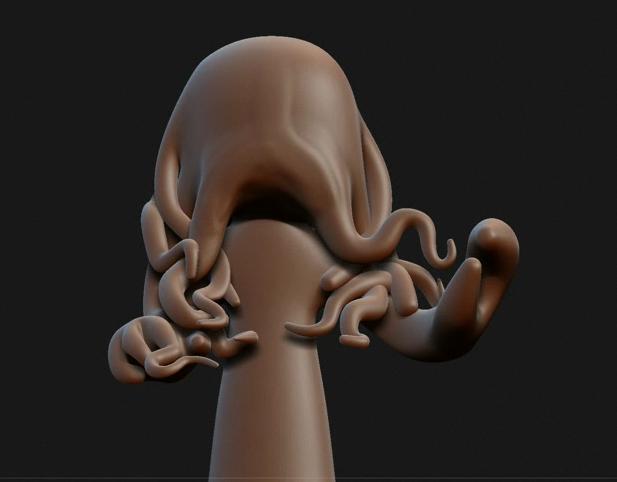
Here is a picture of what im getting vs. the master 
Both his mesh and mine are straight out of zspheres without any extra sculpting.
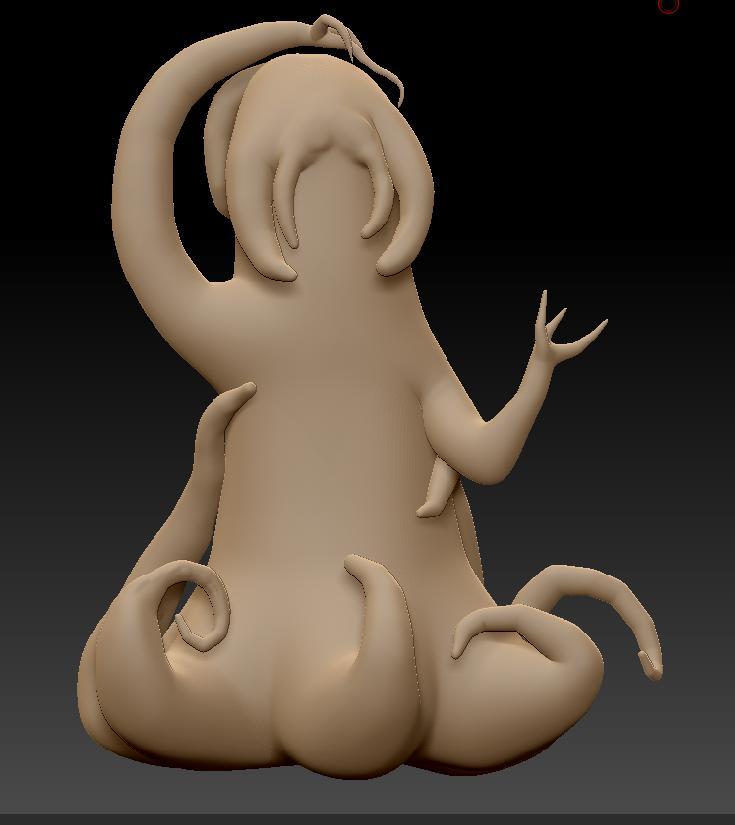
Attachments