Wow…
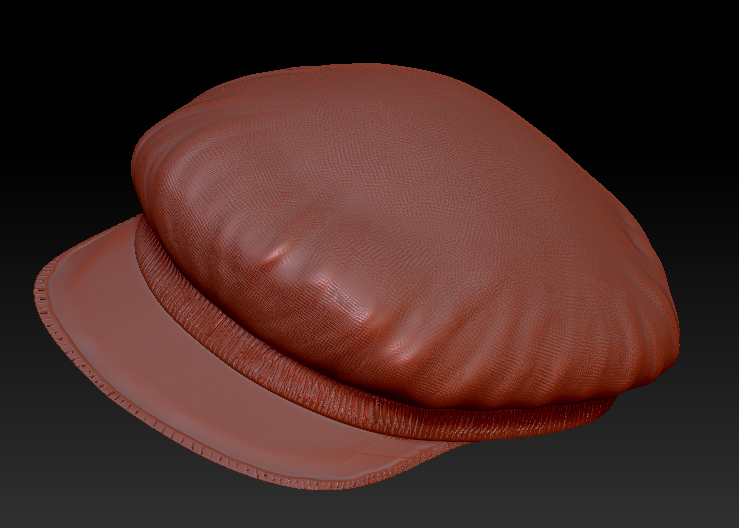
I have NO luck in generating displacement maps. I am working on this hat model:
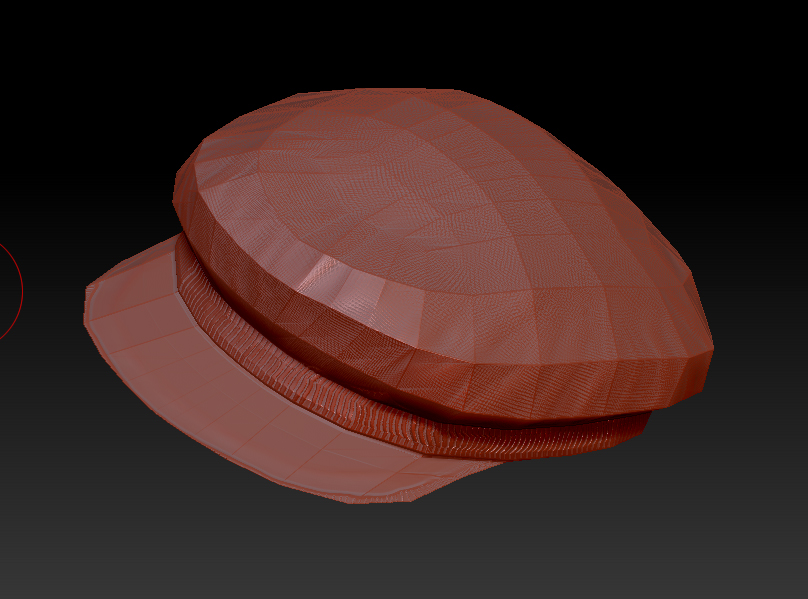
Why can’t I get maya (rendering production quality with MR) to show me what I see in zbrush? There’s got to be a way.
Attachments
Wow…
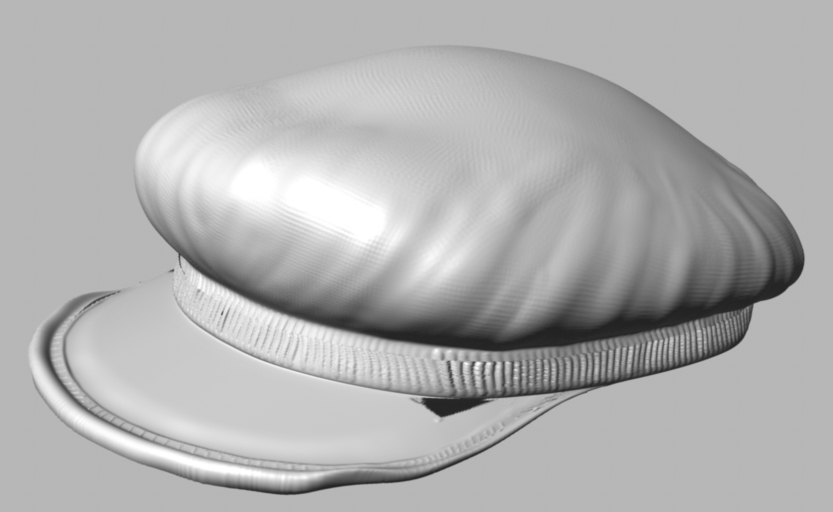
I have NO luck in generating displacement maps. I am working on this hat model:
Why can’t I get maya (rendering production quality with MR) to show me what I see in zbrush? There’s got to be a way.
I don’t use Maya, so I can’t say for sure, but I think you might get better results if you use a normal map instead of a displacement map.
Hey Bro my name is Cobus. this might be a long shot but just try this out.
The MR approx method has a new method of rendering Displacements.
Its called a CCmesh,Its much faster than the previous method but what you could do is to switch back to the previous method that wil remove seams of ou uvs. here a link of a video you might want to watch that shows you how to do this.
Hope this help bro. let me know if you got it to work
Part 1 : http://www.youtube.com/watch?v=PX_YhMJLa20
Part 2 : http://www.youtube.com/watch?v=rCbr2LL6lWI&feature=channel
Im not totaly sure but the answer you are looking for might be in the second Part.
Did you set normal angle to 180 for the object?
hello! i use maya and zbrush. at first my zbrush displacement maps would ‘blow up’ my model in maya. now i use Xnormal to make normal maps. normal maps do look great on models in maya. Normal maps are best seen within an engine like the unrealengine3 in conjunction with diffuse/ spec maps. so now i stay away from displacement maps altogether. With xnormal, you can make an ‘ambient occlusion’ map, and then bake it on top of the texture- which looks great too! its like drawing all of the dark details of cracks and stuff onto the texture.