ZBrushCentral

Link to the Future - game character -cleankid

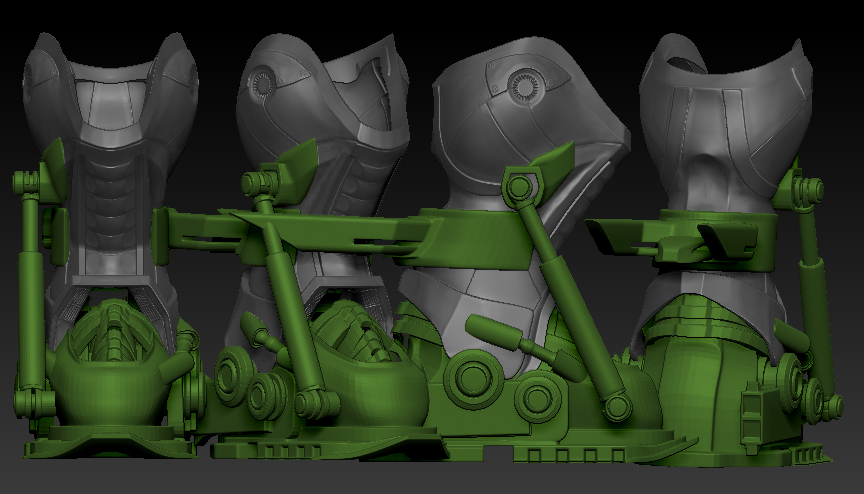
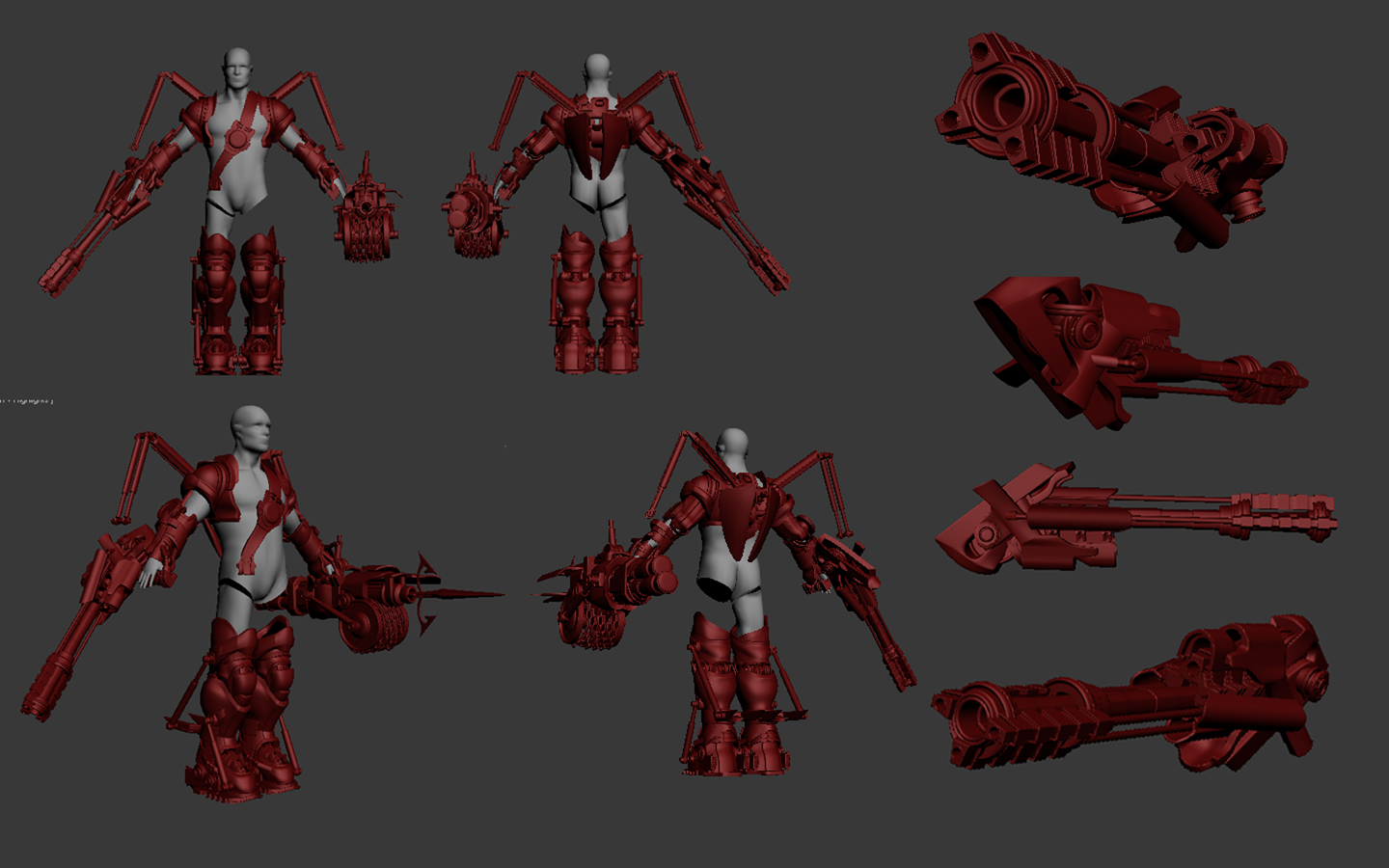
Here is a character I am working on for modern game character creation course with jon rush. The idea is to come up with a retro game character and design it with a our own personal twist for next gen console… So I chose Link from zelda… and I am incorporating his gadgets and gizmos from Link from the past (hook shot. pegasus shoes… titans mitt. master sword… hyrule shield… boomerang etc etc) as hardsurface futuristic gears of warish type weapons… Thats the theme anyway…

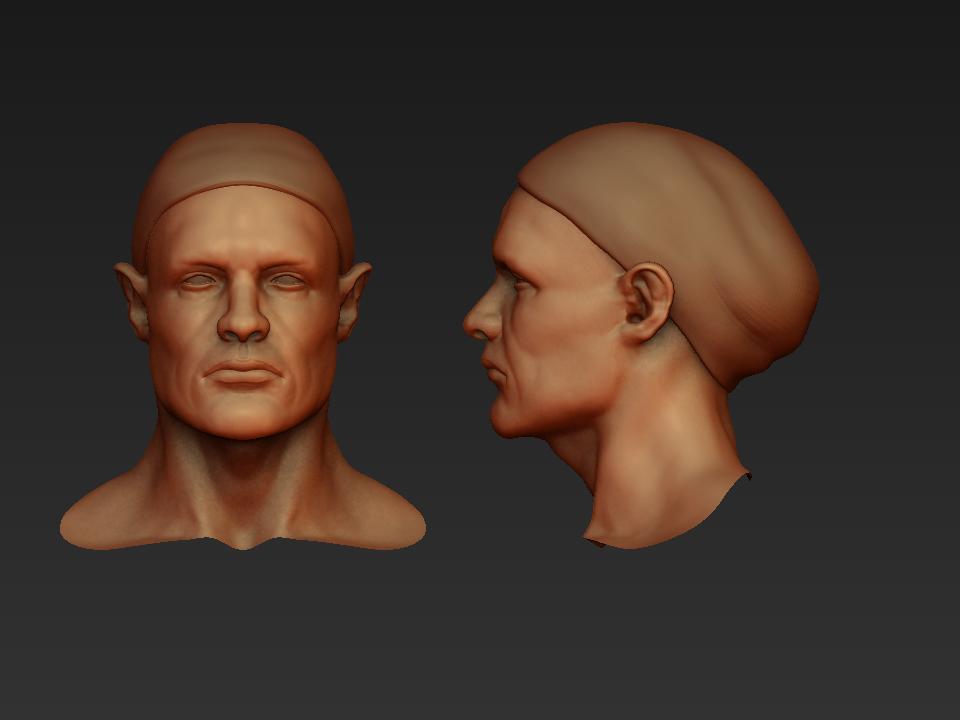
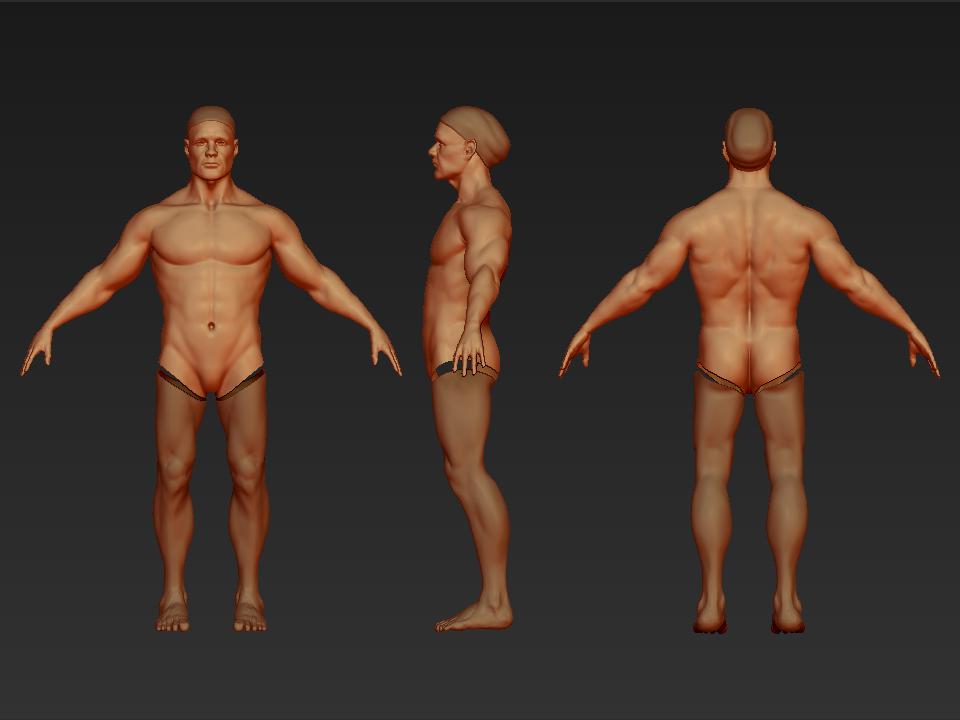
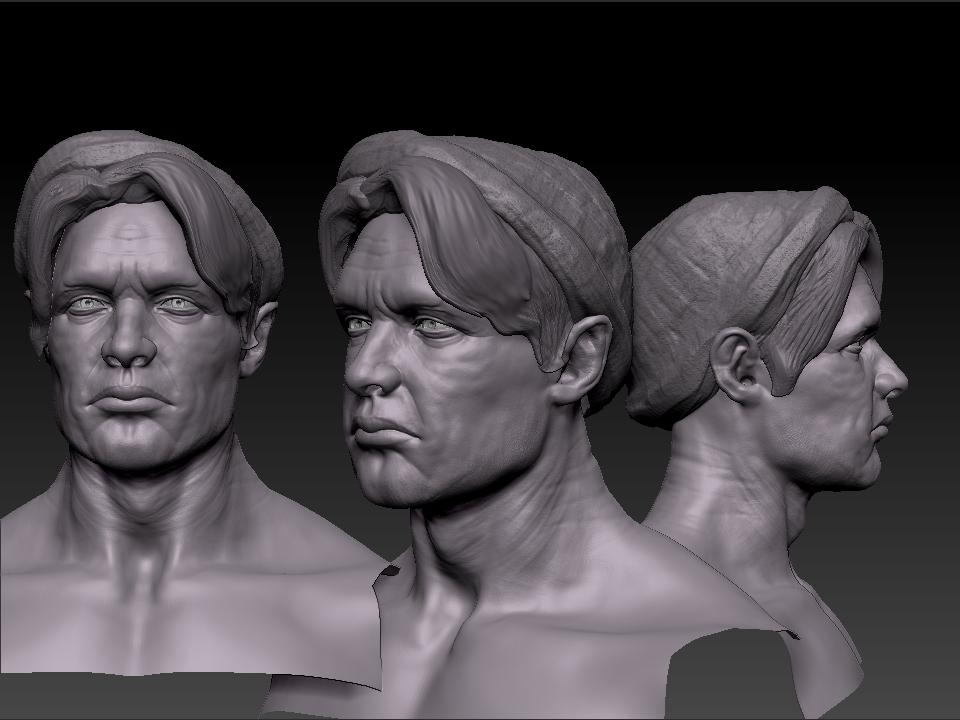
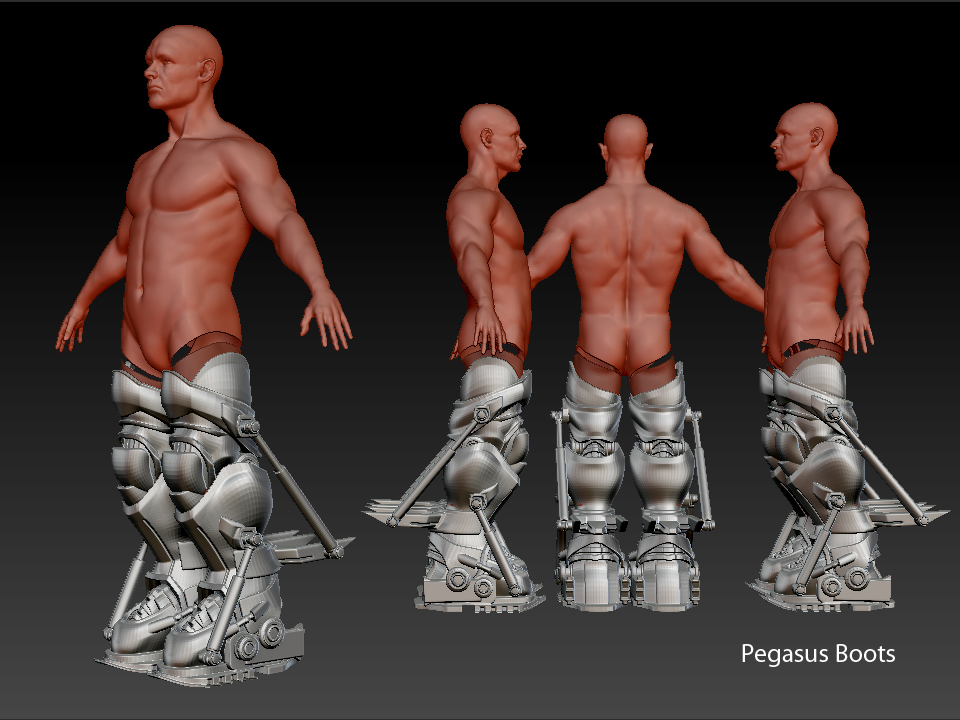
well here is the base … the legs are separated because from the waist down is going to be hardsurface “pegasus shoes” so only the waist up will be seen as his body. But I thought i would post the anatomy work for now if anyone has any crits dont hold back. Thanks. I havent got to detailing yet but ill continue posting in this thread as I continue the character
[pegbootsfinal.jpg]FACE.jpg
Attachments

ZBrush Document.jpg

This is great, the anatomy looks excellent! :+1:

Good stuff!
The leggs loog quite short tough…

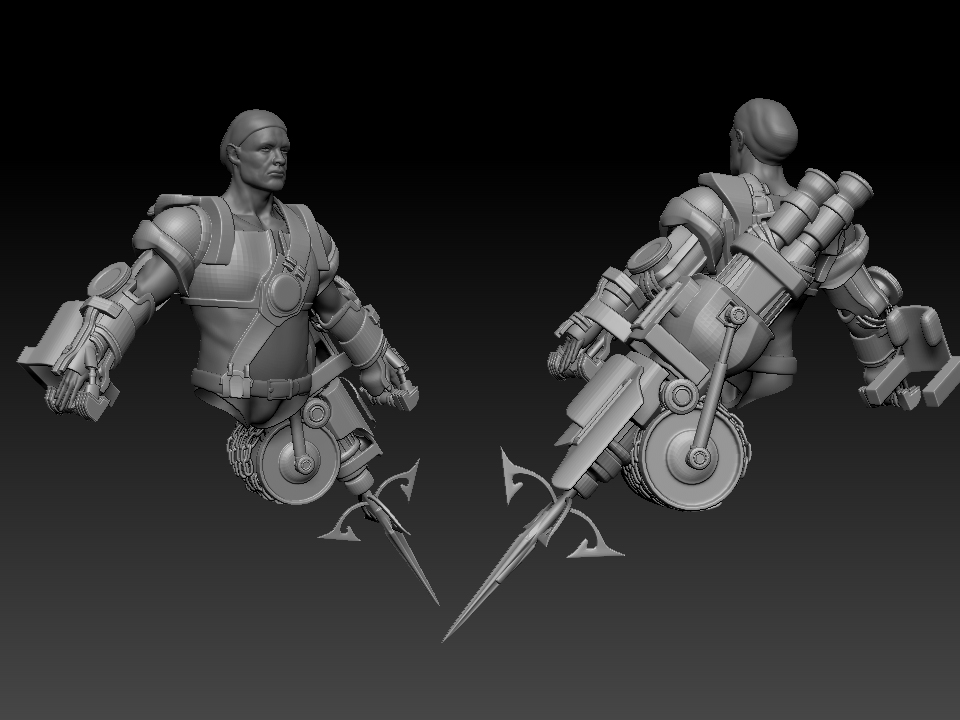
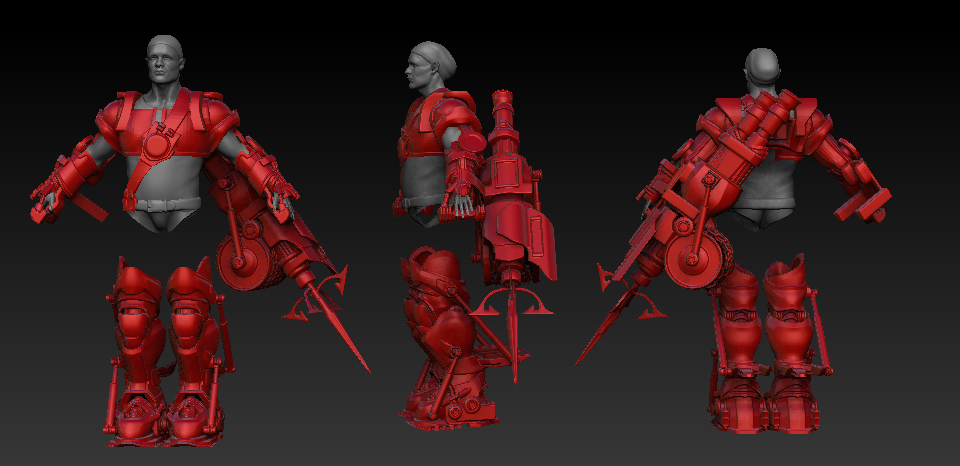
Here is another update modelled the Titans Mitt and the Hookshot… and I lengthened the legs… still gotta add the pants though :slight_smile:

[tes2t.jpg](javascript:zb_insimg(‘183589’,‘test.jpg’,1,0))
Attachments

test.jpg

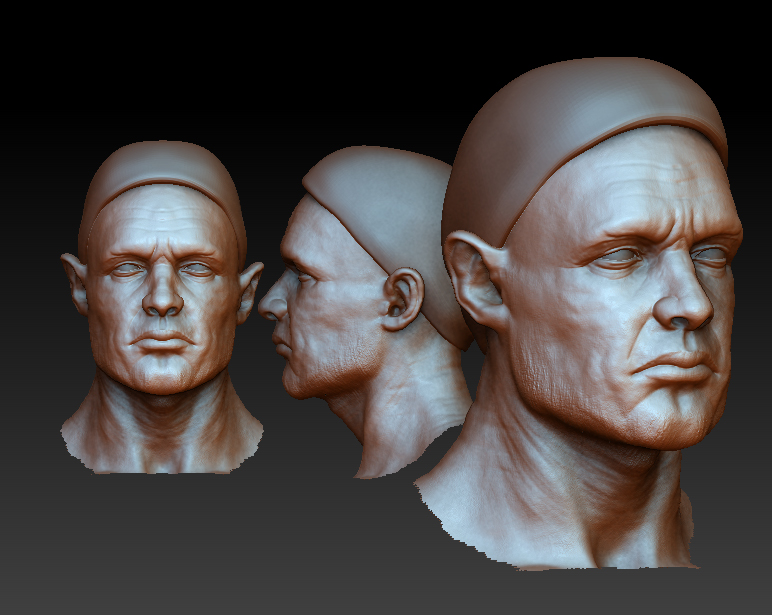
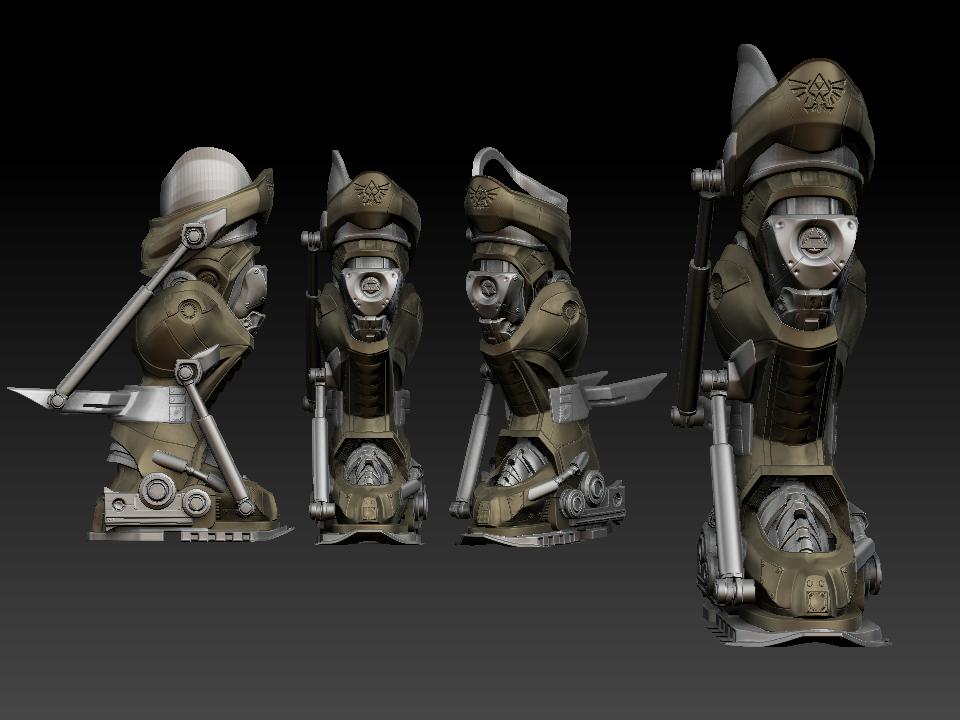
Some more updates to hard surface gear… and starting to do some detailing!

[linkhead.jpg]bootstest.jpg

Attachments

final.jpg

[Some more updates.](javascript:zb_insimg(‘184421’,‘hairtest.jpg’,1,0))

[hairtest.jpg](javascript:zb_insimg(‘184422’,‘bootstest.jpg’,1,0))
Attachments

bootstest.jpg

those boots are super badass

WIP of the arm piece being detailed…

[mecharm.jpg](javascript:zb_insimg(‘184471’,‘mecharm.jpg’,1,0))
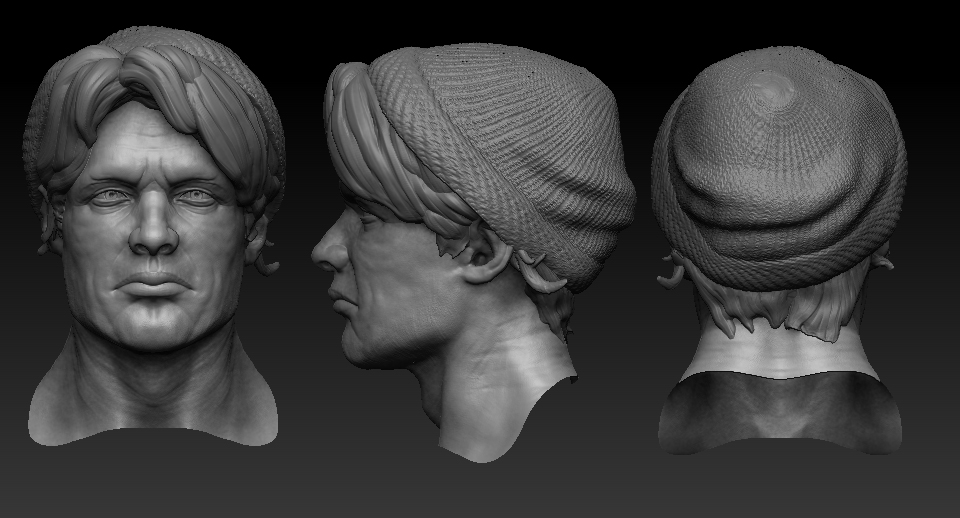
am i the only one who think you over-sculpted your head?

I actually like this version better …

<img src=“http://www.zbrushcentral.com/pixo/atn.gif”>

it is a lot clearer, and his facial structure/skin folding was a lot more believable than your current version… i would stick to your first head and see what minor improvements you can do on it …

just a suggestion, good luck with your work :smiley:

Thanks Piggy you have a very valid point… I have all those changes / detailing on layers so I can dial them back and play around with it a bit to see if i can’t get a more clearer result, I appreciate the feedback :slight_smile:

[hat.jpg](javascript:zb_insimg(‘185248’,‘fnb.jpg’,1,0))
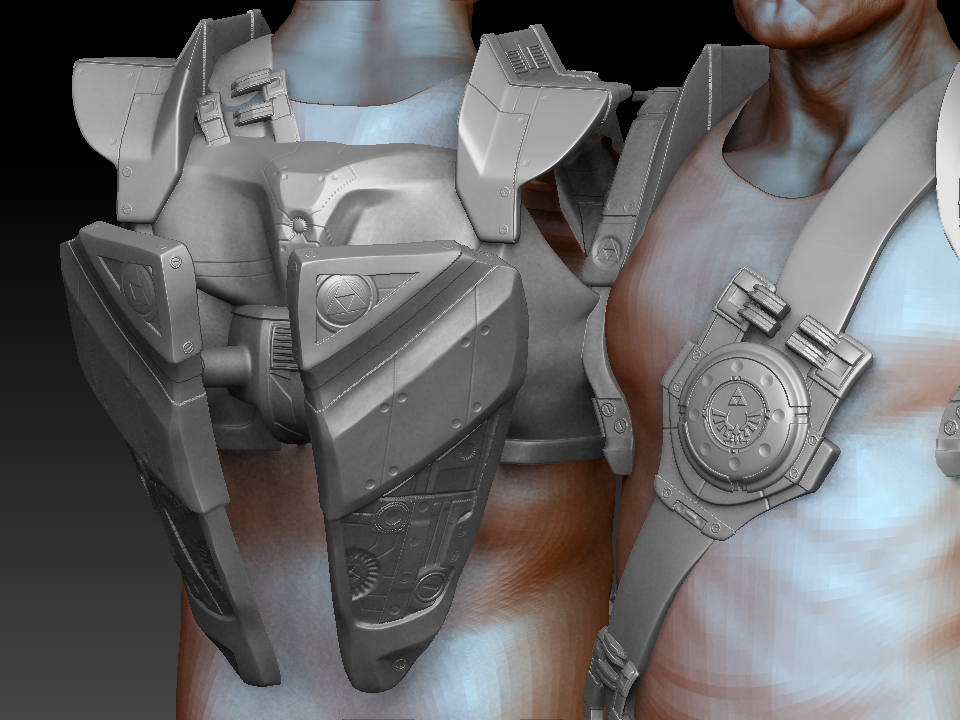
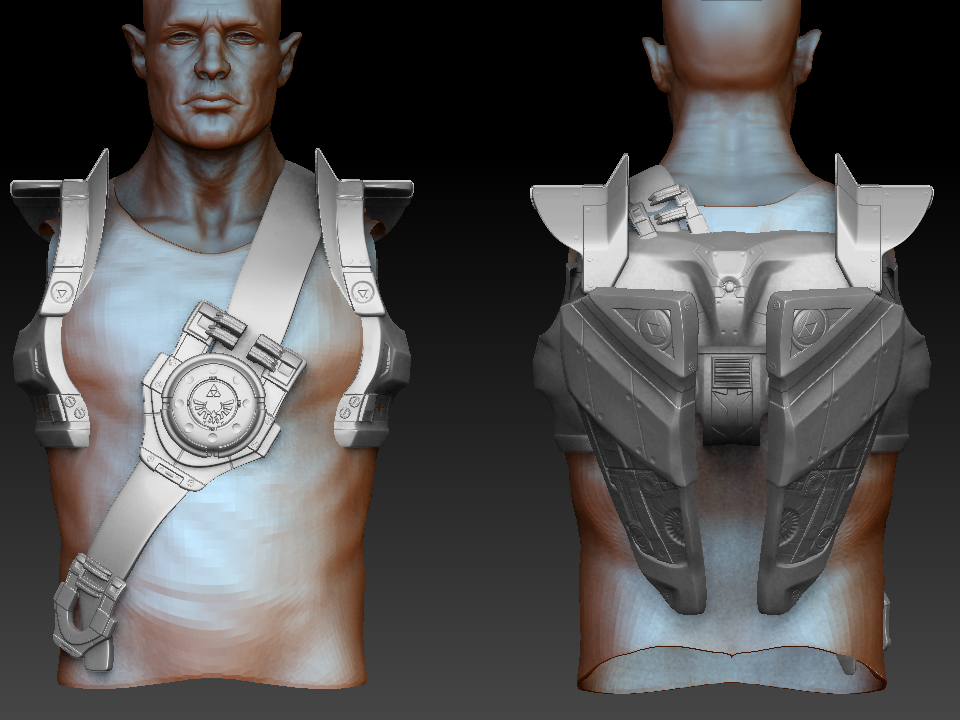
Attachments

fnb2.jpg

fnb.jpg

Lookin’ good so far.

Try to keep his face asymmetrical.

Alright I made some changes to the facial structure and the hair trying to fix the areas that wer[](javascript:zb_insimg(‘185284’,‘hair.jpg’,1,0))ent working and introduce some asymmetry.[hair.jpg](javascript:zb_insimg(‘185284’,‘hair.jpg’,1,0))
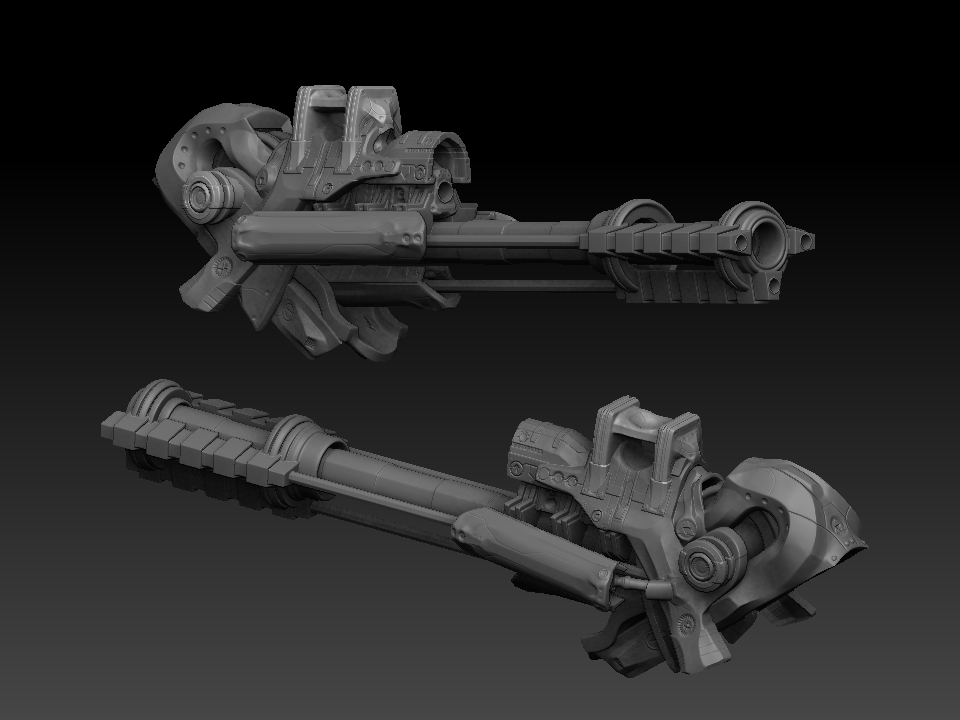
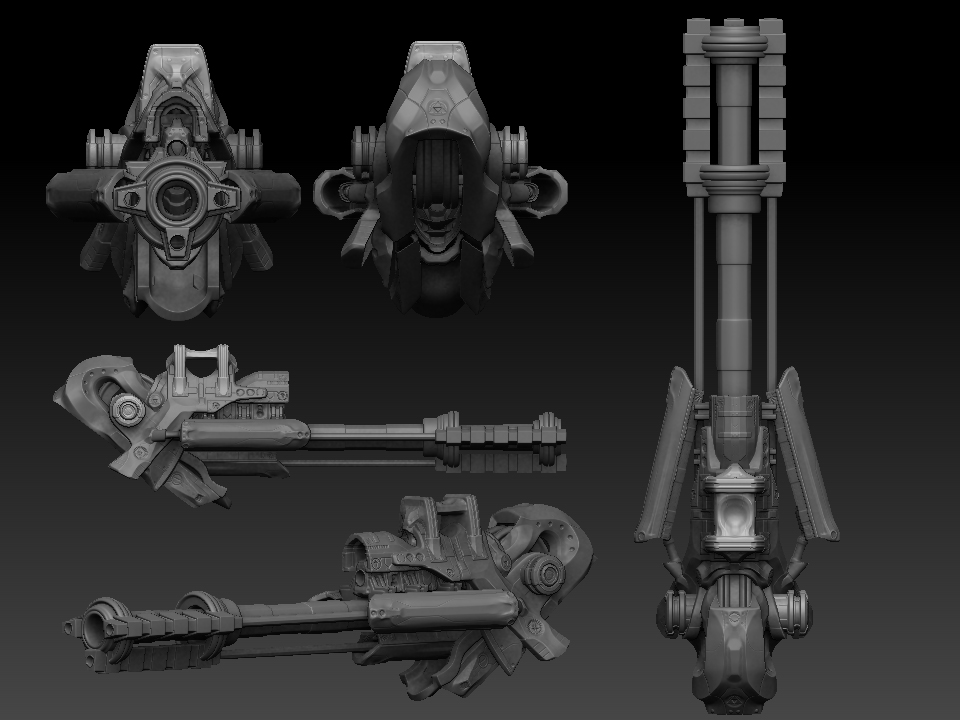
Some detailing on the gun… after I do the hookshot Ill be able to decimate everything and produce a hi rez render

[gun.jpg](javascript:zb_insimg(‘185565’,‘gun2.jpg’,1,0))
Attachments

gun2.jpg

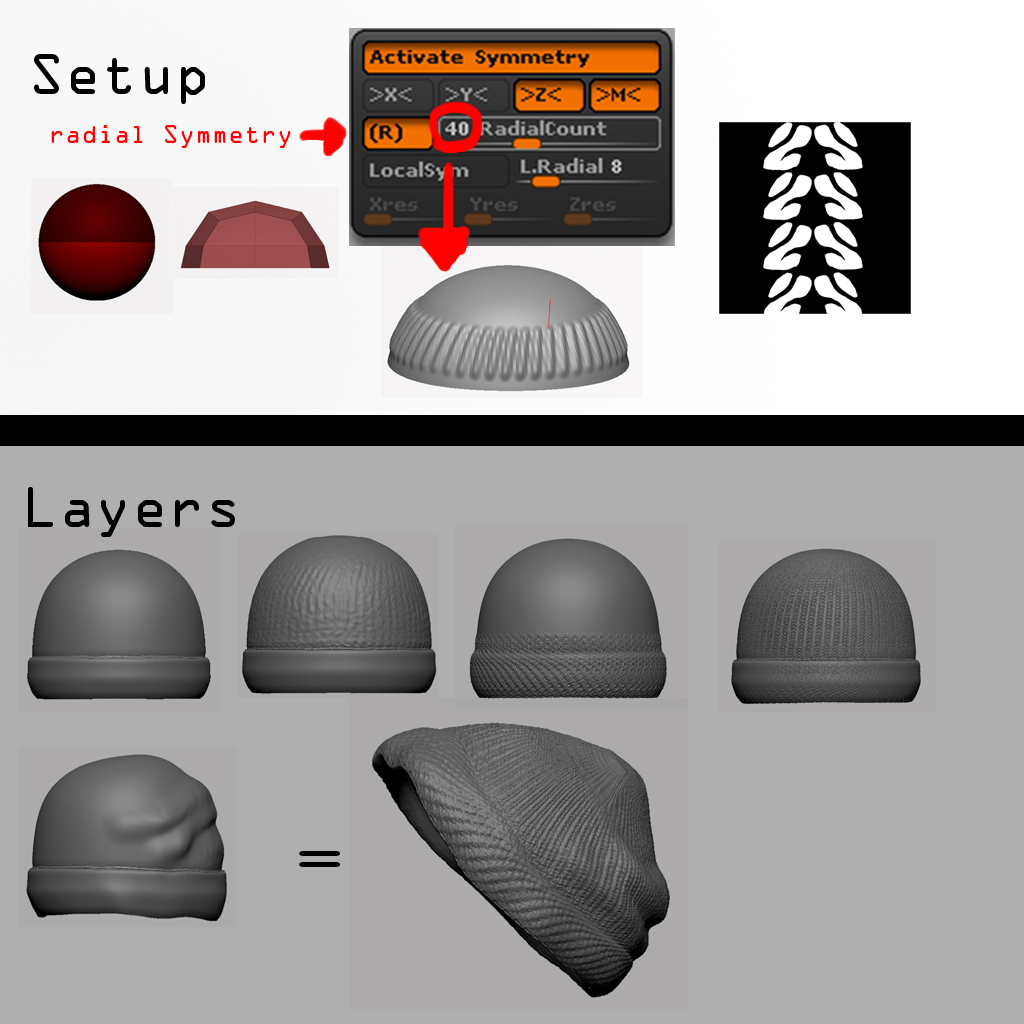
pretty cool stuff. how did you get the weave pattern so precise on the knitted hat?

What’s with the nick cleankid? It sounds like you wanna attract some old dude :laughing:

Anyways, nice work, keep it up :+1:

very beautiful… can you explain more how you do the details…? your brush favorite, alpha etc,?

@AA-ron…Hey Thanks… yeah ill upload a pic that explains it… not too complicated… just used radial symmetry with lazy mouse and an alpha and a combination of layers with noise and the weave pattern to get it right… once I was happy with it I formed it to his head etc

@cherub_rock…haha maybe?! are you my demographic? lol no its just a name ive had since i was like 15 and ive used it so many times i barely think about it anymore lol

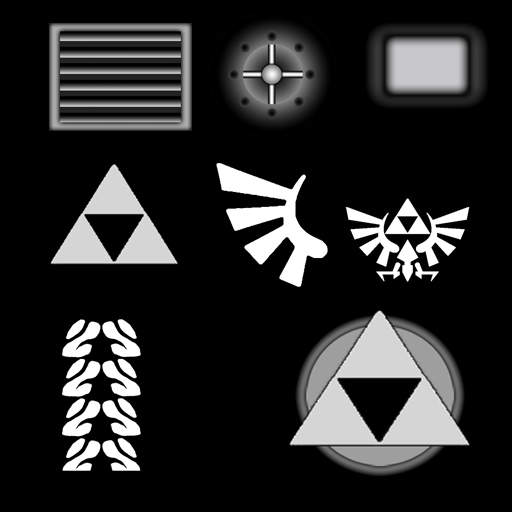
@yfchild… For the hardsurface work I used the polish brushes Hpolish , mpolish, polish… I first used Z-sub to pull out large smooth areas in the directions I want, then go back in with Z-Add with the polish brush at intensity of about 30 and harden up the forms and create hard edges… Then same brush over the edges to flatten them out and it gives sorta of a bevel look… Then all the other details are just done with alphas or with the standard brush using lazy mouse to draw straight lines to cut “grooves” into the surface… ill attach a picture of the alphas I used. their pretty straightforward… I use them in combination with a lot of the standard alphas that are available.

[beanie.jpg]alphas.jpg

very cool, thanks for the mini-tutorial :+1:

Heres the hi rez pieces decimated and assembled.

[front.jpg](javascript:zb_insimg(‘185960’,‘front.jpg’,1,0))