I would suggest you to start watching some videos from ZClassroom
http://pixologic.com/video/video-v2-zcr.php?videoname=http://www.pixologic01.com/zclassroom/homeroom/lessons/videos/zbrush-introduction/polypainting.f4v&w=1024&h=576
http://pixologic.com/zclassroom/homeroom/lesson/dynamesh/
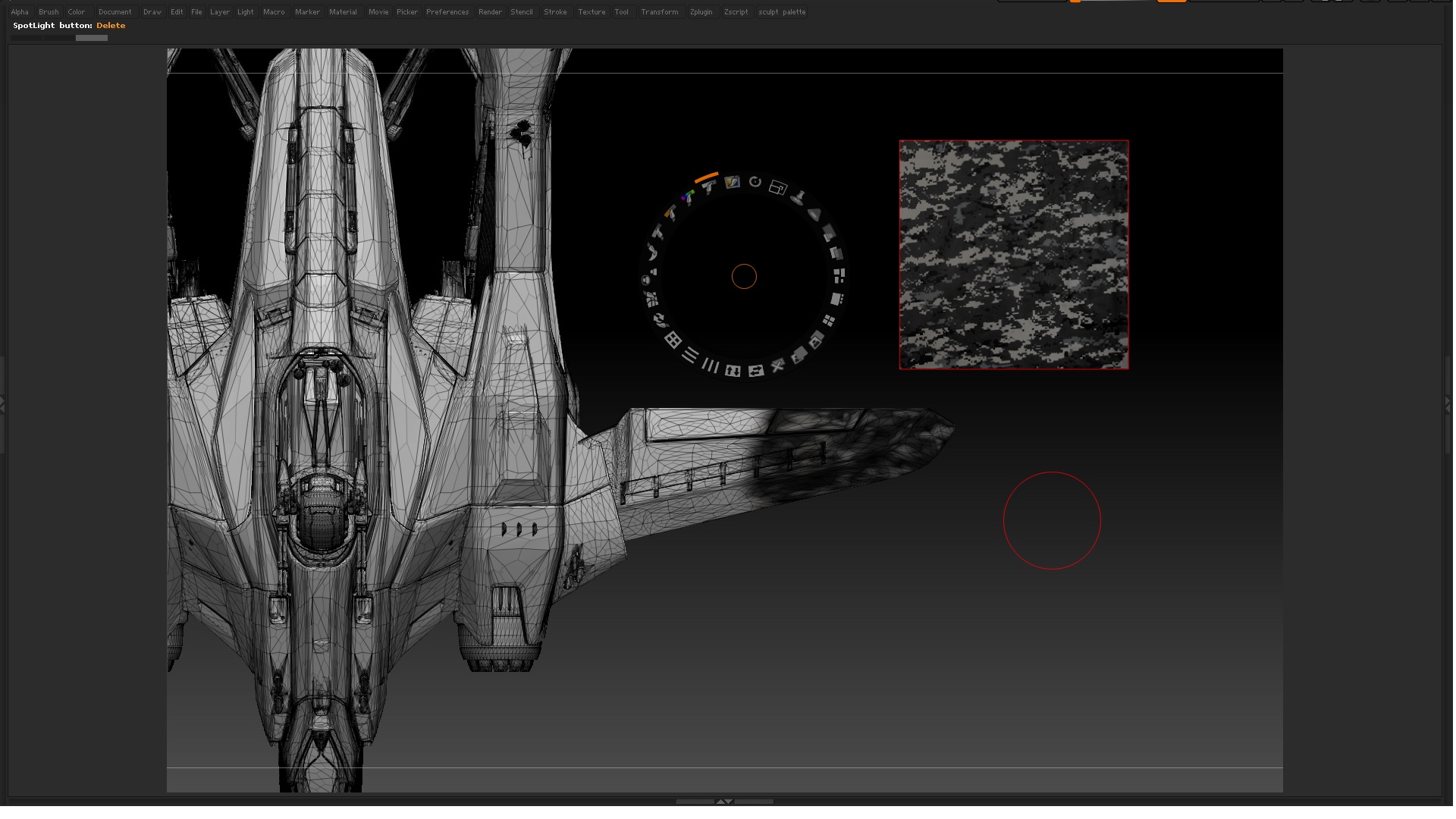
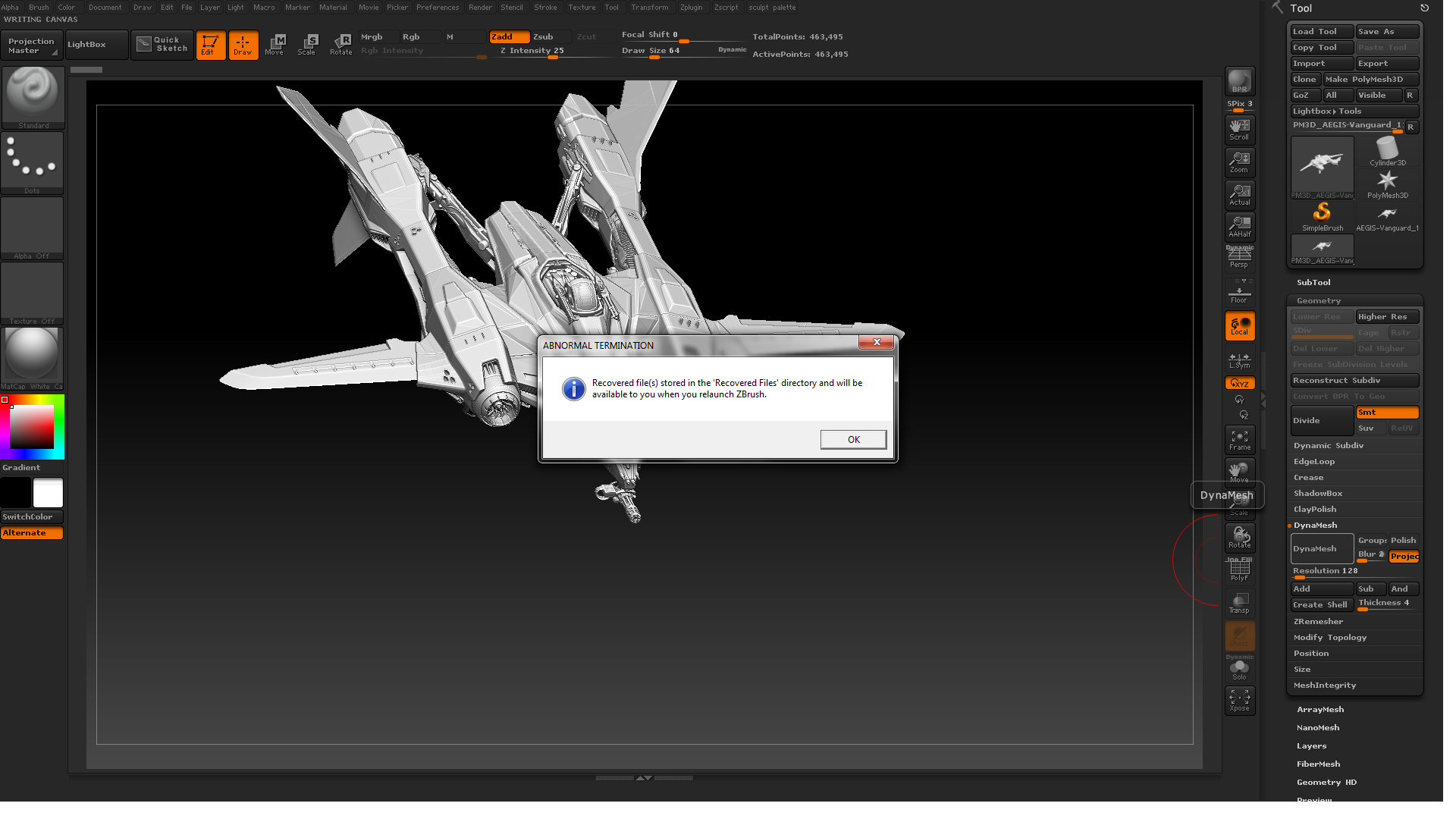
So the problem you have in your mesh is that you don´t have enought polygons to capture your polypaint. So you need to increase your polygon count until you can paint or project your desired texture.
Subdividing in your case is not a good option because it will create very small polygons where there are already small areas but not small enough in the big polygon areas.
To solve this you have as many solutions as you can imagine.
One method could be dynameshing and proyecting back:
1-Duplicate the object
2-Dynamesh one
3-Subdivide once
4-Proyect all
5- Repeat steps 3,4 if needed
Other could be:
1-Duplicate original
2-Split to parts copy
3-Dynamesh method for each part of the copy mesh
Other method could be using ZRemesher:
1-Duplicate original
2-Split to parts
3-Zremesh each part of the copy mesh
4-Project detail back
Hope this helps