ZBrushCentral

Lightbox anomaly? [Answered]

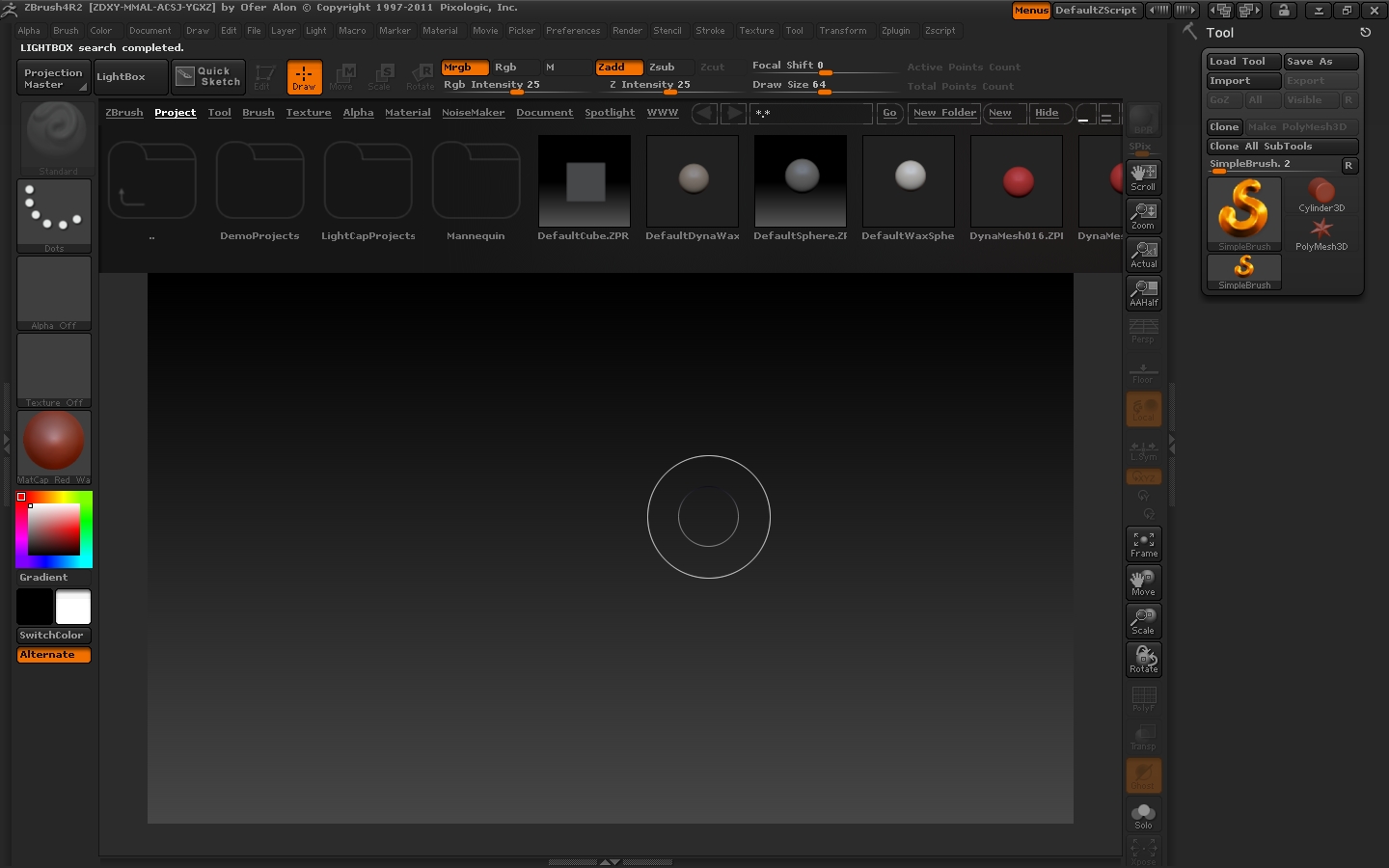
Everytime I run the Spotlight, any of the brushes wont work. Only the Move brush is affecting the 3d mesh.
The rest won’t do nothing, even the smooth brush.

Everything backs to normal when I turn off the Spotlight.
But turning it on, again causes the mesh to be not scultable (only move works)

ALso, after I start ZBrush, in the 2,5d mode I can’t change the brush size (the size as a number changes but the actual size of the cursor stays unaffected)

Win 7x64 sp1
4 gb ram amd athlon dual core

Attachments
screen.jpg

In its default state Spotlight assumes you want to manipulate the image, not the mesh and other then a brush to paint with, it defaults to the tools on the spotlight widget menu.

If you wish to use Spotlight as a reference image while sculpting go into your Brush menu > submenu Samples >turn off the Spotlight Projection button.

I keep a copy of this button on my workspace because I like to switch modes often.

I finally figured out the solution to your second question. That problem was really bugging me! Simply draw out a primitive and put it in edit mode. Then drop it to the canvas (out of edit mode) and clear the canvas. Your brush should start to resize properly in the 2.5D space.

:lol:
Thanks guys

You’re very welcome, young lady! :wink:

Lol, I got it

:mad: