Yesss… My book about lighting has arrived 
Guess what I am playing with…
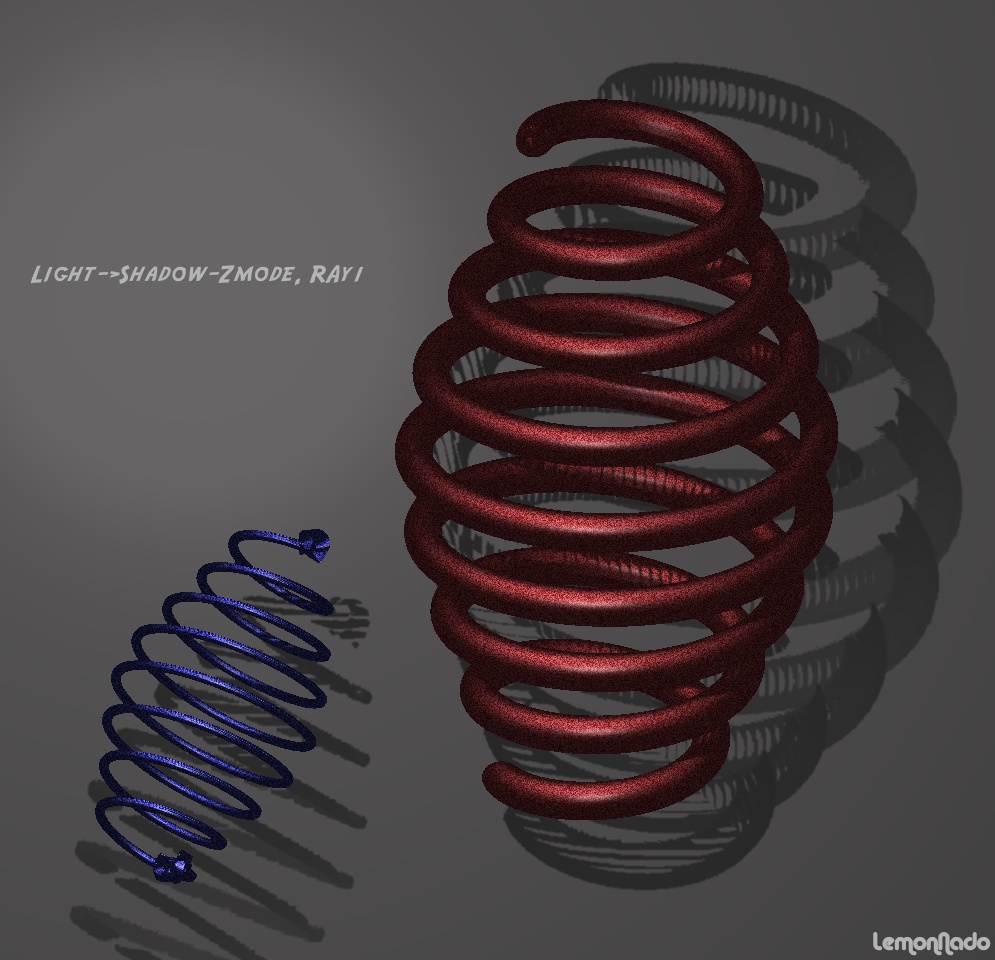
Here is an effect I never encountered before because I never visited the dungeon of light settings before…
[ ]
]
Playing with the shadow settings in the lights menue is interesting.
Image:ZSpring + 1 spotlight and 0 Ambient. 2 bad the spotlight is maxed out at 2… This is a bright as I could adjust it :(.
Just sharing…
LemonNado
I don’t think its only that tool, it can be anything, do a little search or have Pilou find it like he magicaly does  it was a post started by Jota Jota, maybe it can aid u.
I found it.
yes don’t forget my eager friend that material settings play a huge role in lighting. as it is the material settings that tells the iights how to interact.
a really good place to start is with Pixolator’s white dino mat and soft shadow’s lighting…i forever keep forgetting to save the link to these if you don’t already have em but if I can get back here tomorrow…I will post em then.
but…experiment away…am gonna enjoy learning with ya…love your enthusiasm!!
also…was it you that posted those links on lighting? your answers lie there…as well as most excellently explained in your book as well.
it’s one of the most fun and frustrating experimenting you can do in zb…but I know you love challenges!
I was just surprised about the shadow. I know about the other tut’s but the shadow when ray=1 was new to me:D. Have noit read that somewhere. And yes, the material :rolleyes:. I tried it again while modifying the material slightly and need sunglases now.
Thanks for the encouragement!
LemonNado
PS; There is a picture/animation where a small small light, like a star, was animated/moved around in ZB. Moving etc… no problem, but I can’t get the small light. I tried point light etc. but that’s not IT… Ideas?
with the AA format and you will obtain a very smoothy image  (not jaggy)
Pilou
The shadow will always look like that as the ray count is low, regardless is actual or AA is used. Higher ray counts will eliminate the shadow structure.
Cheers
LemonNado
Ese efecto me ha sucedido en algunas ocasiones y no he sabido a que atribuirlo. Pensaba que algo había hecho mal. Otras veces me salía una sombra granulada como la que muestro en la imagen. He estado haciendo pruebas y jugando con Rays y Aperture he conseguido solucionarlo.

That is correct. More rays better shadow. Apperture controls if it is sharp or fuzzy.
Many rays result in long rendertimes. (very long on my PC:().
Cheers
LemonNado
Eso está correcto. Más ‘Rays’ una sombra mejor. Controles de Apperture si es agudo o borroso. Resultado de muchos rayos en rendertimes largos. Muy de largo en mi PC.